
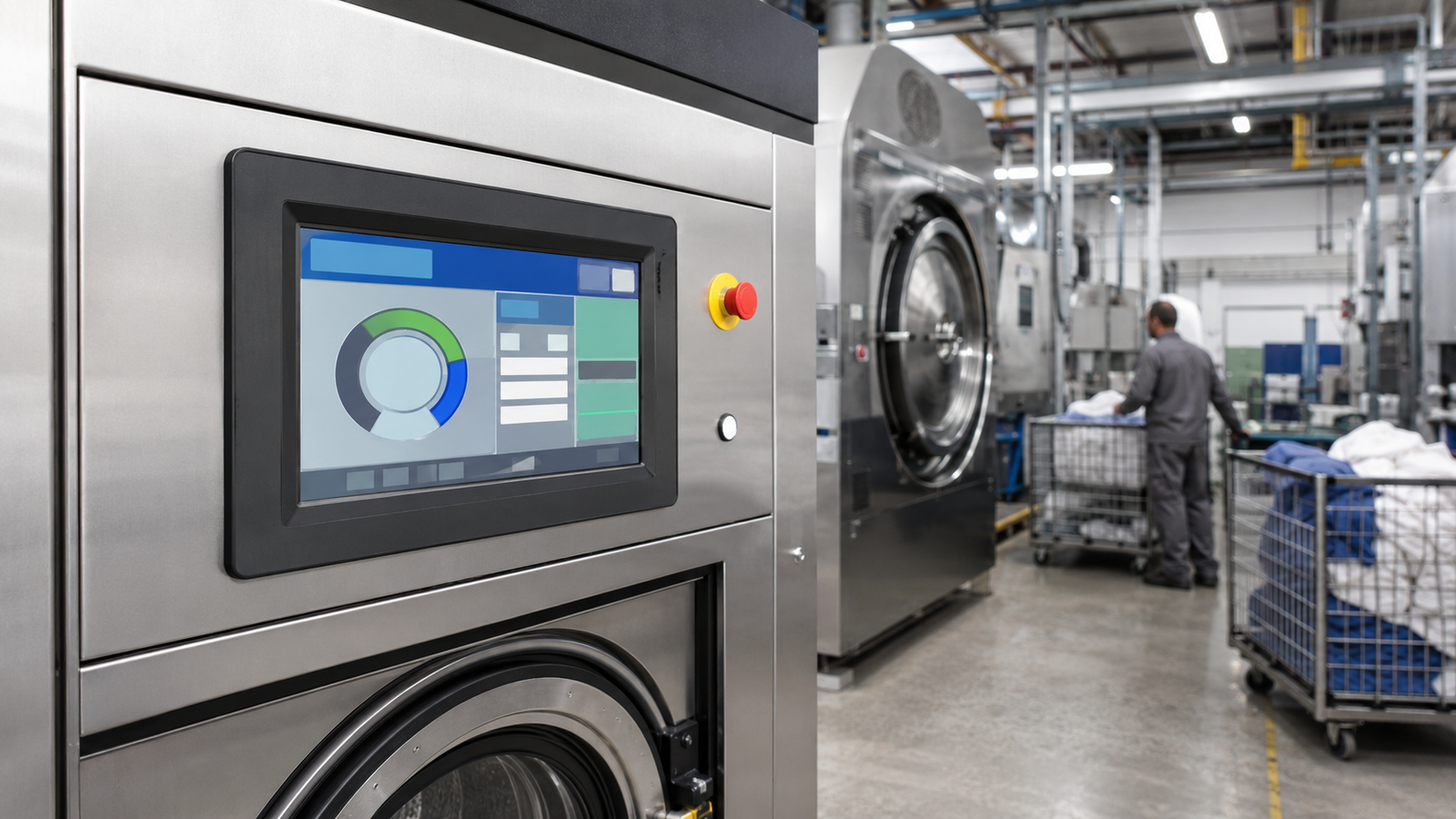
Industrial laundry equipment can include washer-extractors, dryers, finishing equipment, tunnel-washing systems, chemical-dosing equipment, and related material-handling stations. In each case, the operator interface must do more than display attractive graphics. It must present the right machine information at the right moment, accept deliberate input, and remain integrated with the host controller, enclosure, service approach, and operating environment.
A TFT LCD is only one layer of that system. It is not the wash controller, motor drive, water-control system, payment terminal, safety function, or complete HMI by itself. Selecting it well starts by separating those responsibilities and defining the operator workflow before choosing a panel size or touch technology.
Start With the Laundry Workflow
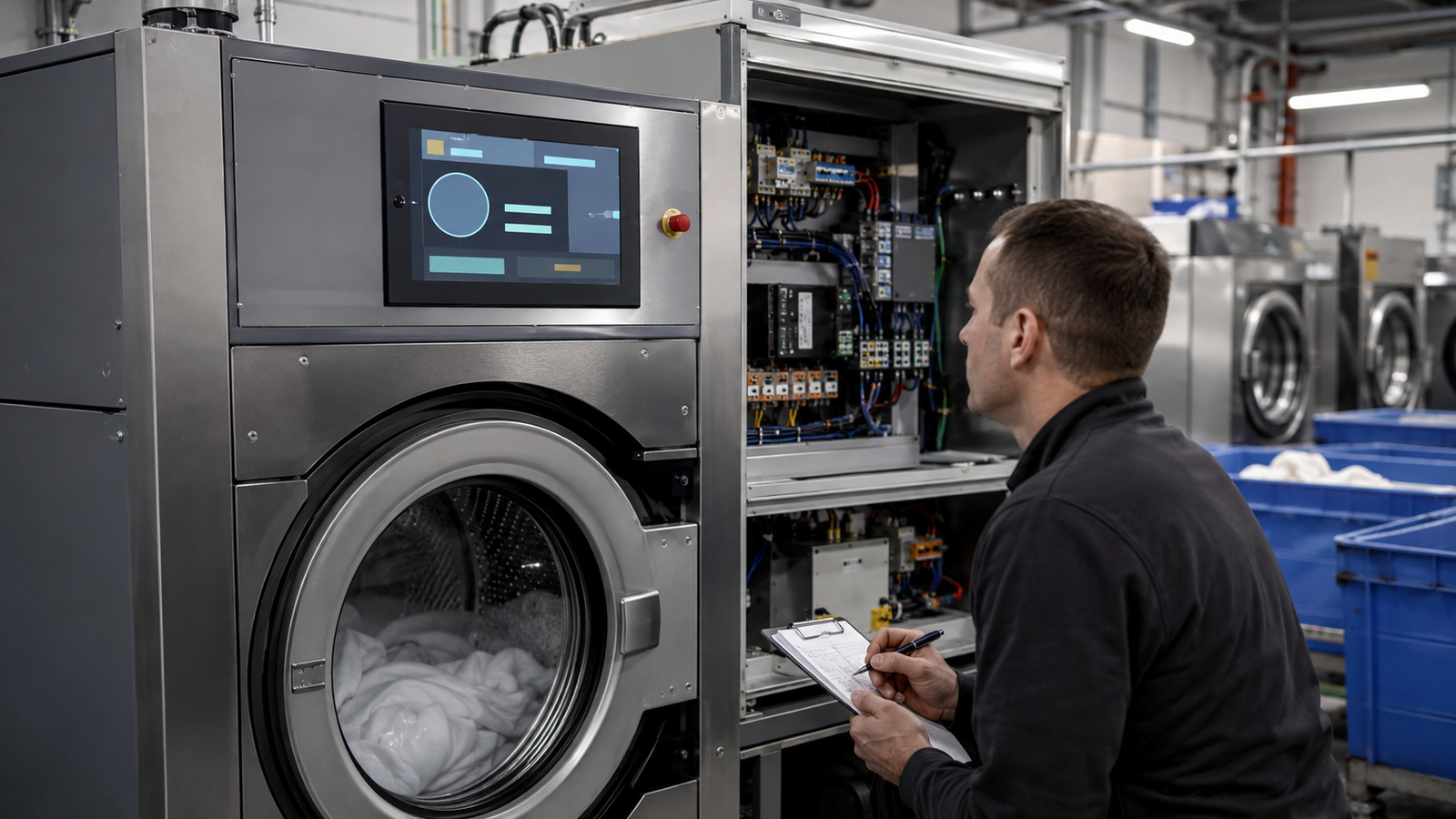
A useful HMI specification should reflect what an operator, supervisor, or service technician actually needs to do. On a washer-extractor, that may include selecting an authorized program, confirming the current cycle stage, reviewing a defined alarm, acknowledging maintenance information, or placing a machine into a controlled service state. A dryer, ironer, or dosing station will have a different information hierarchy.
Commercial laundry controls often use color displays and programmed cycles because the machine must guide recurring tasks without requiring the operator to interpret raw control-system data. For example, Primus describes a laundry control with a full-color touch display, programmed cycles, step-by-step guidance, and data access features.1 That is evidence of the workflow complexity that equipment designers should consider; it is not a specification for every laundry machine or display.
Build representative screens using the actual program names, process states, alarm conditions, maintenance tasks, language requirements, and expected operator viewing distance. This reveals whether the design needs a compact embedded screen, a larger viewing area, physical controls alongside touch, or a separate supervisory display.
Keep the Display, Touch, Controller, and Machine Functions Separate
A completed laundry machine may have a PLC, embedded controller, motor drive, temperature and water-level sensors, valves, dosing inputs, door interlocks, network interfaces, and an operator HMI. These parts communicate within the completed equipment architecture, but they are not interchangeable products.
The TFT LCD presents pixels. The touch sensor reports user input through its own sensor, controller, connection, firmware, and software path. The machine controller evaluates the inputs and manages the equipment logic. Safety-related functions must be designed and evaluated at the completed machine level; the presence of an LCD or touchscreen does not establish a safety function.
This distinction also prevents interface mistakes. A raw TFT LCD module may use RGB, LVDS, MIPI DSI, or eDP. A host board must support the exact panel’s interface, timing, power sequence, pixel format, connector arrangement, and software configuration. LCD interface documentation from NXP, for example, identifies panel dimensions, sync timing, polarity, and output format as separate configuration elements.2
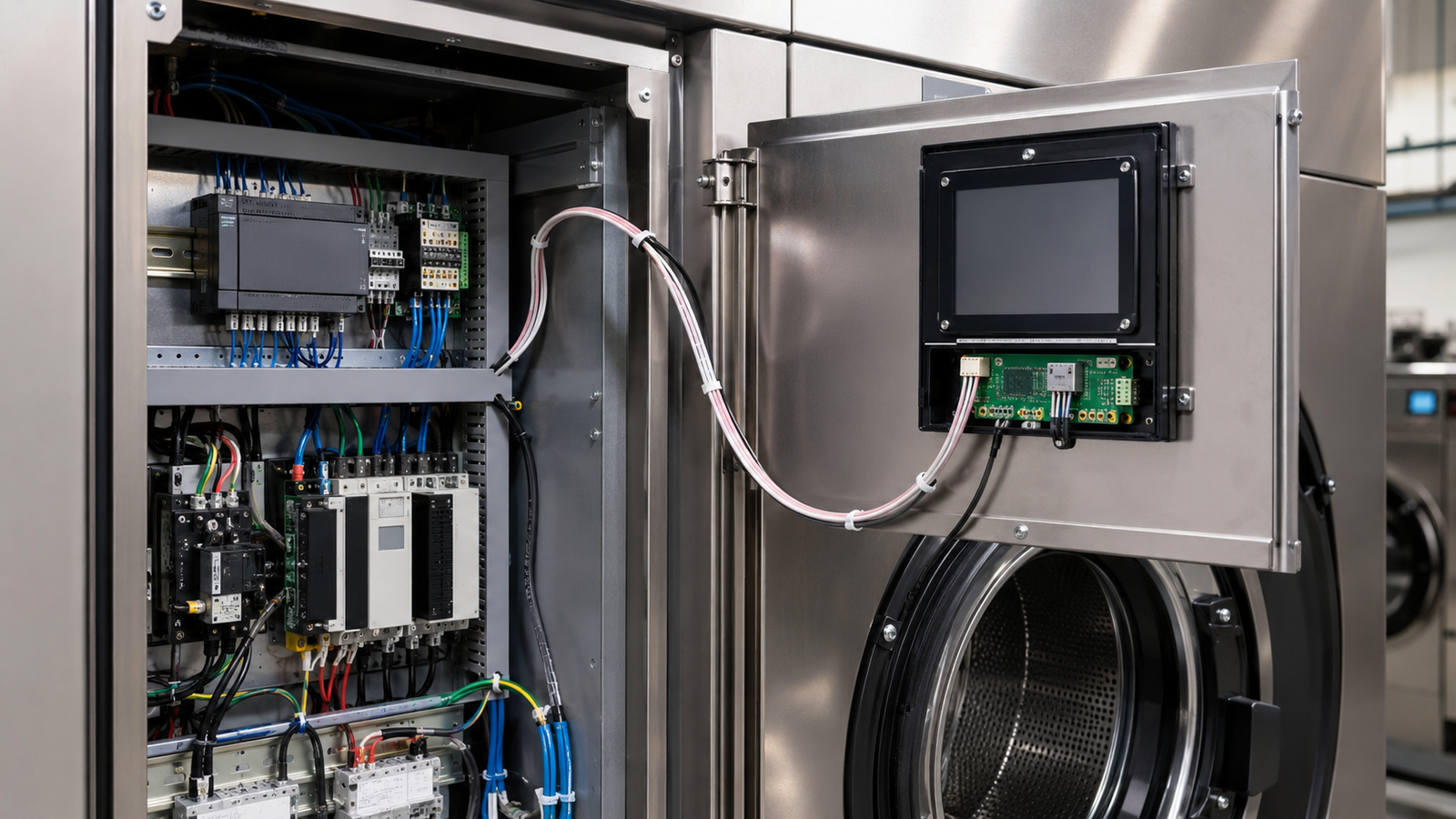
If an HMI host offers HDMI while the chosen panel uses raw MIPI DSI, RGB, LVDS, or eDP, a passive cable cannot convert the source into the panel interface. The project requires a compatible active controller or bridge, which must be reviewed as part of the electrical, firmware, startup, thermal, and lifecycle design.
Choose the Visible Area for Decisions, Not for Marketing Size
Screen size and resolution should follow the information that must be understood during operation. A screen used primarily for cycle selection, progress, machine state, and clearly separated alarms may need less image area than a screen that also supports detailed setup, diagnostics, multilingual instructions, or maintenance workflows.
Do not begin with a diagonal size alone. Review the available front-panel space, viewing distance, mounting height, screen orientation, number of simultaneous data regions, font size, and the operator’s expected position. A busy laundry floor may require information to remain legible from a standing position while the user moves carts or handles textiles.
There is also a difference between a local embedded HMI and an external monitor. An embedded TFT panel is part of the machine interface. An external monitor may support commissioning, engineering diagnostics, central supervision, or service work. One does not automatically replace the other.
Evaluate Touch Input in the Real Operating Condition
Touch selection should be based on the installed machine and expected operating behavior, not on a generic statement that the unit has a touchscreen. Consider gloves, wet hands, cleaning procedures, detergent residue, cover-lens construction, mounting geometry, grounding, target size, and nearby electrical equipment.
Projected-capacitive touch can be appropriate for many modern interfaces, but the final behavior depends on the sensor, controller, cover stack, firmware settings, grounding approach, enclosure, and use conditions. Resistive touch or a hybrid arrangement with physical controls may be more appropriate when the operating workflow requires tactile feedback or when a specific input method must remain available under defined conditions.
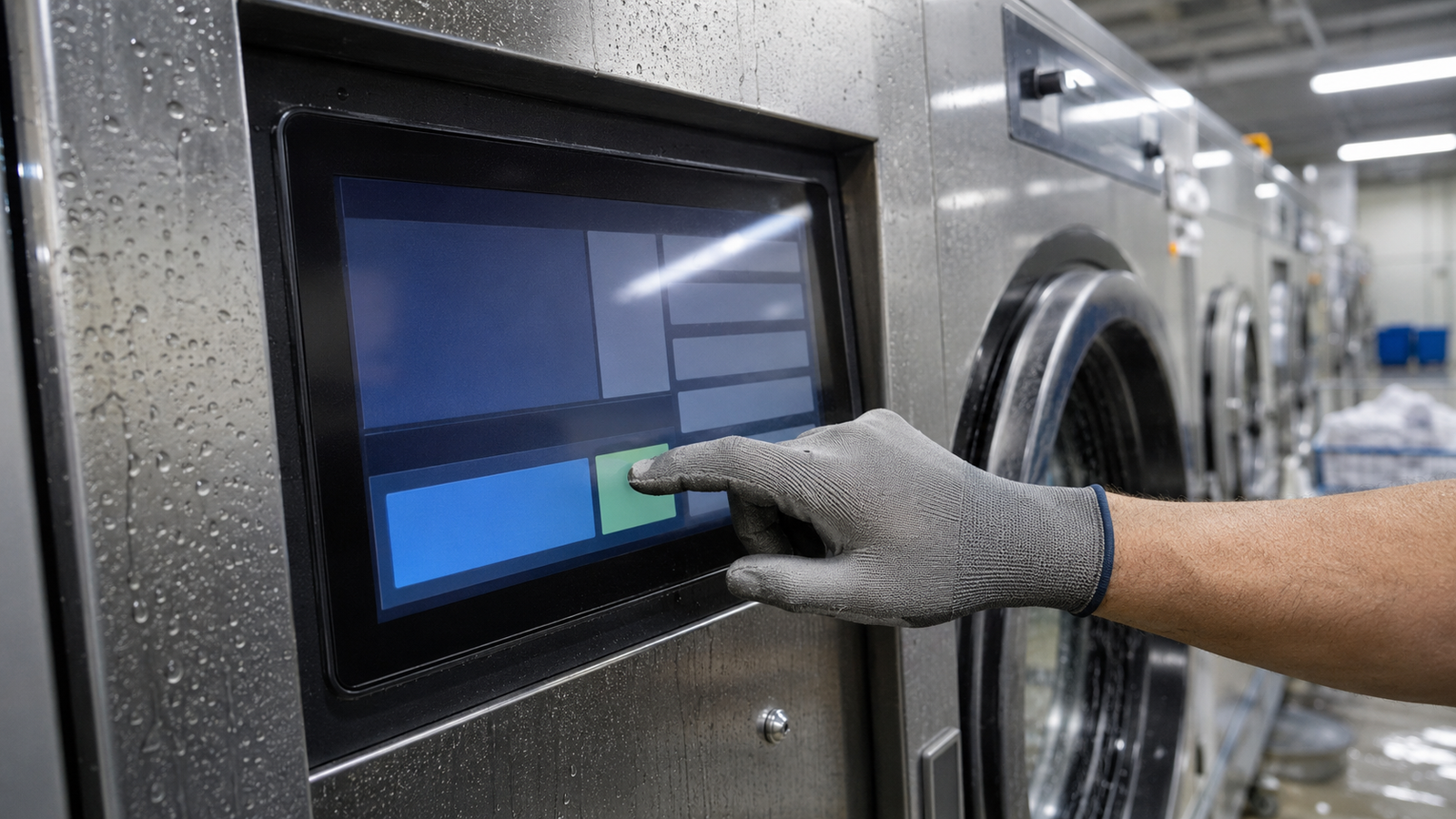
Touch input should remain separate from the display video path in the design review. A video interface drives pixels to the LCD. The touch system sends input to the host. Each requires its own compatibility and validation plan.
Design the Front Panel as an Optical and Mechanical Assembly
The bare panel is not the finished HMI. The production-intent assembly may include an LCD module, touch sensor, cover glass, adhesive stack, printed border, front housing, gasket concept, mounting brackets, FPC routing, harness retention, and service-access features.
For laundry equipment, evaluate the final enclosure rather than assuming a bare-panel parameter applies after integration. Review viewing angle, reflection from overhead lighting, cover-lens appearance, active-area alignment, edge protection, mechanical load during operation, connector access, cable bend radius, and the relationship between the control cabinet and the front HMI.
Water, detergent, cleaning chemicals, vibration, and temperature conditions should be converted into project-specific requirements. Do not infer environmental protection, chemical resistance, or machine-level compliance from a display-module description. Those outcomes depend on the completed assembly and its validation.
Plan Information Hierarchy and Fault Recovery
The operator should be able to distinguish normal progress, actionable alarms, service information, and unavailable functions without treating every status color or screen change as a machine-safety signal. Present the current program, machine state, time-related information where applicable, and the next defined action in a consistent hierarchy.
Separate operator functions from protected setup and service functions. A cycle-selection screen, a maintenance page, and an engineering diagnostic screen do not have the same audience or permissions. This helps equipment teams define user roles before the GUI becomes expensive to revise.
Recovery behavior also matters. Review what the display presents during power-up, controller startup, communication loss, a touch-controller fault, an incomplete configuration load, and a controlled restart. A frozen or stale screen must not be mistaken for current machine state.
Validate the Production-Intent System
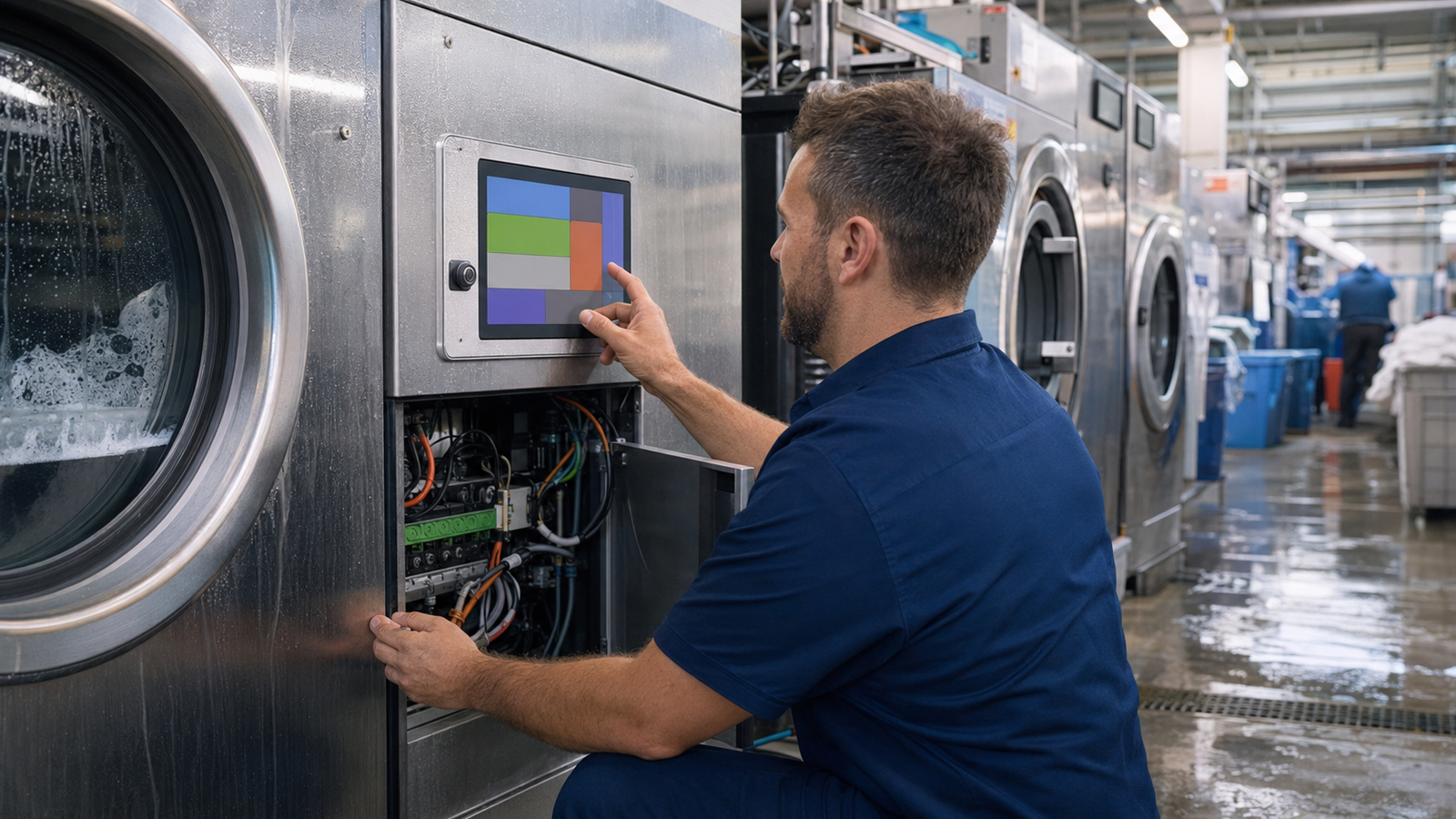
Display validation should progress from bench bring-up to the intended host, firmware, touch stack, enclosure, cables, control cabinet, and equipment environment. The objective is to verify the operator interface within its actual system context, not to make unsupported claims about the washing process, equipment throughput, or compliance.
A practical review can include representative screens, operating positions, ambient lighting, intended touch conditions, screen transitions under expected controller load, cable retention, power interruption and restart behavior, service access, and the interaction of the display assembly with the final front panel.
Write acceptance criteria before design freeze. Terms such as “easy to read,” “works with gloves,” or “supports cleaning” need context: the viewing position, glove type, control-target size, cleaning exposure, enclosure stack, test method, and required recovery behavior.
Prepare a Useful Display Review Request
For an industrial laundry equipment display review, provide the enclosure drawing, target active area, orientation, representative GUI, expected viewing distance, host processor or controller board, available native display interfaces, touch and cover requirements, cable constraints, power sequence, service-access needs, project stage, and expected demand range.
RJY Display can evaluate applicable display modules and customization around existing module platforms, including touch, cover glass, backlight, interface, FPC, controller-board, firmware, and mechanical coordination. Feasibility depends on the confirmed module and project requirements. This does not mean that any new LCD cell size can be developed from zero or that a display module alone qualifies a complete laundry machine.
Contact RJY Display for an industrial laundry equipment HMI review with the machine workflow, host, interface, touch, enclosure, and environmental requirements.
Frequently Asked Questions
Is a touchscreen the same as an industrial laundry machine HMI?
No. A touchscreen is an input component. A complete HMI includes the display, touch system where used, host hardware, software, enclosure, machine communications, and defined operator workflow.
Can HDMI directly drive a raw MIPI, RGB, LVDS, or eDP TFT panel?
No. A passive cable cannot convert HDMI into a raw MIPI, RGB, LVDS, or eDP panel interface. A compatible active controller or bridge is required and must support the source and exact panel requirements.
Should an industrial laundry HMI use touch only?
Not necessarily. The choice depends on the workflow, operating conditions, user tasks, and required tactile feedback. Some machines may use touch with physical controls for selected actions, but that arrangement must be evaluated in the completed equipment design.
Does a display module determine water or chemical resistance for the machine front panel?
No. Water and chemical resistance depend on the completed assembly, including the cover, housing, seals, interfaces, mounting, cleaning exposure, and validation conditions. A bare display-module description does not establish machine-level environmental performance.
What should an OEM provide for a laundry equipment display review?
Provide the enclosure drawing, active-area target, representative GUI, host platform, available display interface, touch and cover requirements, viewing conditions, cable constraints, power sequence, service-access needs, project stage, and expected demand range.