Display & optical performance
Evaluate sunlight readability, reflections and viewing geometry. Review anti-glare or anti-reflective treatments, optical bonding and brightness against the actual cabin conditions.

Display supplier &
Manufacturer
AUTOMOTIVE DISPLAY SOLUTIONS
Coordinate display, touch, computing and mechanical integration around the demands of your vehicle interface.
Digital instruments, infotainment and passenger interfaces place different demands on a display system. RJY helps product teams evaluate the optical stack, host electronics and installation constraints together, from the first design review to production planning.
FOR OEM & SYSTEM INTEGRATION TEAMS
Agree the qualification targets early: vehicle location, optical requirements, thermal conditions, electrical architecture and validation responsibilities.
Evaluate sunlight readability, reflections and viewing geometry. Review anti-glare or anti-reflective treatments, optical bonding and brightness against the actual cabin conditions.
Match processing and display output to the interface workload. Confirm the operating system, graphics pipeline and peripheral requirements before committing to a board.
Coordinate cover glass, bezel shape, connectors and fanless thermal design. Define vibration, electrical and environmental validation with the vehicle integration team.
DISPLAY & COMPUTING PLATFORMS
These platforms are candidates for engineering evaluation, not a blanket vehicle qualification. Final specifications, availability and automotive suitability must be confirmed for the selected configuration.
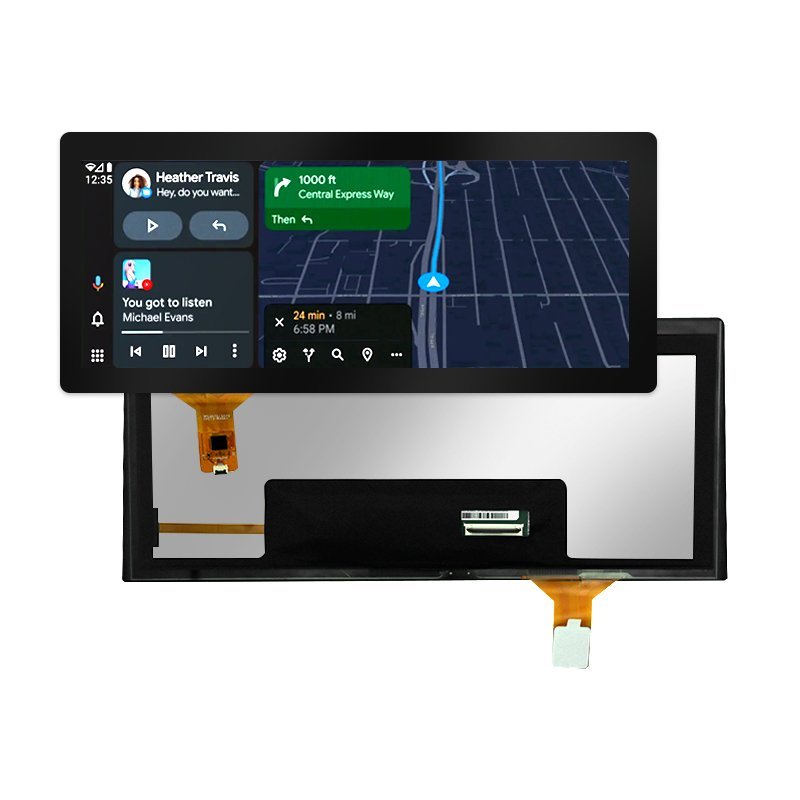
Display module
An elongated display platform for instrument panels and multi-screen dashboard concepts. Confirm the exact model, resolution, brightness and operating-temperature specification during selection.
Find this platform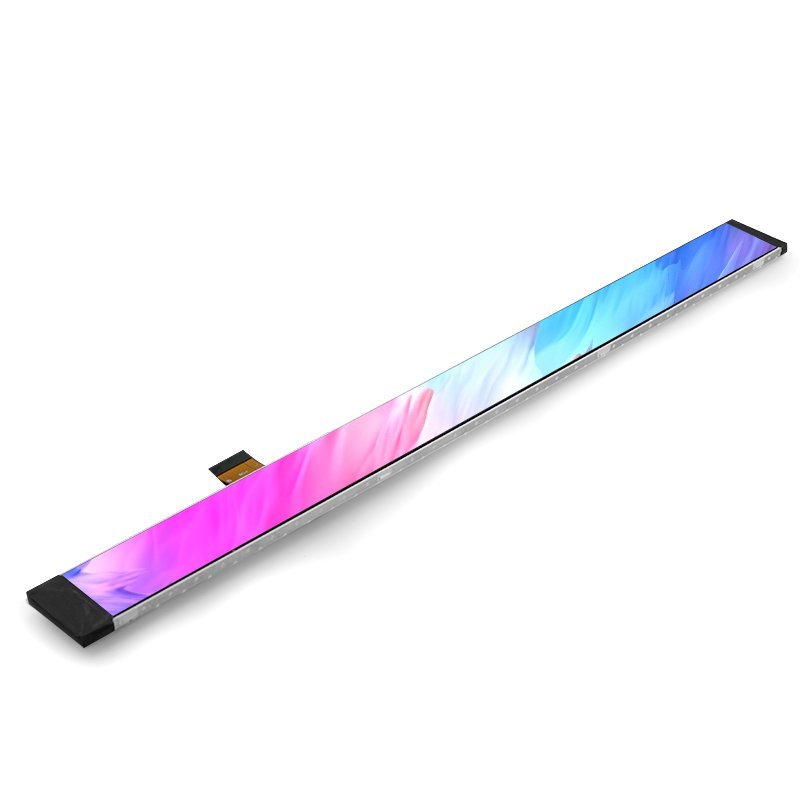
Display module
A stretched-bar display option for passenger interfaces or a compact console layout. Review active area, MIPI integration, mechanical thickness and viewing orientation against your enclosure.
Find this platform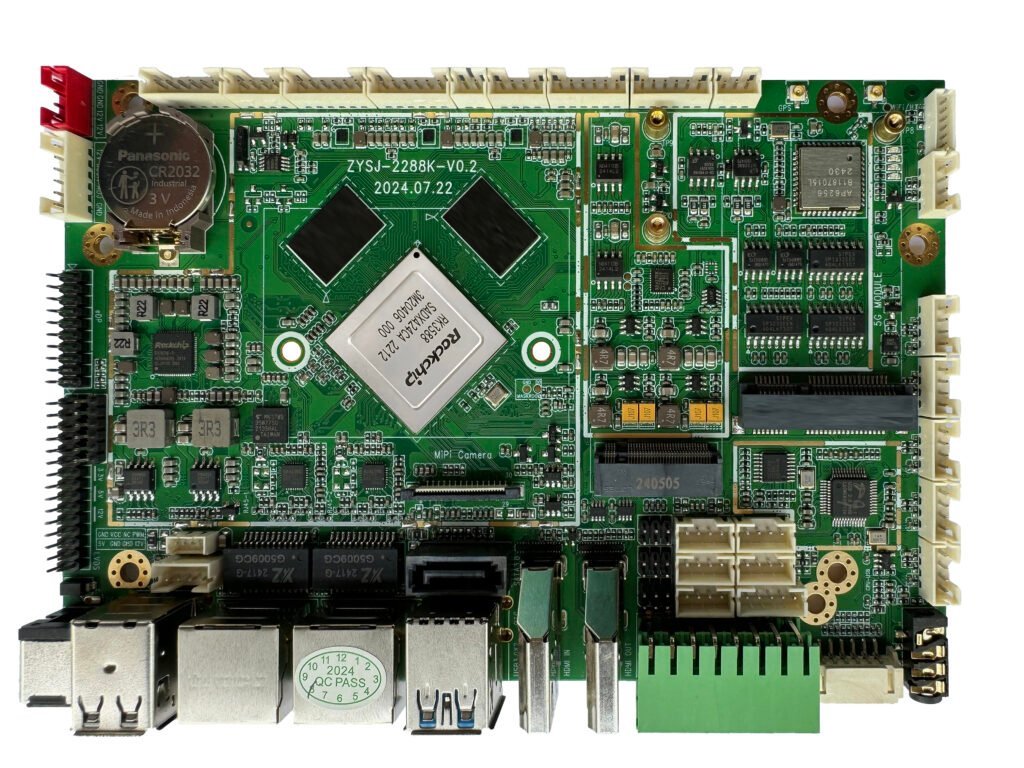
Computing module
An RK3588-based platform for demanding multimedia and connected-terminal designs. Discuss multi-screen output, processing needs, navigation and the supported software image for the intended configuration.
Find this platform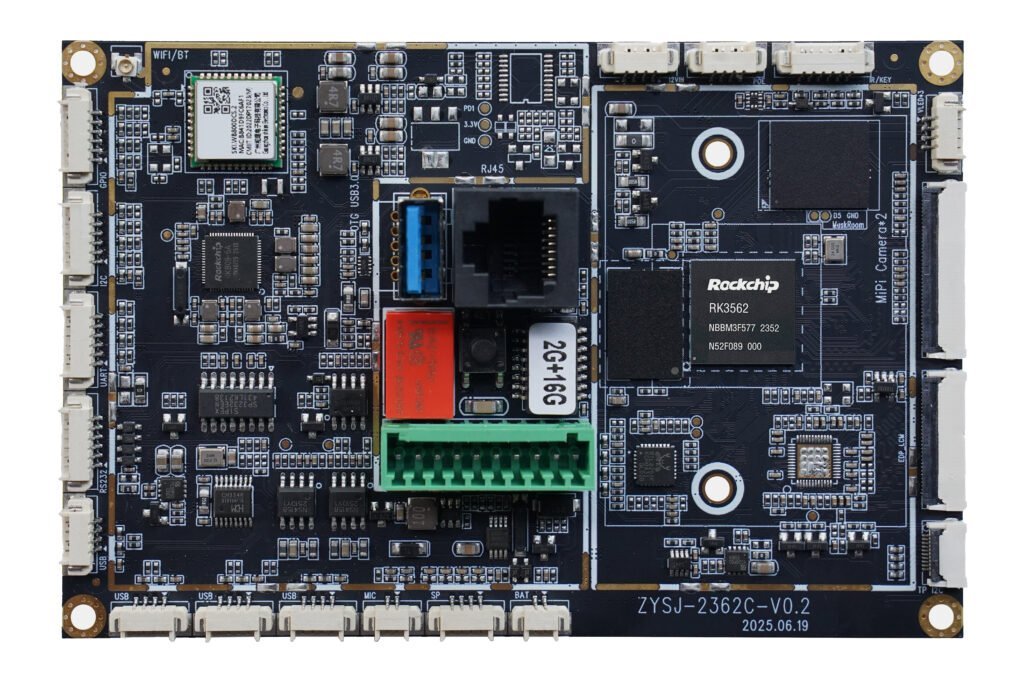
Computing module
An RK3562-based computing option for connected display terminals. Confirm Android support, MIPI/LVDS interfaces and camera or peripheral integration with the selected board revision.
Find this platformCUSTOMIZATION

Review curved or free-form cover glass, dead-front masking and passenger-screen privacy options. Tune touch behavior to the mounting arrangement and verify performance under representative operating conditions.
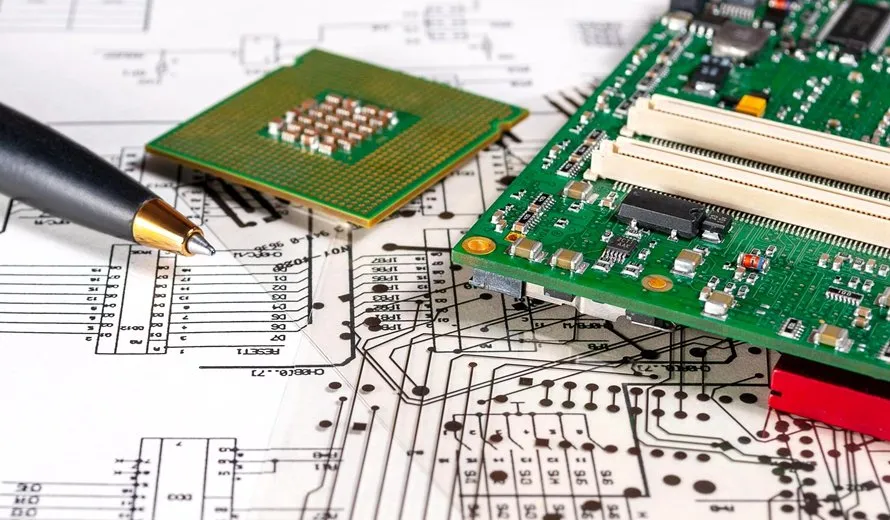
Discuss CAN or LIN interfaces, automotive Ethernet, FAKRA connectors and SerDes links such as GMSL or FPD-Link as project requirements. Board layout and EMI/EMC performance require configuration-specific verification.
PLAN THE VALIDATION
Share the vehicle location, host architecture and qualification targets so the first review can separate available platform options from development work.
TRANSPORTATION & MOBILITY
Transport projects connect the display panel, protective front and host electronics into one validated interface.
Readable status and payment controls in exposed installations.
Route updates and wayfinding on board and at stations.
Match update frequency to display technology and power budget.
Reliable touch interaction under intensive public use.
Compact interfaces for outdoor, power-constrained terminals.
Day/night readability and secure mounting in moving vehicles.
SPECIFICATION REVIEW
| Decision | Review with your engineering team |
|---|---|
| Readability | Ambient light, viewing angles, reflections and dimming. |
| Environment | Temperature, solar heating, moisture, shock and vibration. |
| Public interaction | Gloves, water, cleaning and impact protection. |
| Integration | Format, controller, cables, connectors and mounting. |
| Qualification | Applicable requirements and evidence for the complete device. |
COMMON QUESTIONS
No. Evaluate reflections, thermal conditions and the complete optical stack.
For infrequently updated information with limited power; verify refresh and temperature constraints.
No. Confirm system-level tests, responsibilities and documentation with your validation team.
Size, installation, interface, interaction requirements and expected volume.