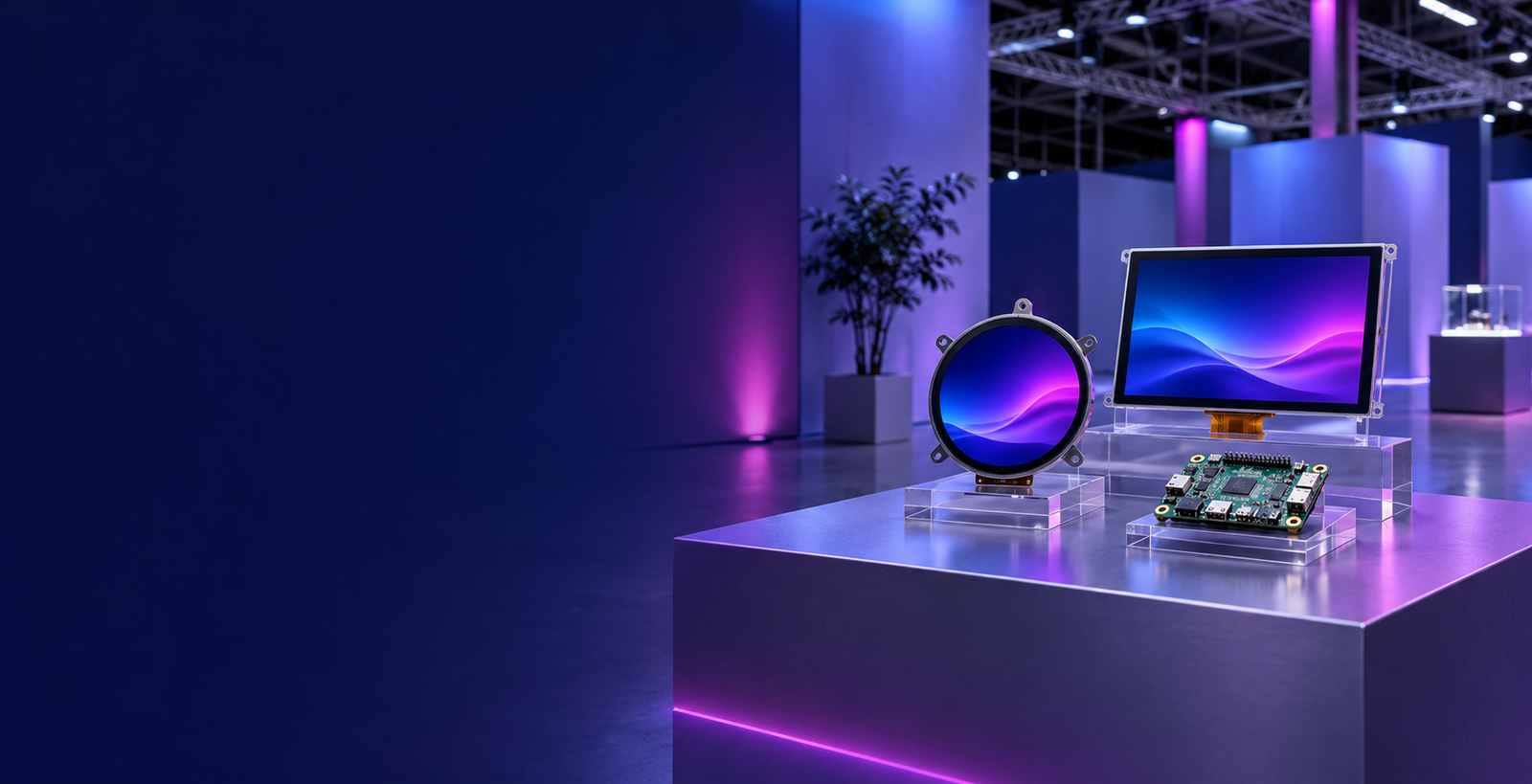
/ EMBEDDED WORLD 2027

Meet RJY at embedded world 2027.
16–18 March 2027
Exhibition Centre Nuremberg, Nuremberg, Germany
Booth 2-321
Discover display and embedded technology at embedded world Exhibition & Conference.
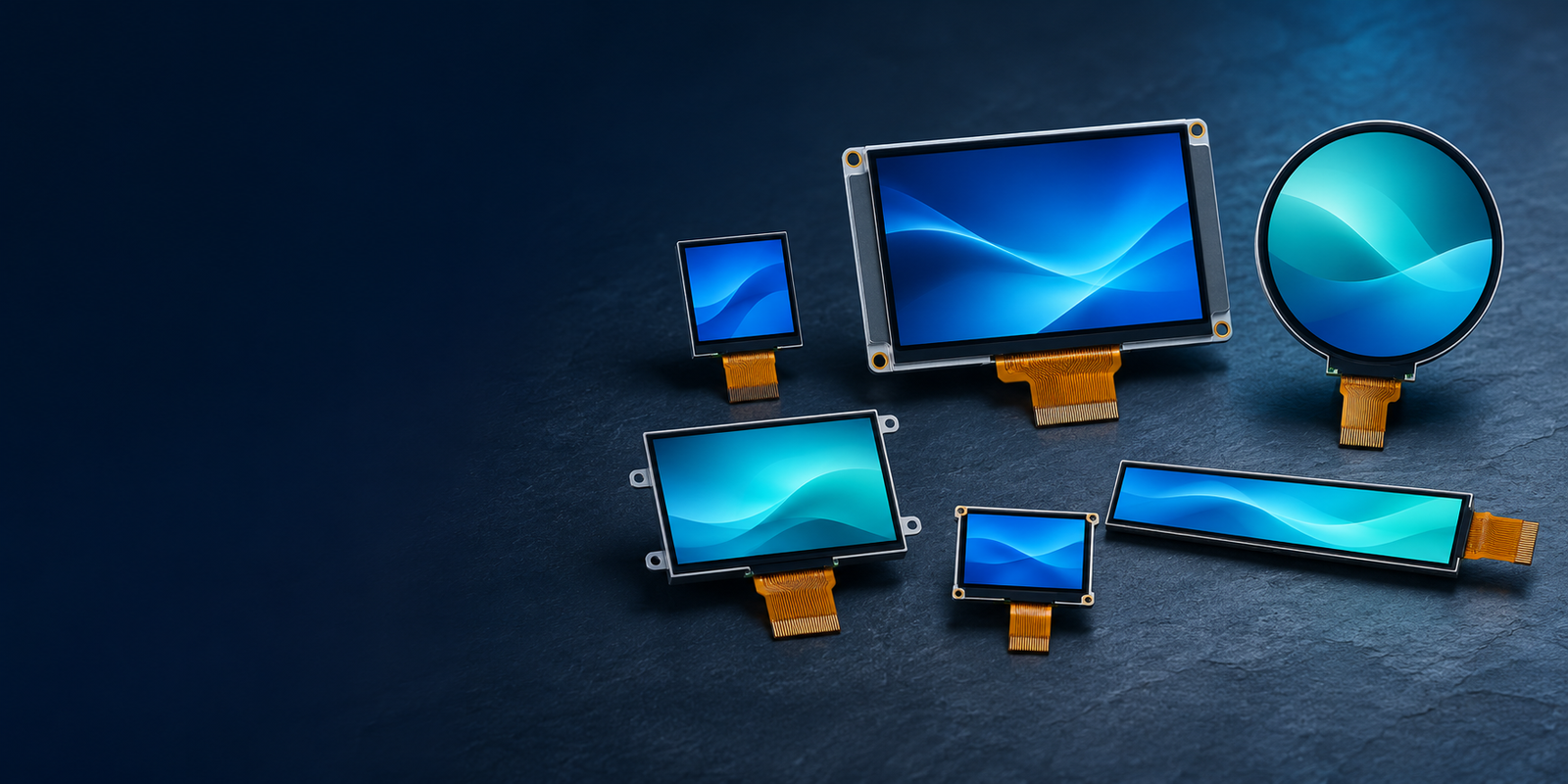
/ DISPLAY MODULES
Displays built around your product.
Explore LCD modules and discuss display, touch and integration requirements for your application.
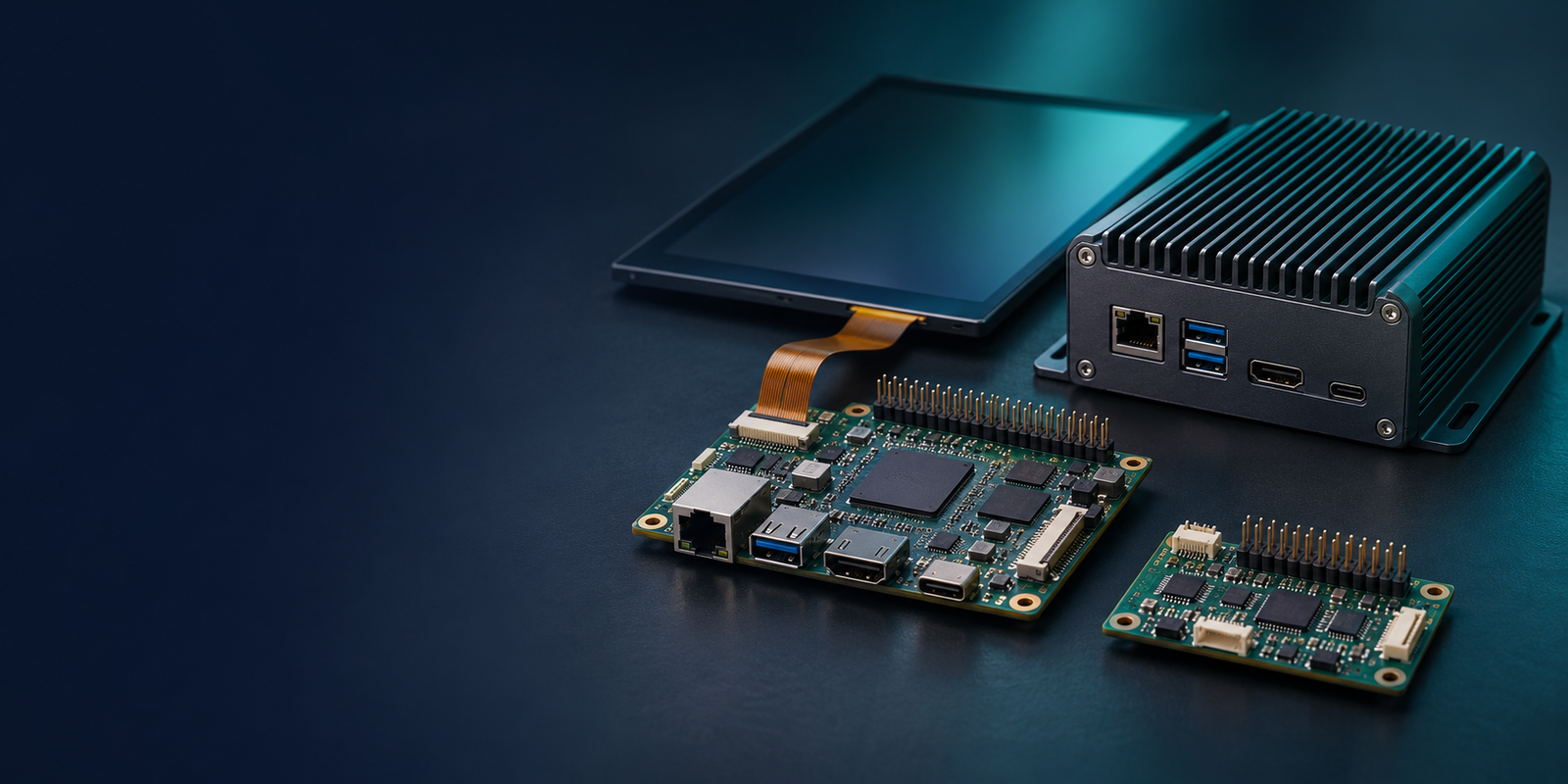
/ EMBEDDED COMPUTING
Connect displays with embedded computing.
Bring display, control electronics and software requirements together for your next product.
From display module to complete system
RJY Display connects display technology, embedded computing and engineering to help OEM teams bring their next product to life.
Display & Touch
Select and customize modules for your viewing, touch and integration requirements.
Embedded Computing
Connect the display to your product’s processing and control functions.
From Concept to Production
Work with our team on prototypes, integration and production around your application.
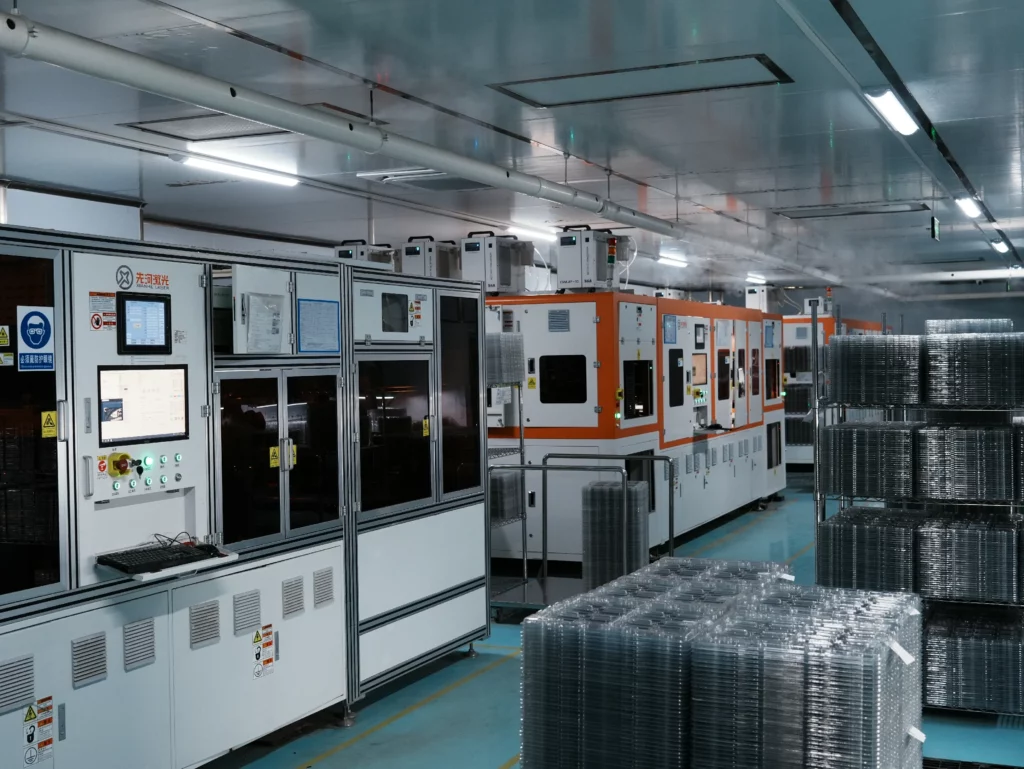
From display module to complete system
RJY Display connects display technology, embedded computing and engineering to help OEM teams bring their next product to life.
From displays and touchscreens to control boards, software and enclosures, we bring the pieces together.
Customization across your product
Discuss display, touch, PCBA, enclosure and software requirements with our team.
Define screen size, resolution, backlight, interface, FPC connections and optical bonding for your application.
- Size and resolution
- Backlight and viewing requirements
- Display interface and FPC connections
- Optical bonding options
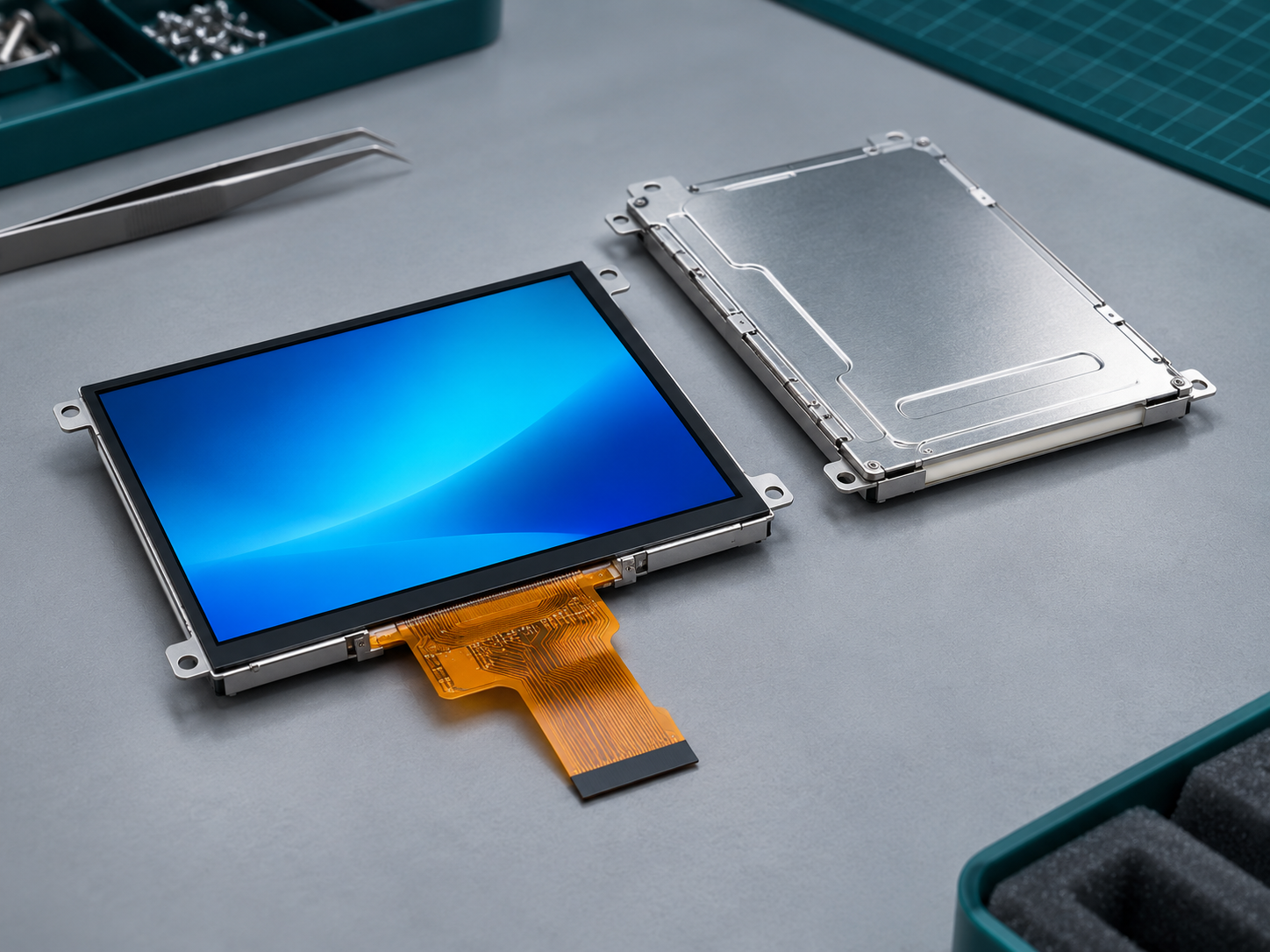
Configuration and delivery depend on your project requirements.
Discuss a display solution suited to your application with RJY.
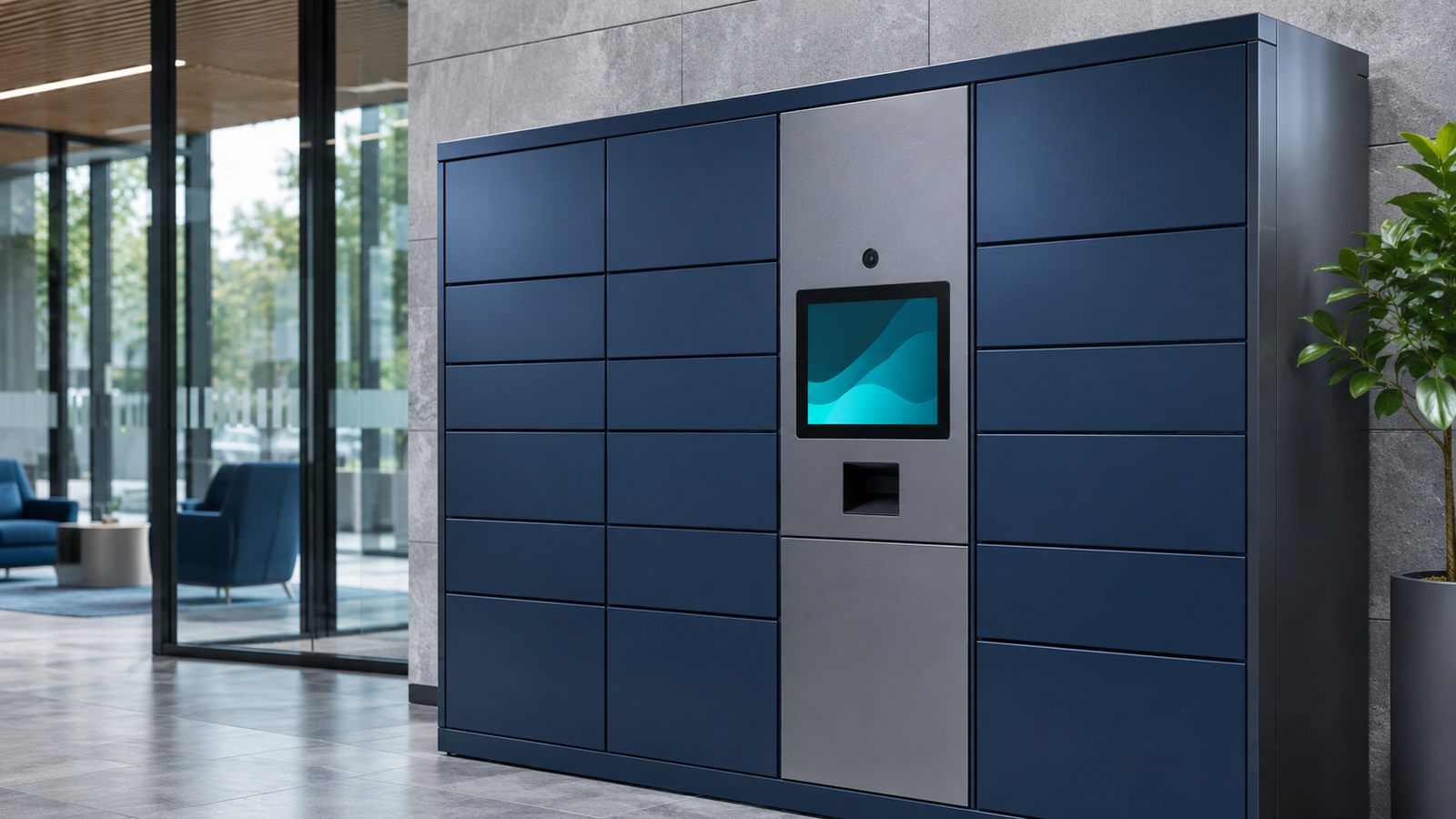
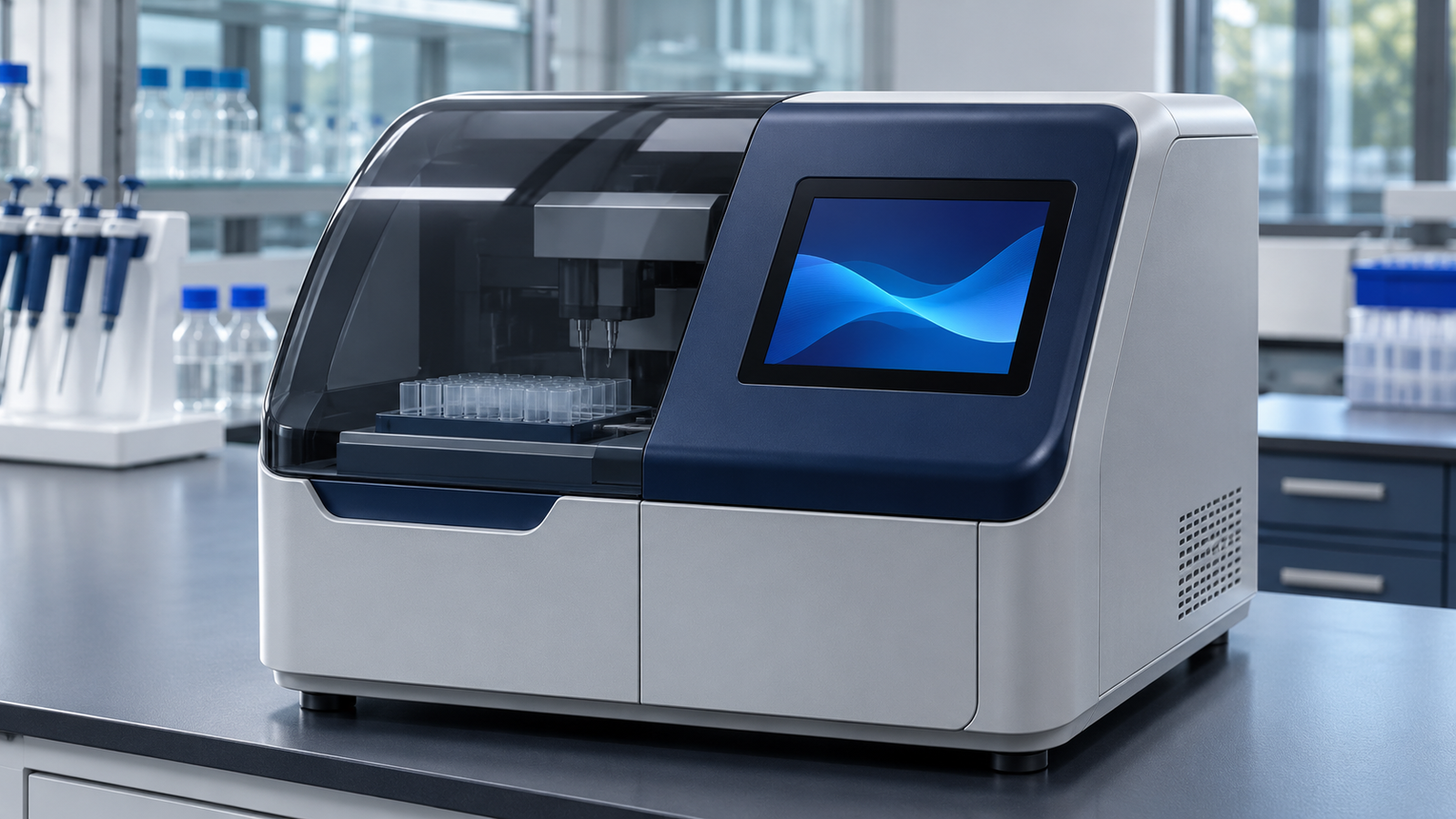
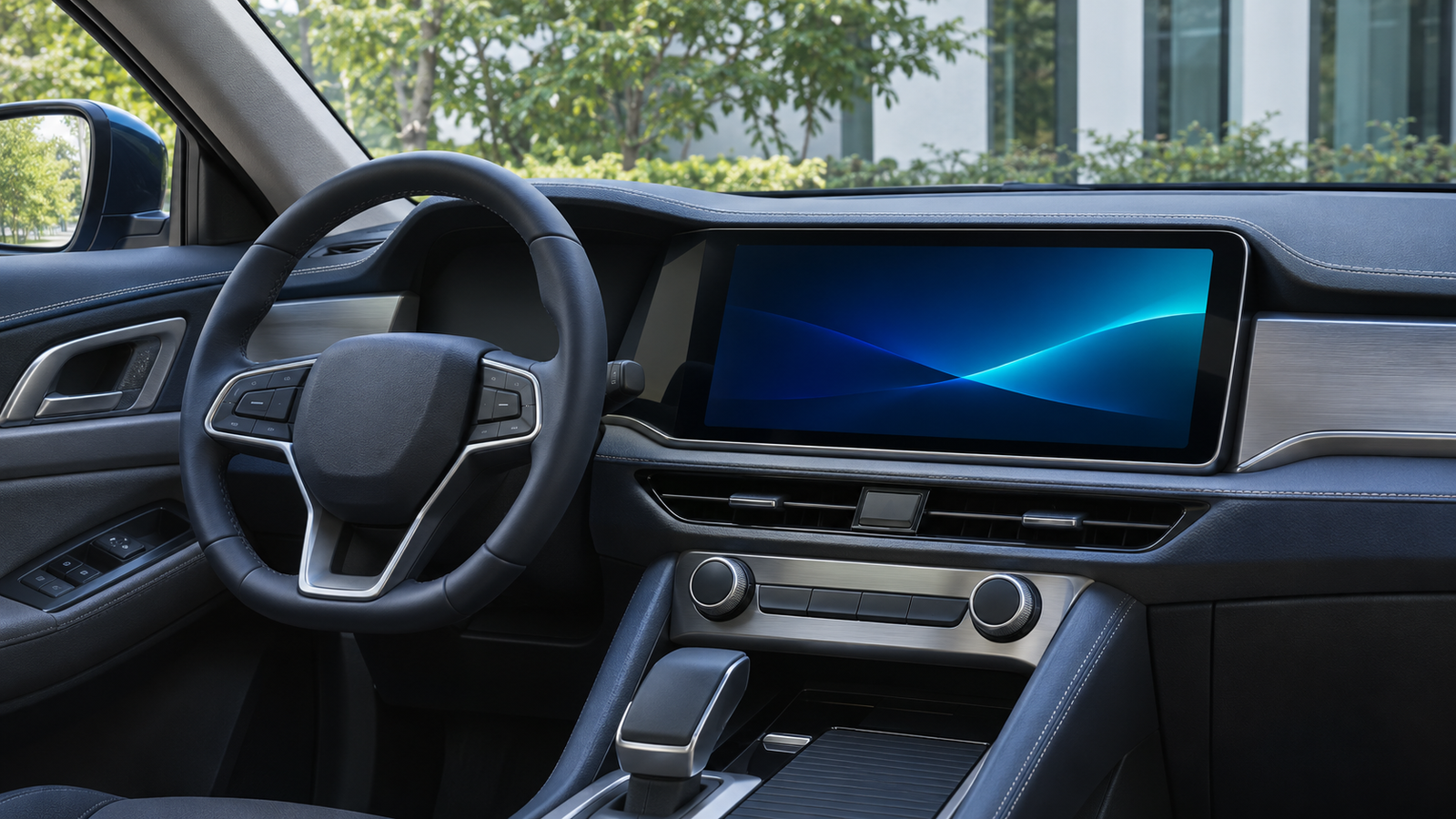
Displays for the world you build
Explore display and HMI applications across industrial, medical and connected products.

Every layer, working together
From displays and touchscreens to control boards, software and enclosures, we bring the pieces together.
Partners in display technology
Component selection is reviewed alongside integration, availability and production requirements.









Display and embedded insights
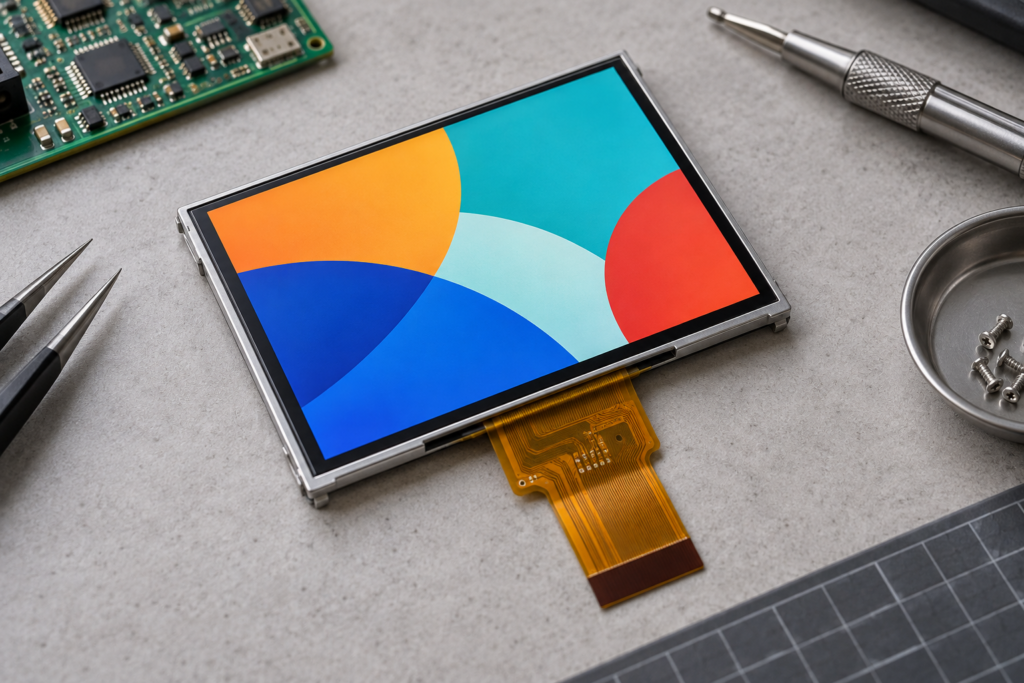
Liquid Crystal Displays (LCD): How They Work, Types and Selection Guide
Learn how liquid crystal displays work, compare LCD types, and select and integrate a display module for an embedded product.
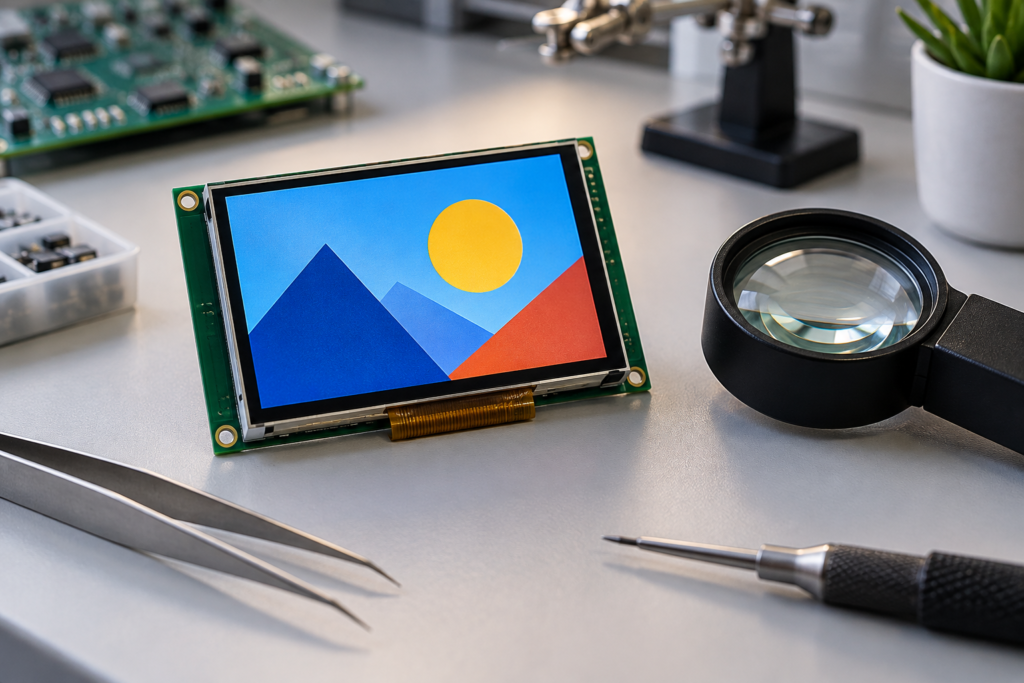
LCD Resolution Guide: Pixels, Scaling and How to Choose the Right Display
Understand LCD resolution, pixel density, scaling and system requirements to select a display for an embedded product.
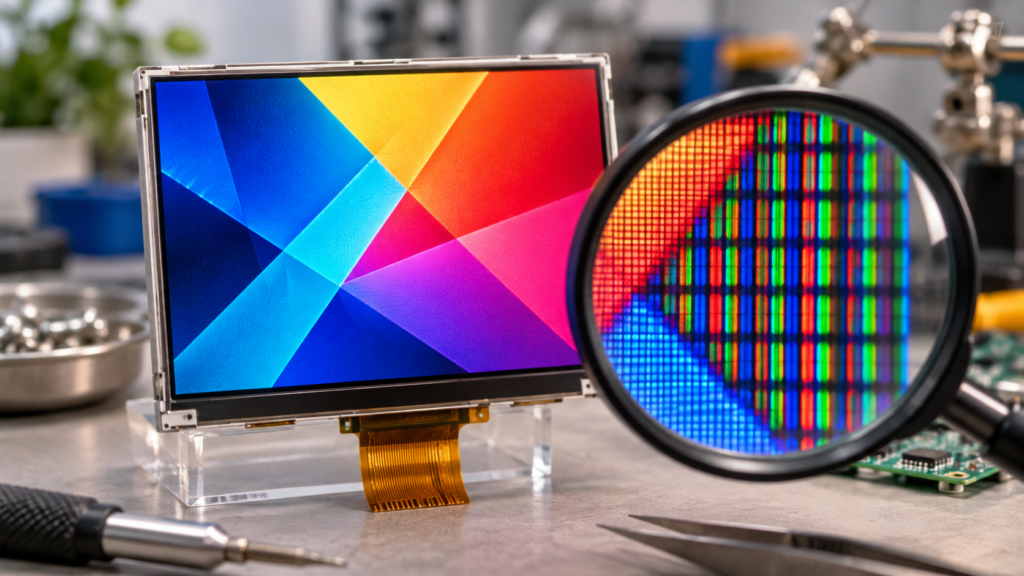
How the Pixels in an LCD Are Powered
Learn how TFT LCD row and column drivers set pixel voltages, why polarity is inverted, and how the backlight differs from pixel control.
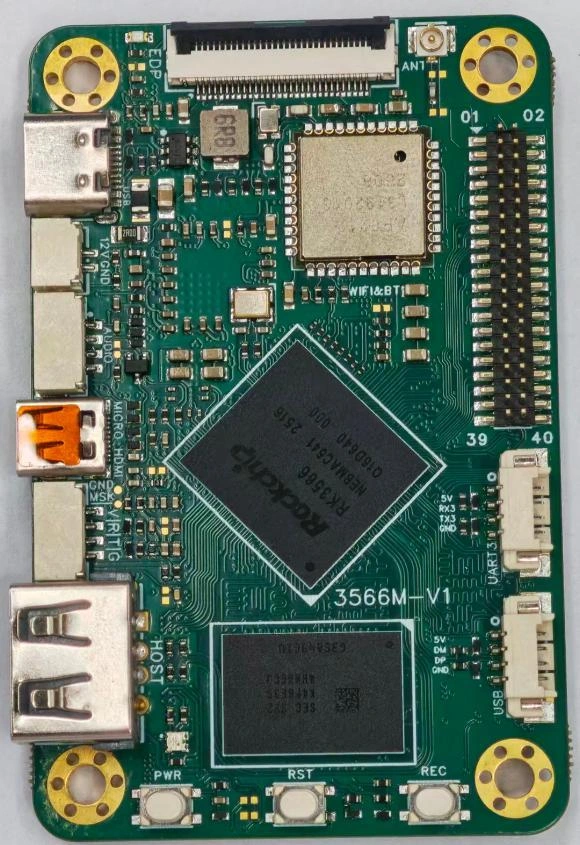
From standard modules to custom solutions
Start with a module or discuss a custom solution. Configuration and pricing depend on your project.
For teams selecting a display module
- Display selection
- Interface requirements
- Touch options
- Integration discussion
- Project review
For products needing tailored integration
- Display customization
- Touchscreen customization
- PCBA customization
- Software and component integration
- Enclosure customization
Engineering your display solution
Practical questions for selecting, integrating and validating a display in your product.
Share the active area or diagonal, available installation space, resolution, orientation, target viewing distance and expected ambient light. Include the host processor or board, available display interface, power rails, touch needs, operating environment and expected production volume. A mechanical drawing, target schedule and sample application images also help narrow the options. Confirm requirements against the current datasheet for the selected module.
Compare the host output with the panel interface and configuration: connector pinout, lane or channel count, signal voltage, data format, resolution, refresh rate and required initialization sequence. Review horizontal and vertical timing, pixel or link clock limits, and host software or display-driver support. Sharing an interface name such as MIPI or LVDS alone does not establish compatibility. A bridge board may be considered after both sides and its supported configurations have been reviewed.
Describe the highest ambient light, viewing angle, cover window, expected viewing distance and desired readability. Evaluate luminance together with reflections, contrast, optical bonding and thermal limits; a high cd/m² figure alone does not guarantee sunlight readability. Check the backlight LED string configuration, forward-voltage range, rated current, driver capability and dimming method in the module documentation. Measure the assembled product under representative lighting and temperature conditions.
Identify whether the application needs capacitive or resistive touch, the cover material and thickness, target touch area, gestures, and expected use with gloves or moisture. Check the touch controller host interface, power supply, reset and interrupt signals, firmware support and connector pinout. Display and touch interfaces require separate integration checks. Validate sensitivity and false touches on the assembled device, including its enclosure, grounding and power supply.
Review the module outline, active and viewing areas, thickness, mounting points, cover-glass dimensions, clearance and allowable tolerances against the latest drawing. Verify connector type, pitch, pinout, mating direction and FPC routing and bend requirements. Keep mechanical loads away from the glass and connector, and check assembly clearances with the actual enclosure. Request a drawing or 3D file if available for the specific configuration.
Provide the intended operating and storage temperature, humidity, exposure to liquids or dust, expected vibration or shock, and product lifetime target. Distinguish the display module ratings from those of the finished enclosure; protection against water, dust or vibration must be evaluated at system level. Agree on test conditions and acceptance criteria for the selected configuration, including performance after thermal exposure and in the intended operating environment.
Check power-up and shutdown sequencing, image orientation, color format, timing, flicker and brightness control. Exercise touch across the full active area and verify behavior with the actual cover, enclosure and cables. Evaluate thermal conditions, EMI-sensitive operation, mechanical fit and any required environmental tests in the target product. Record test conditions, module revision and results so issues can be reproduced and reviewed before design release.
Send the host-board model or processor, interface specifications, target dimensions, application and environment, annual volume estimate and project timeline. Ask for the current datasheet, pinout, timing and initialization information, mechanical drawing and touch-controller details as applicable. Availability of samples, CAD files, test reports and customization options depends on the specific product and project; confirm these with the RJY team.