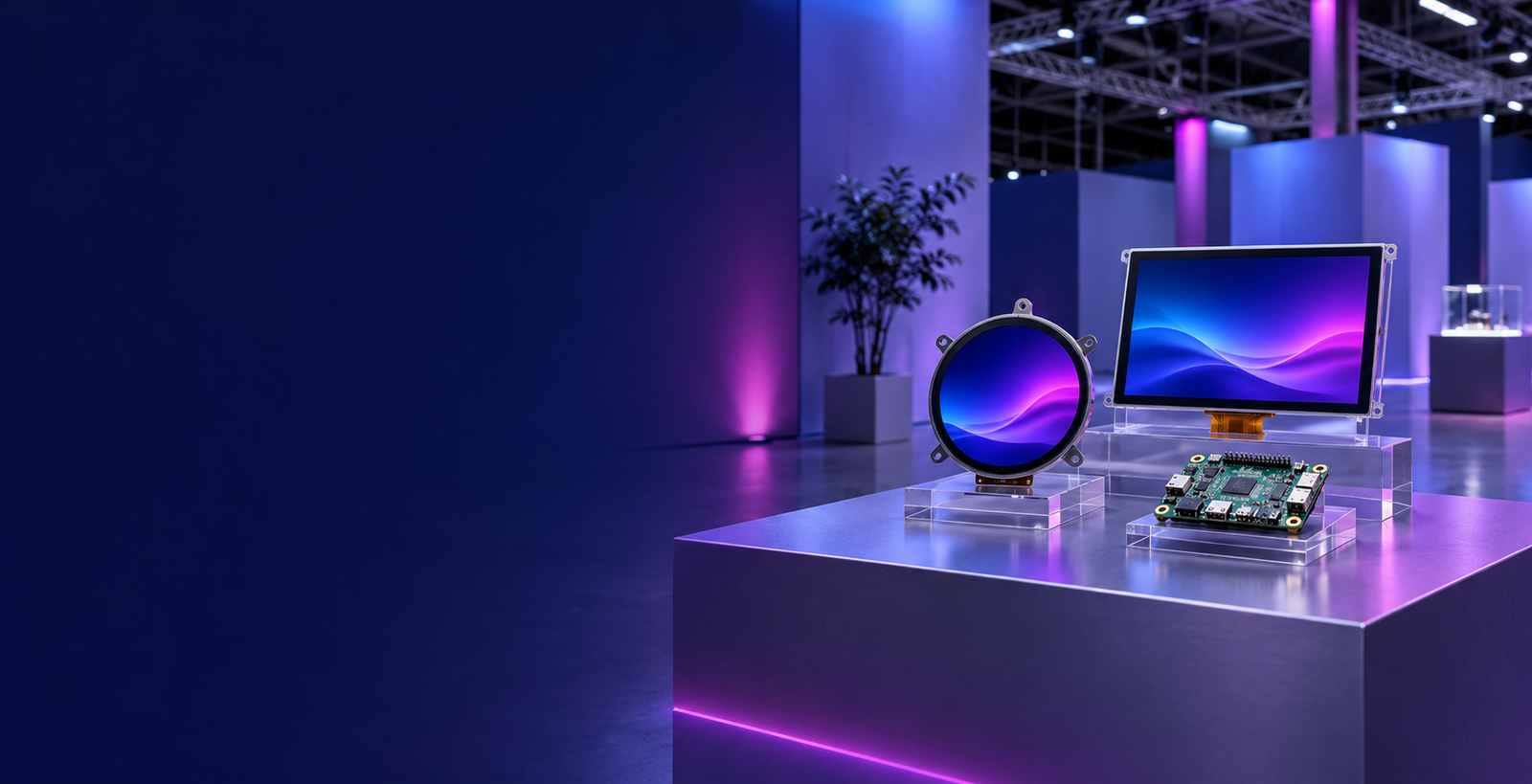
/ EMBEDDED WORLD 2027

Meet RJY at embedded world 2027.
16–18 March 2027
Exhibition Centre Nuremberg, Nuremberg, Germany
Booth 2-321
Discover display and embedded technology at embedded world Exhibition & Conference.
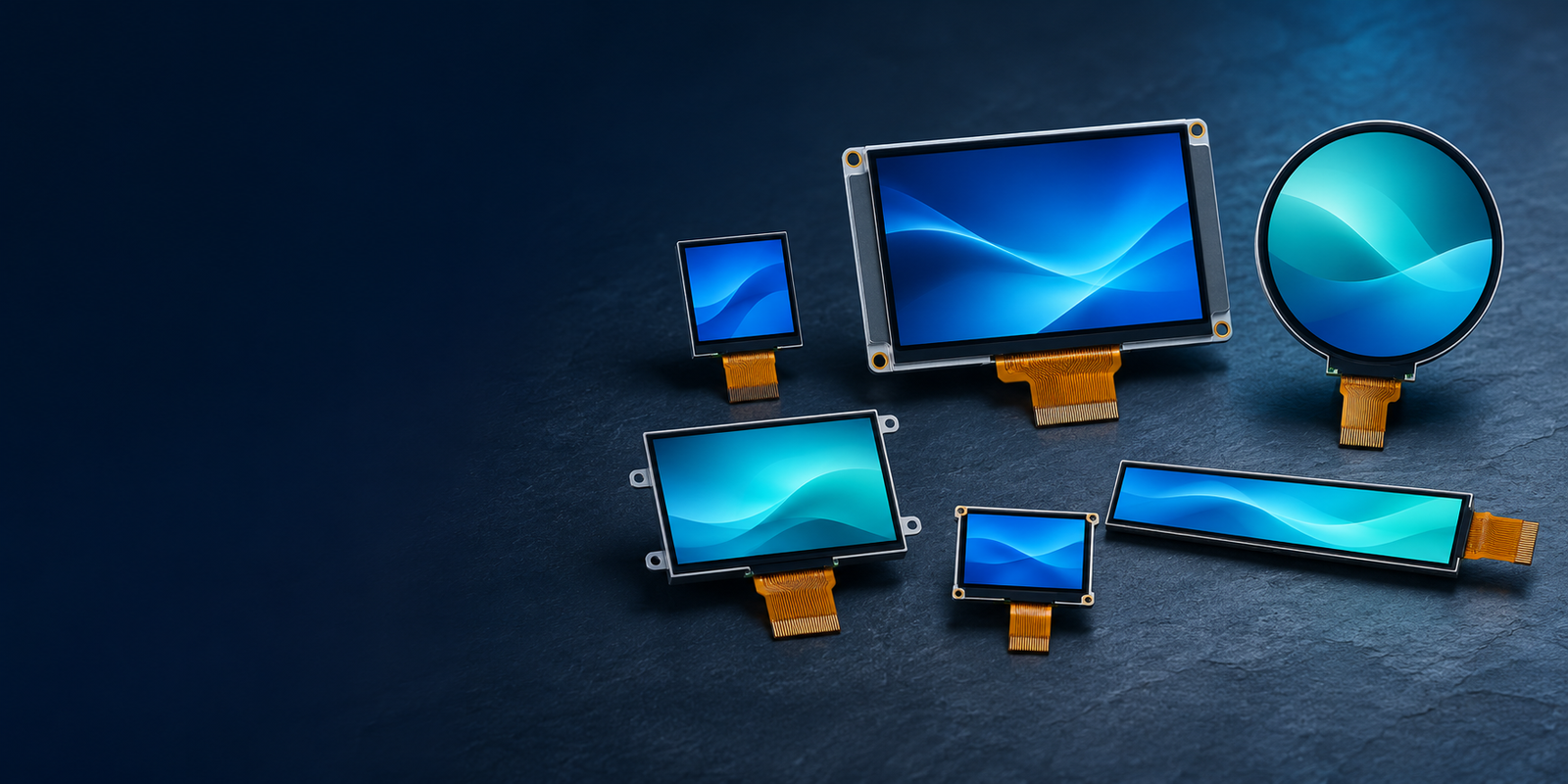
/ DISPLAY MODULES
Displays built around your product.
Explore LCD modules and discuss display, touch and integration requirements for your application.
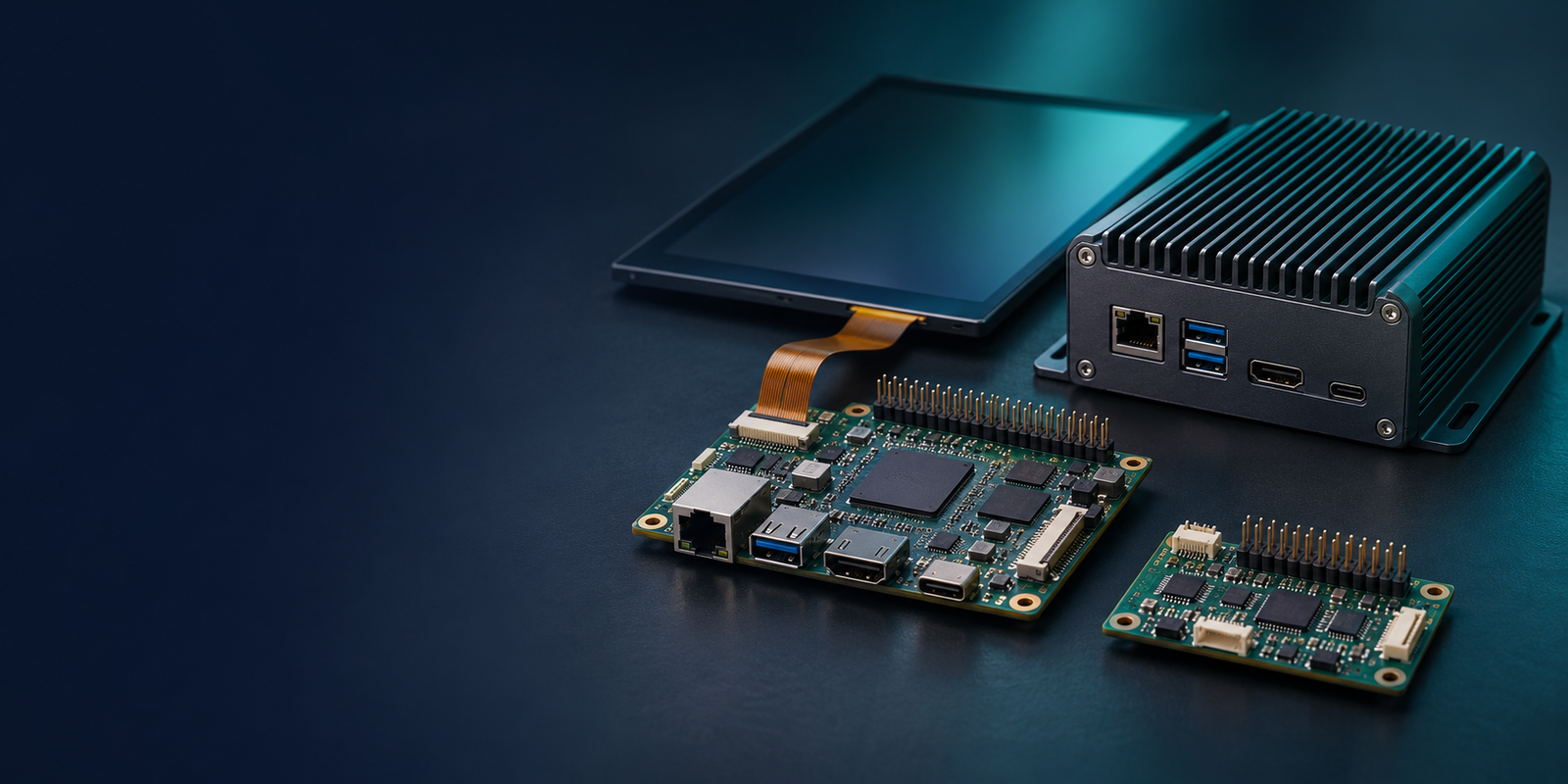
/ EMBEDDED COMPUTING
Connect displays with embedded computing.
Bring display, control electronics and software requirements together for your next product.
Vom Displaymodul zum kompletten System
RJY Display verbindet Displaytechnologie, Embedded Computing und Engineering, um OEM-Teams dabei zu unterstützen, ihr nächstes Produkt zum Leben zu erwecken.
Display & Touch
Wählen und konfigurieren Sie Module für Ihre Anforderungen an Anzeige, Touch und Integration.
Embedded Computing
Verbinden Sie das Display mit den Verarbeitungs- und Steuerungsfunktionen Ihres Produkts.
Vom Konzept zur Produktion
Arbeiten Sie mit unserem Team an Prototypen, Integration und Produktion für Ihre Anwendung.
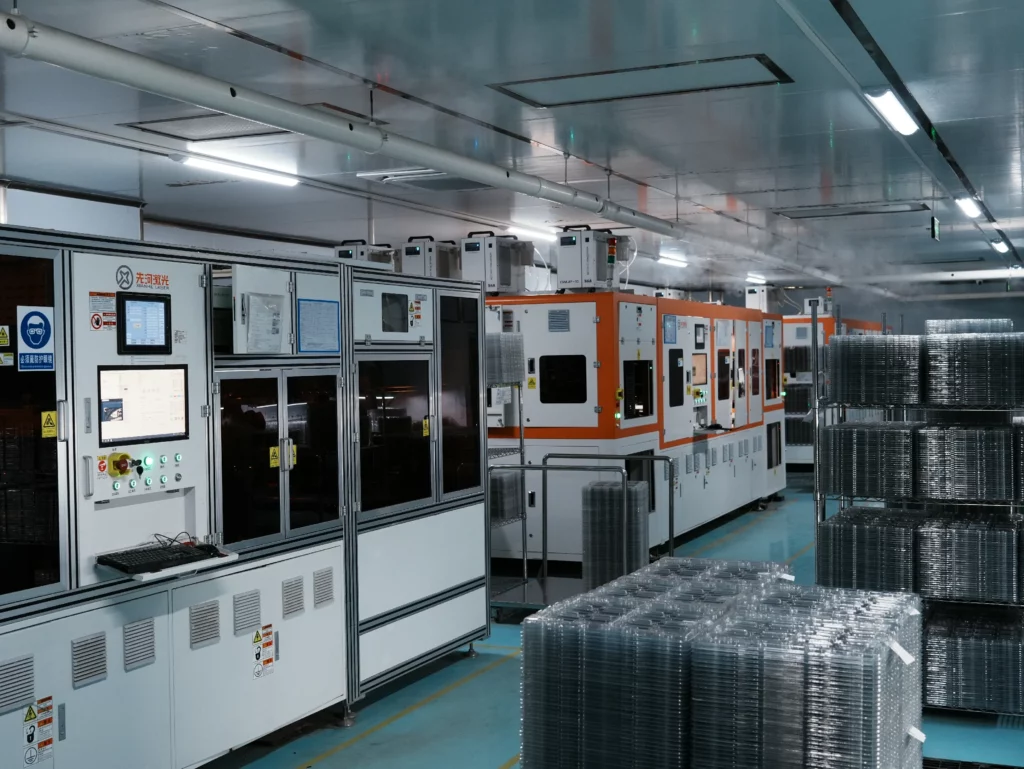
Vom Displaymodul zum kompletten System
RJY Display verbindet Displaytechnologie, Embedded Computing und Engineering, um OEM-Teams dabei zu unterstützen, ihr nächstes Produkt zum Leben zu erwecken.
Von Displays und Touchscreens bis hin zu Steuerungsplatinen, Software und Gehäusen bringen wir die Komponenten zusammen.
Individualisierung über Ihr gesamtes Produkt hinweg
Besprechen Sie Display-, Touch-, PCBA-, Gehäuse- und Softwareanforderungen mit unserem Team.
Definieren Sie Bildschirmgröße, Auflösung, Hintergrundbeleuchtung, Schnittstelle, FPC-Anschlüsse und optische Bonding-Verfahren für Ihre Anwendung.
- Größe und Auflösung
- Anforderungen an Hintergrundbeleuchtung und Betrachtungswinkel
- Display-Schnittstelle und FPC-Anschlüsse
- Optionen für optisches Bonding
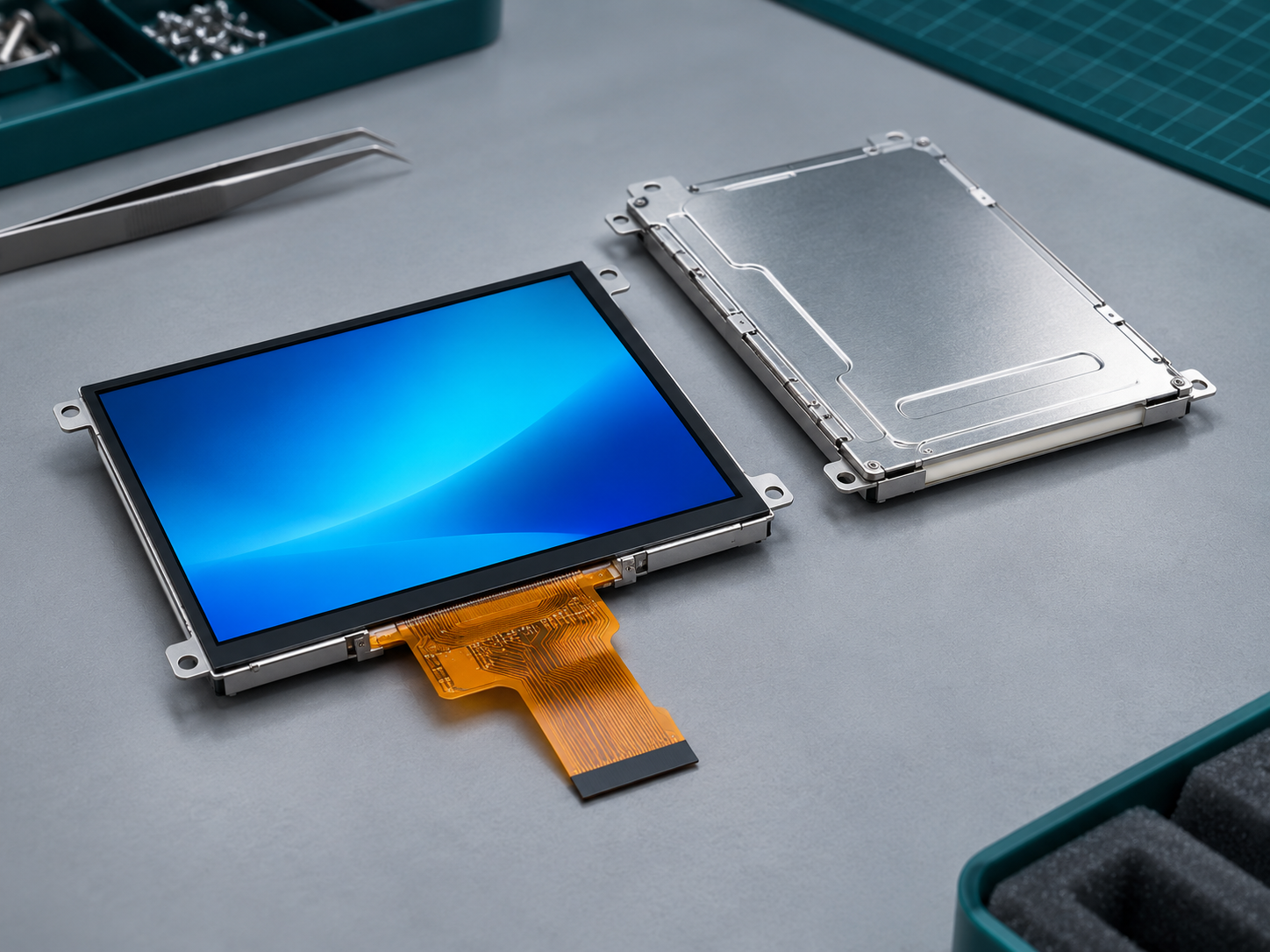
Konfiguration und Lieferung richten sich nach Ihren Projektanforderungen.
Besprechen Sie mit RJY eine auf Ihre Anwendung zugeschnittene Display-Lösung.
Displays für die Welt, die Sie gestalten
Entdecken Sie Display- und HMI-Anwendungen für industrielle, medizinische und vernetzte Produkte.
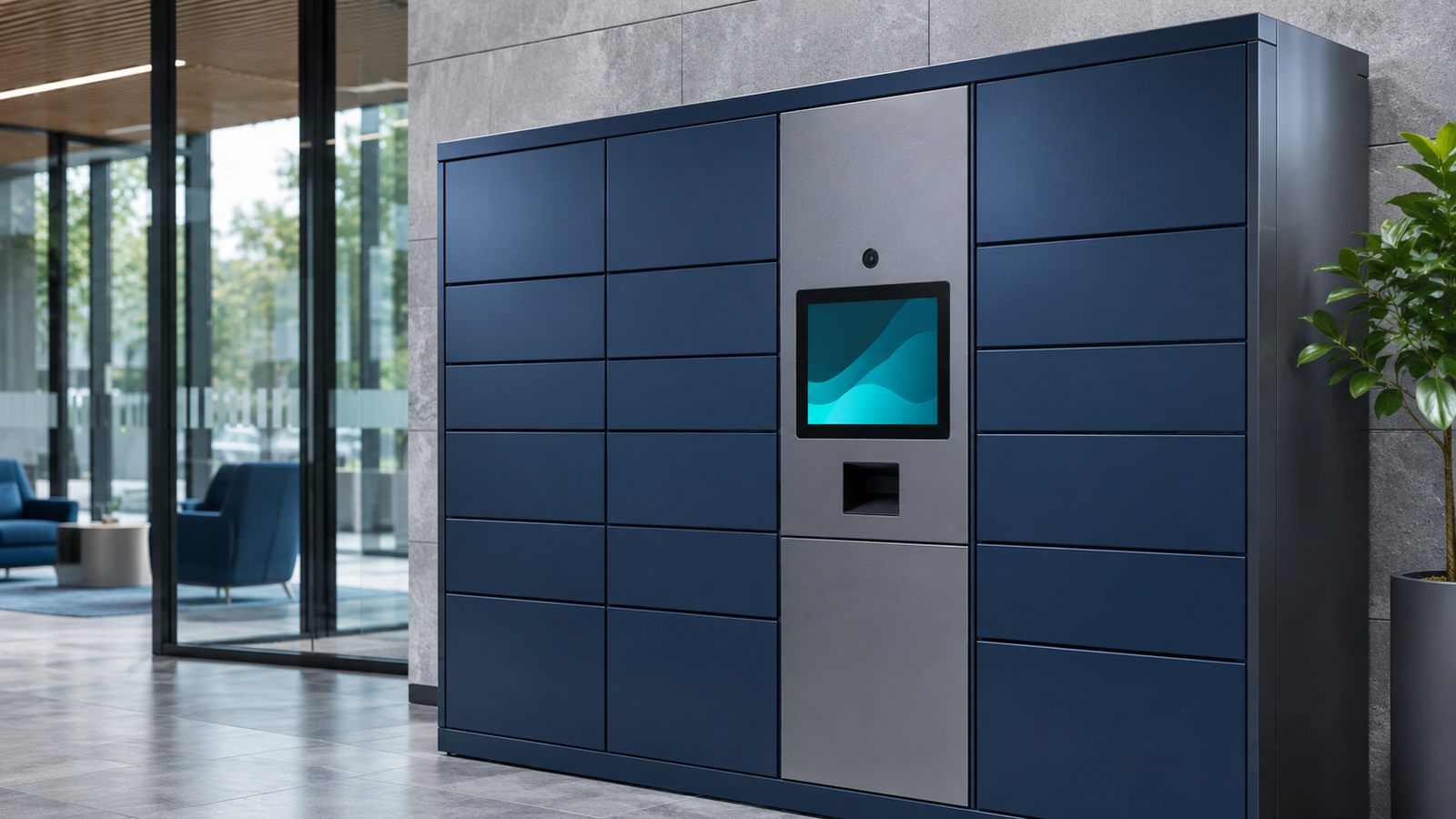

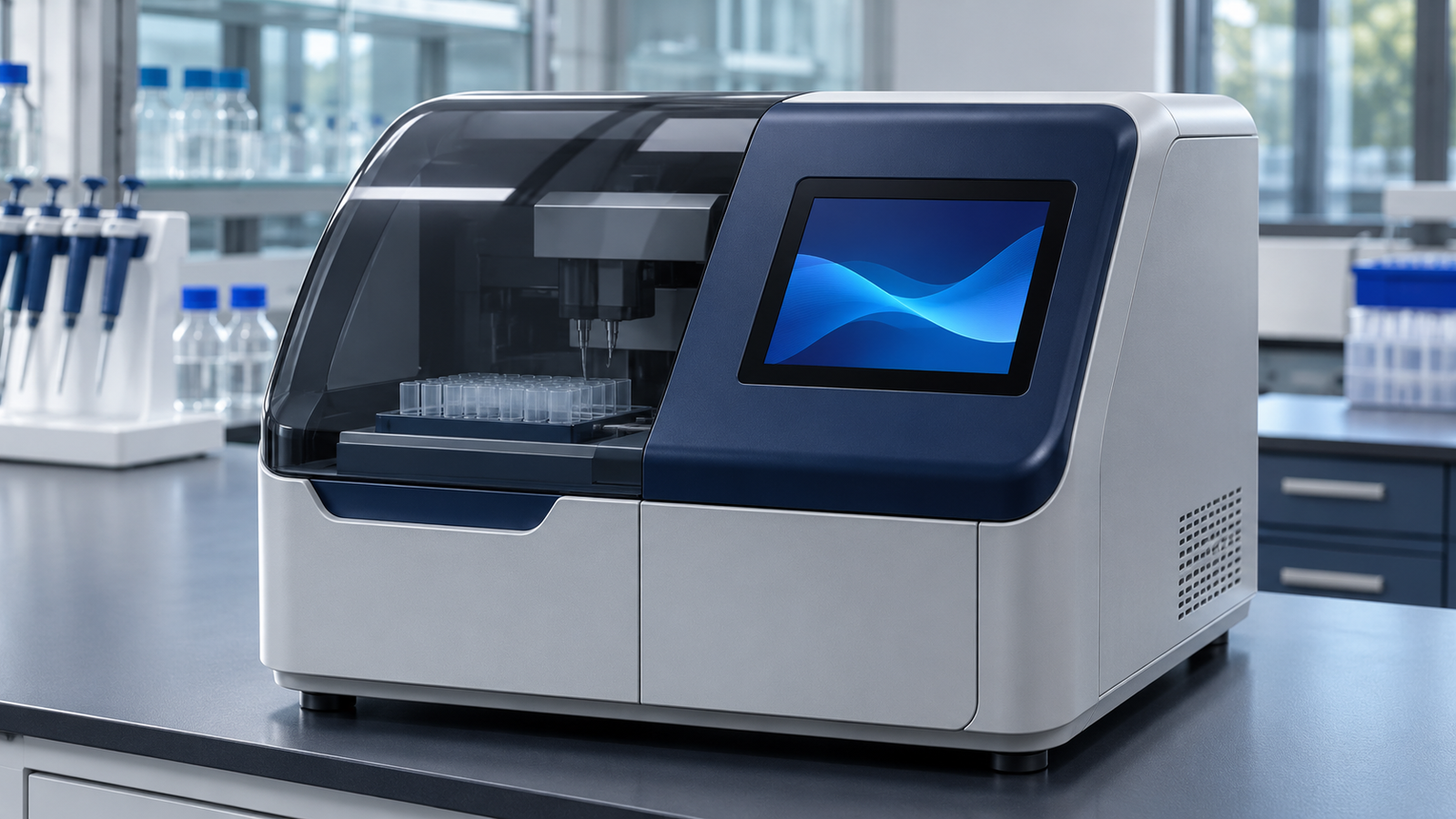
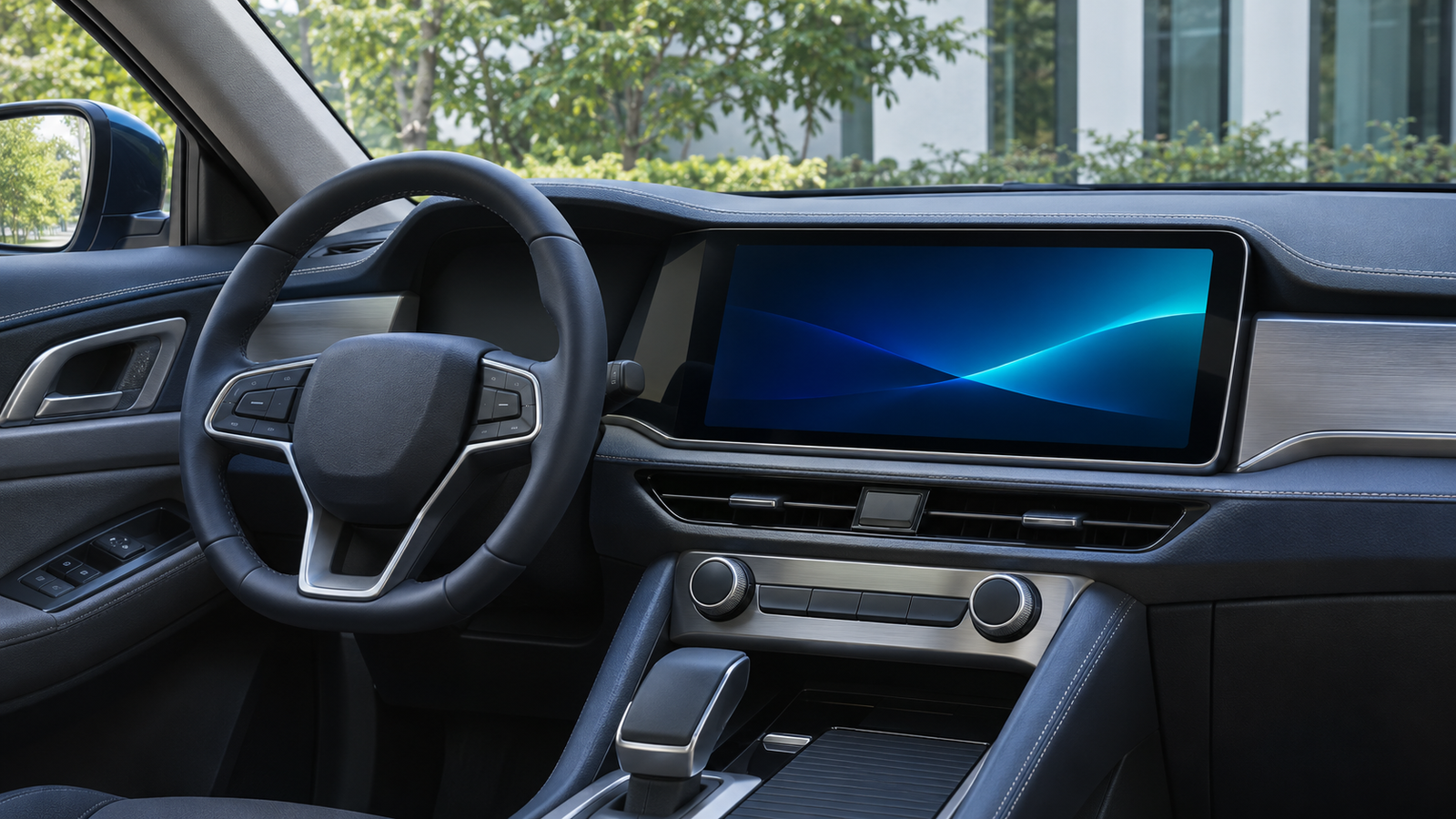
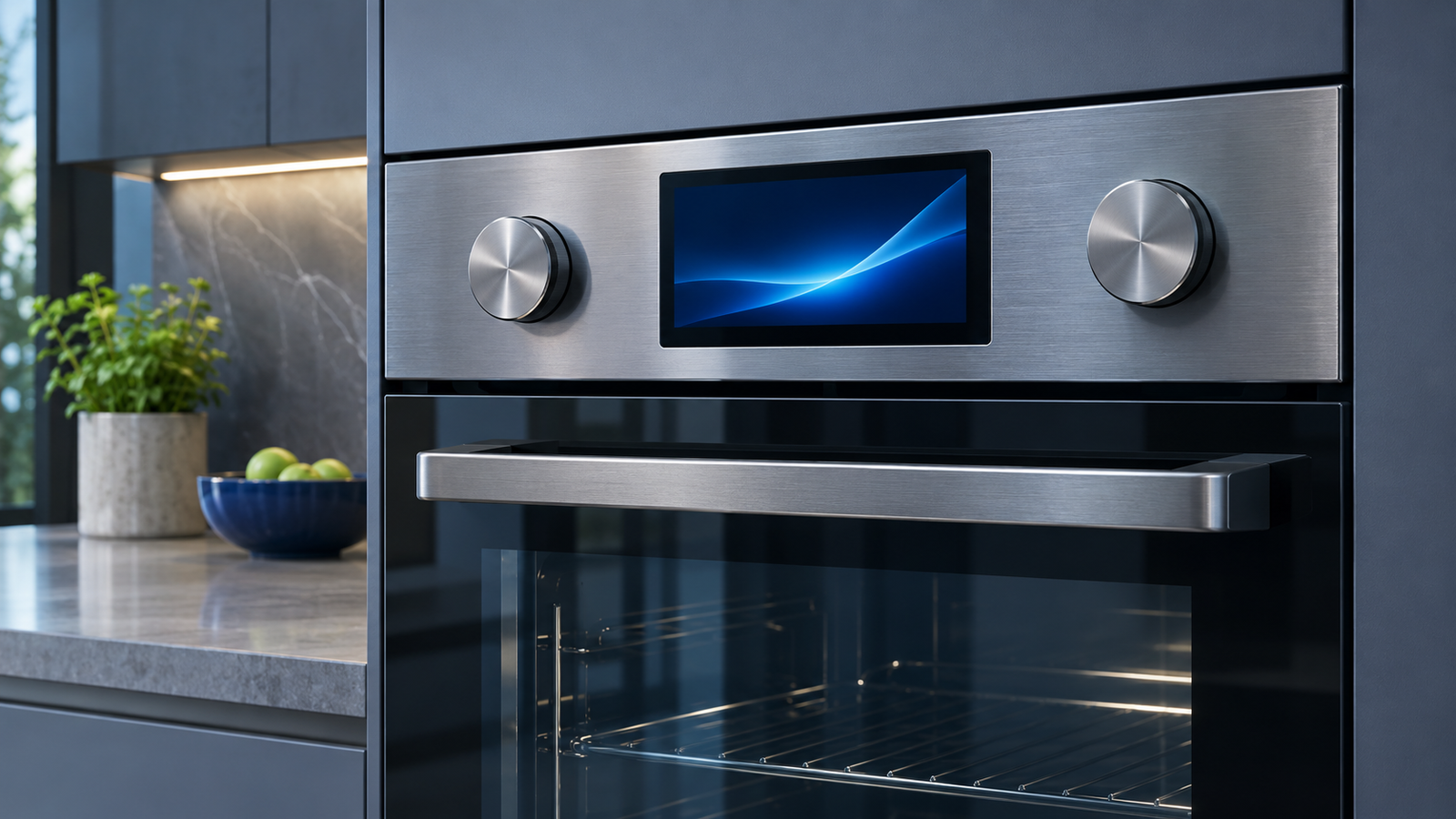
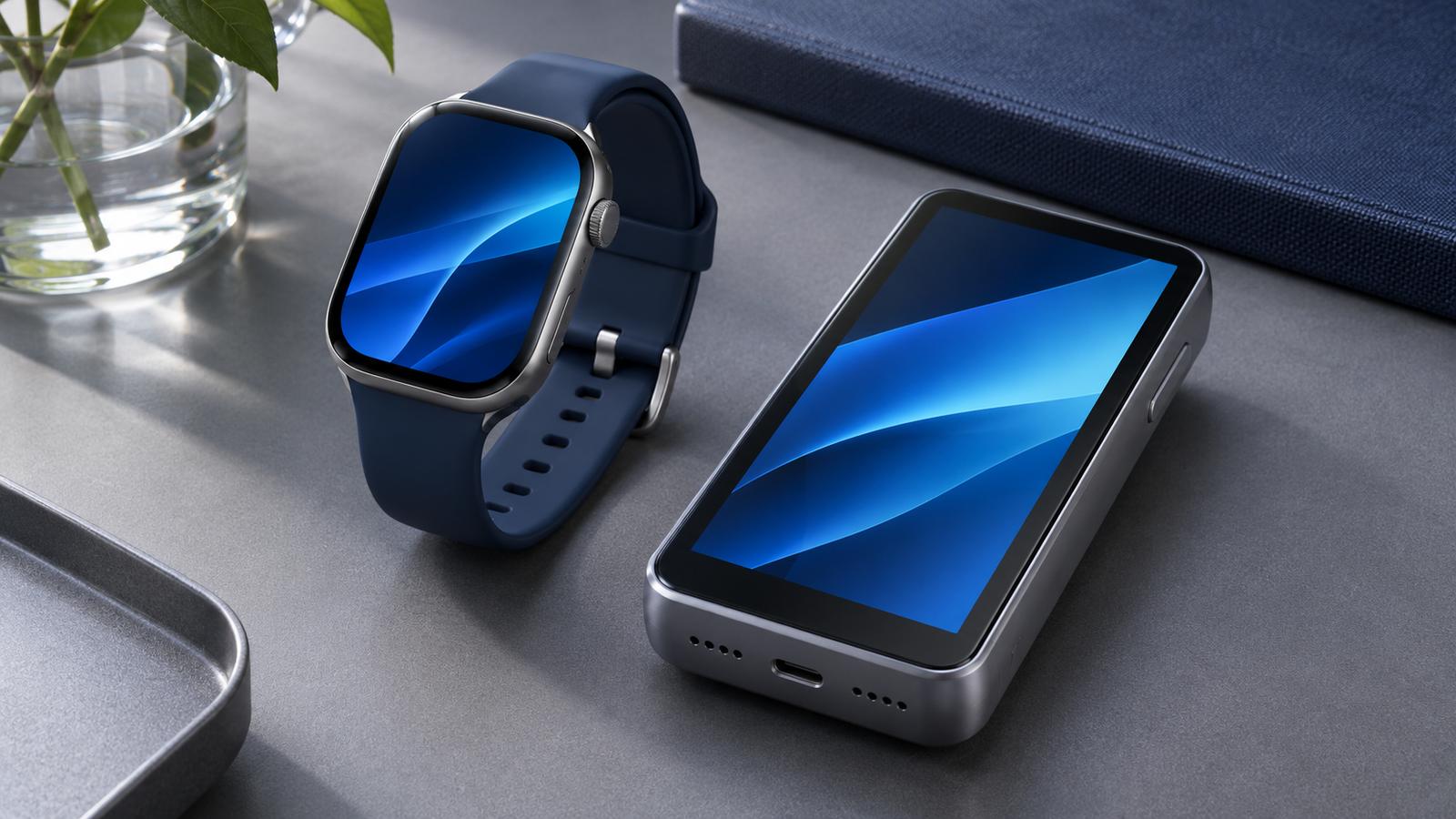
Jede Ebene, zusammenspielend
Von Displays und Touchscreens bis hin zu Steuerungsplatinen, Software und Gehäusen bringen wir die Komponenten zusammen.
Partners in display technology
Component selection is reviewed alongside integration, availability and production requirements.









Einblicke zu Displays und Embedded-Lösungen
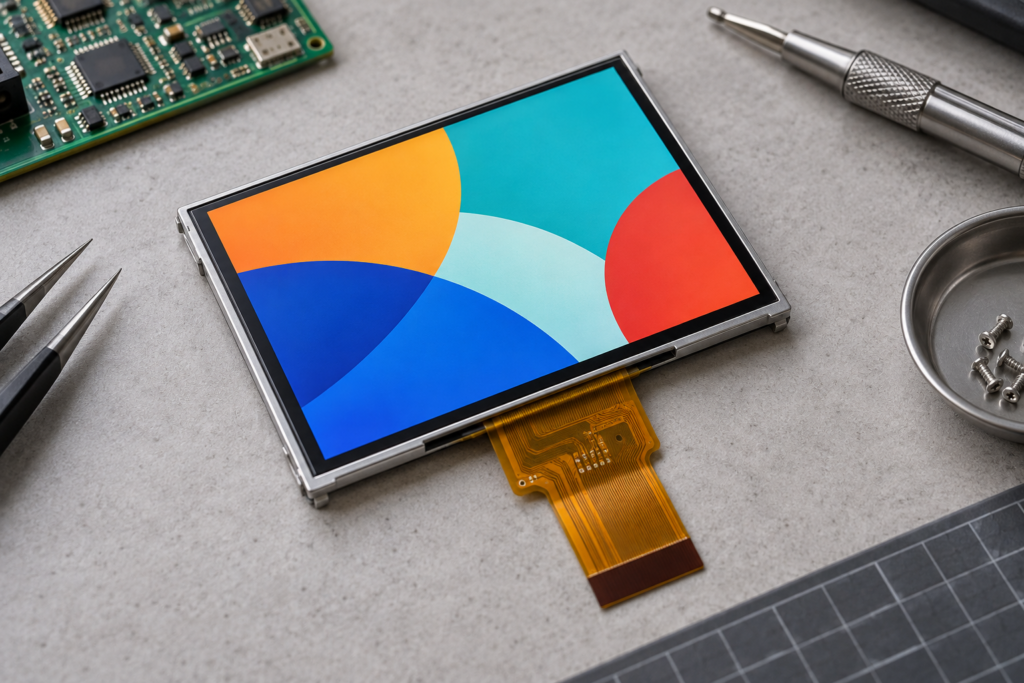
Flüssigkristallanzeigen (LCD): Funktionsweise, Typen und Auswahlleitfaden
Erfahren Sie, wie Flüssigkristallanzeigen funktionieren, vergleichen Sie LCD-Typen und wählen Sie ein Anzeigemodul für ein Embedded-Produkt aus und integrieren Sie es.
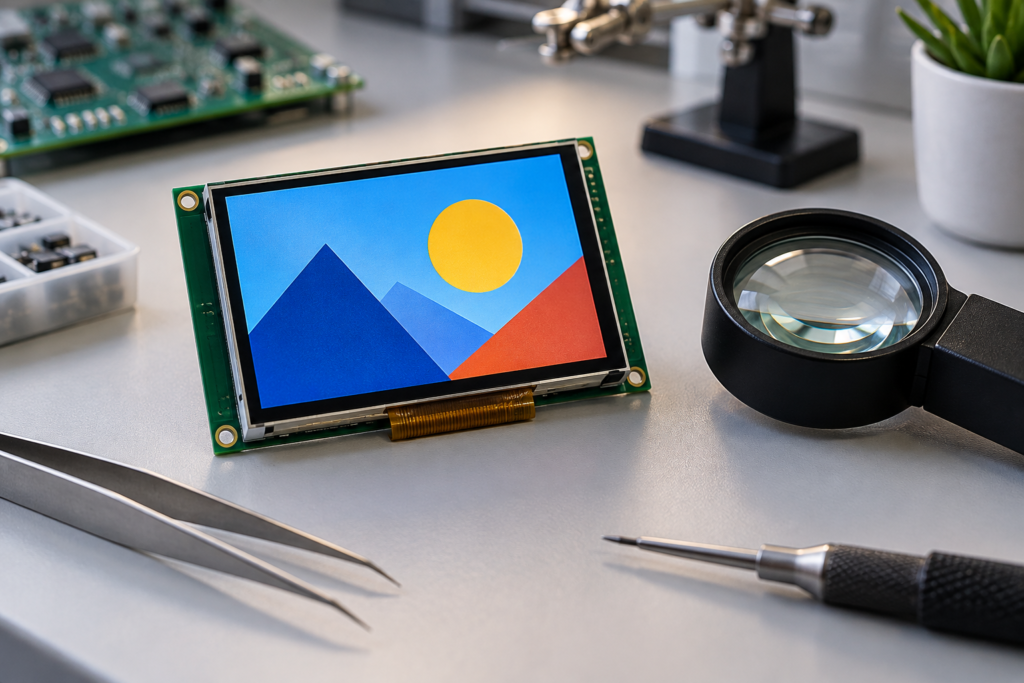
LCD-Auflösungsleitfaden: Pixel, Skalierung und die Auswahl der richtigen Anzeige
Verstehen Sie LCD-Auflösung, Pixeldichte, Skalierung und Systemanforderungen, um eine Anzeige für ein Embedded-Produkt auszuwählen.
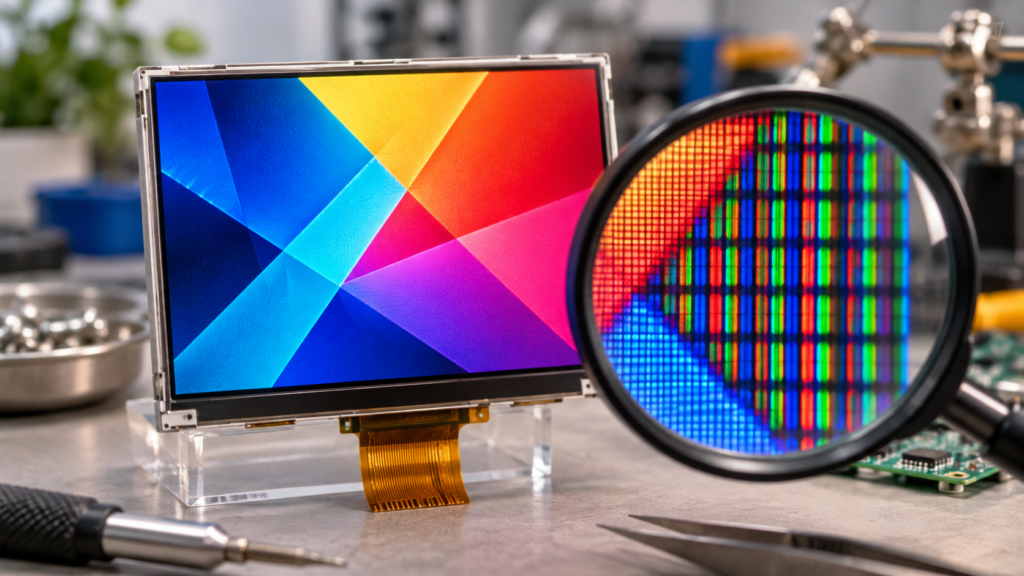
Wie die Pixel in einem LCD mit Strom versorgt werden
Erfahren Sie, wie TFT-LCD-Zeilen- und Spaltentreiber die Pixelspannungen einstellen, warum die Polarität invertiert wird und wie sich die Hintergrundbeleuchtung von der Pixelsteuerung unterscheidet.
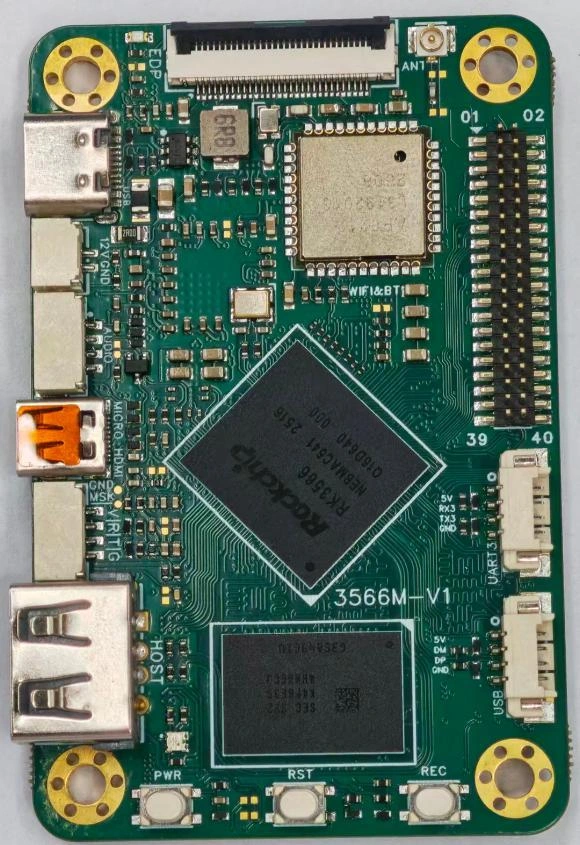
Von Standardmodulen zu kundenspezifischen Lösungen
Beginnen Sie mit einem Modul oder besprechen Sie eine kundenspezifische Lösung. Konfiguration und Preisgestaltung hängen von Ihrem Projekt ab.
Für Teams, die ein Displaymodul auswählen
- Display-Auswahl
- Schnittstellenanforderungen
- Touch-Optionen
- Integrationsbesprechung
- Projektprüfung
Für Produkte, die eine maßgeschneiderte Integration erfordern
- Display-Anpassung
- Touchscreen-Anpassung
- PCBA-Anpassung
- Software- und Komponentenintegration
- Gehäuseanpassung
Engineering your display solution
Practical questions for selecting, integrating and validating a display in your product.
Share the active area or diagonal, available installation space, resolution, orientation, target viewing distance and expected ambient light. Include the host processor or board, available display interface, power rails, touch needs, operating environment and expected production volume. A mechanical drawing, target schedule and sample application images also help narrow the options. Confirm requirements against the current datasheet for the selected module.
Compare the host output with the panel interface and configuration: connector pinout, lane or channel count, signal voltage, data format, resolution, refresh rate and required initialization sequence. Review horizontal and vertical timing, pixel or link clock limits, and host software or display-driver support. Sharing an interface name such as MIPI or LVDS alone does not establish compatibility. A bridge board may be considered after both sides and its supported configurations have been reviewed.
Describe the highest ambient light, viewing angle, cover window, expected viewing distance and desired readability. Evaluate luminance together with reflections, contrast, optical bonding and thermal limits; a high cd/m² figure alone does not guarantee sunlight readability. Check the backlight LED string configuration, forward-voltage range, rated current, driver capability and dimming method in the module documentation. Measure the assembled product under representative lighting and temperature conditions.
Identify whether the application needs capacitive or resistive touch, the cover material and thickness, target touch area, gestures, and expected use with gloves or moisture. Check the touch controller host interface, power supply, reset and interrupt signals, firmware support and connector pinout. Display and touch interfaces require separate integration checks. Validate sensitivity and false touches on the assembled device, including its enclosure, grounding and power supply.
Review the module outline, active and viewing areas, thickness, mounting points, cover-glass dimensions, clearance and allowable tolerances against the latest drawing. Verify connector type, pitch, pinout, mating direction and FPC routing and bend requirements. Keep mechanical loads away from the glass and connector, and check assembly clearances with the actual enclosure. Request a drawing or 3D file if available for the specific configuration.
Provide the intended operating and storage temperature, humidity, exposure to liquids or dust, expected vibration or shock, and product lifetime target. Distinguish the display module ratings from those of the finished enclosure; protection against water, dust or vibration must be evaluated at system level. Agree on test conditions and acceptance criteria for the selected configuration, including performance after thermal exposure and in the intended operating environment.
Check power-up and shutdown sequencing, image orientation, color format, timing, flicker and brightness control. Exercise touch across the full active area and verify behavior with the actual cover, enclosure and cables. Evaluate thermal conditions, EMI-sensitive operation, mechanical fit and any required environmental tests in the target product. Record test conditions, module revision and results so issues can be reproduced and reviewed before design release.
Send the host-board model or processor, interface specifications, target dimensions, application and environment, annual volume estimate and project timeline. Ask for the current datasheet, pinout, timing and initialization information, mechanical drawing and touch-controller details as applicable. Availability of samples, CAD files, test reports and customization options depends on the specific product and project; confirm these with the RJY team.