
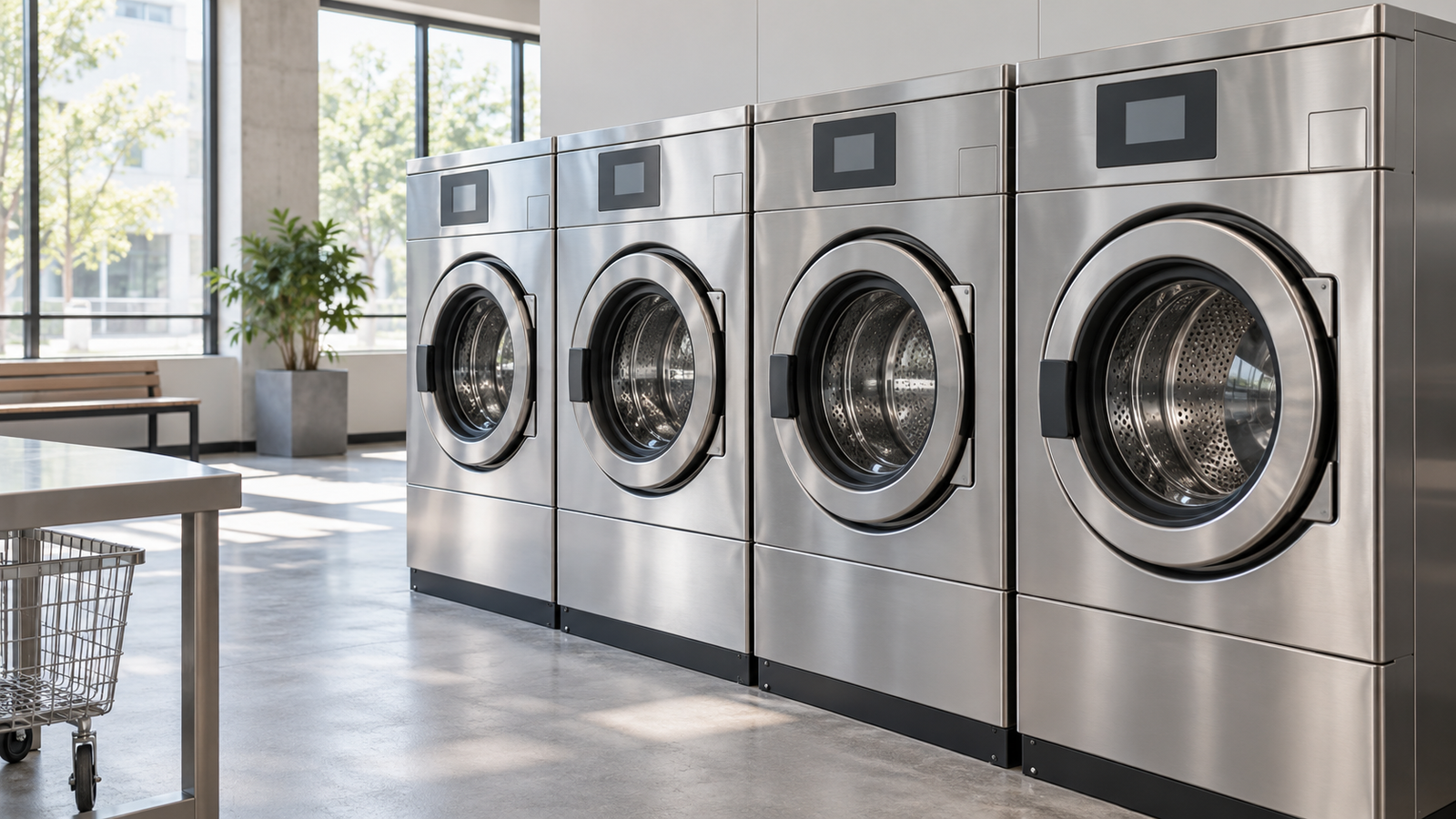
A customer pays for a wash on a phone, closes the machine door, and waits. The phone confirms payment, but the washer has not started. At that moment, the most valuable feature on the machine is a clear explanation of what must happen next.
This is the commercial laundry display opportunity in practical terms. Payment, program selection, machine operation, and customer assistance can now span several devices. The machine’s human-machine interface (HMI) must make those steps coherent. A larger screen is useful when it improves that workflow enough to justify its development and operating costs.
For OEMs serving laundromats, shared laundry rooms, and on-premises laundries, the strongest display projects start with the operator’s problem: confusing instructions, inconsistent controls, slow fault diagnosis, or an interface that costs too much to maintain. This outlook examines those opportunities in the context of North American and European equipment decisions, while keeping domestic appliances outside its scope.
Evidence boundary: Public manufacturer announcements and product information illustrate equipment and interface strategies. They do not establish industry-wide adoption rates, regional market shares, or the size of the commercial laundry display market. The opportunity assessment below is qualitative analysis, not a shipment forecast.
1. Equipment Renewal Creates Several Types of Display Demand
New machine platforms create a natural point to reconsider the interface. Electrolux Professional Group’s 2025 annual-report commentary described a new modular laundry platform planned for launch in 2026, with connectivity among its development priorities.[1] That statement documents one manufacturer’s platform strategy. It does not quantify the number or value of displays in the platform, or demonstrate its deployment across the market.
For a display supplier, the distinction matters. A platform redesign can allow changes to panel dimensions, controls, software, and mechanical integration. A replacement display for an existing machine usually has much less freedom: the mounting, connector, electrical requirements, and software expectations may already be fixed.
A third opportunity is a selective upgrade within an existing equipment family. An OEM might introduce a different front panel for self-service use while retaining a shared machine platform. The display project then depends on how much hardware and software can remain common across variants.
These are separate demand routes. Equipment revenue, laundry transactions, and installed machine counts cannot be converted directly into display orders. A credible supplier pipeline needs identified equipment programs, expected production quantities, interface configurations, and replacement requirements.
2. The User Changes the Interface Requirement
A commercial washer can serve a first-time laundromat customer or a trained employee who uses the same programs every day. Those users need different levels of explanation. Designing one interface for both can add complexity without improving either workflow.
| Operating setting | Primary interface task | Commercial question |
|---|---|---|
| Self-service laundromat | Explain program, price, payment, start conditions, and progress | Can customers complete a cycle setup with fewer requests for assistance? |
| Shared residential or campus laundry | Identify the correct machine and clarify availability and cycle state | Does the local interface remain clear when payment or notifications use a separate service? |
| Hotel or other on-premises laundry | Help trained staff select approved programs and respond to exceptions | Does the interface reduce selection errors and training effort? |
| Service and maintenance | Present fault context and support controlled diagnosis | Can technicians identify the next action without unnecessary disassembly or repeat visits? |
The table describes design priorities rather than measured market demand. An OEM should validate them with the operator and intended users. A hotel’s internal laundry, for example, may need quick access to a small set of programs more than a large customer-facing catalog.
This segmentation also changes the sales conversation. A laundromat operator may evaluate purchase completion and assistance calls. An internal laundry manager may focus on training, consistent program selection, and service continuity. The same display feature needs a different business case in each setting.
3. Mobile Payment Gives the Machine Screen a More Focused Role
Alliance Laundry Systems announced Scan-Pay-Wash in 2025. Its public release describes scanning a machine-mounted QR code, paying with a card or mobile payment method, and starting the machine without first downloading an app. The release identified availability for Gold Tier Speed Queen Insights and Huebsch Command customers at that time.[2]
This is an example of payment moving to a customer’s phone within a supported commercial system. It is not proof that mobile payment will replace every card reader, payment kiosk, or coin mechanism.
The design implication is that the machine screen needs a clear responsibility even when it does not handle payment. Useful local information can include the selected program, any remaining start conditions, operating status, and instructions when the cycle cannot proceed. The application must derive those messages from actual machine and transaction states.
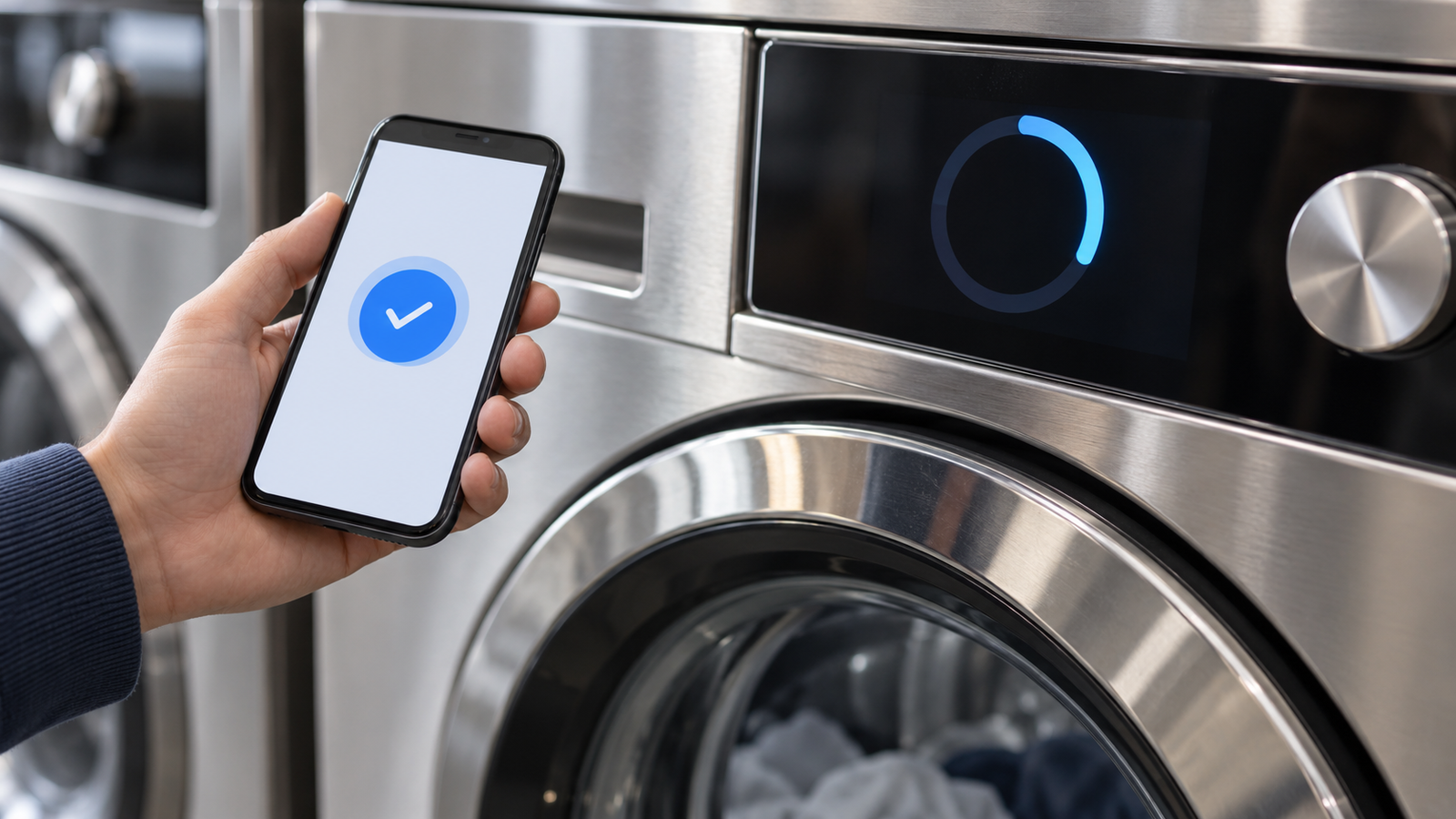
Consider a payment authorization that arrives before the door is secured. The phone and washer need consistent instructions. A generic “ready” message on one device and an unexplained delay on the other can create uncertainty. A bigger LCD will not solve that inconsistency unless the software and machine controller exchange the necessary status.
OEMs should also define behavior when connectivity fails. Which functions remain available? Which transactions must wait? What should the customer do after a timeout? These decisions belong to the complete equipment and payment architecture. The display module presents the outcome; it does not provide the transaction logic.
4. Touchscreens, Knobs, and Hybrid Controls Can Coexist
Commercial laundry products already illustrate more than one control approach. Electrolux Professional’s Line 6000 materials present ClarusVibe and CompassPro as alternative control systems, with touchscreen and more traditional control approaches represented in the range.[3] Their coexistence is useful evidence against assuming that every new equipment design must converge on the same interface.
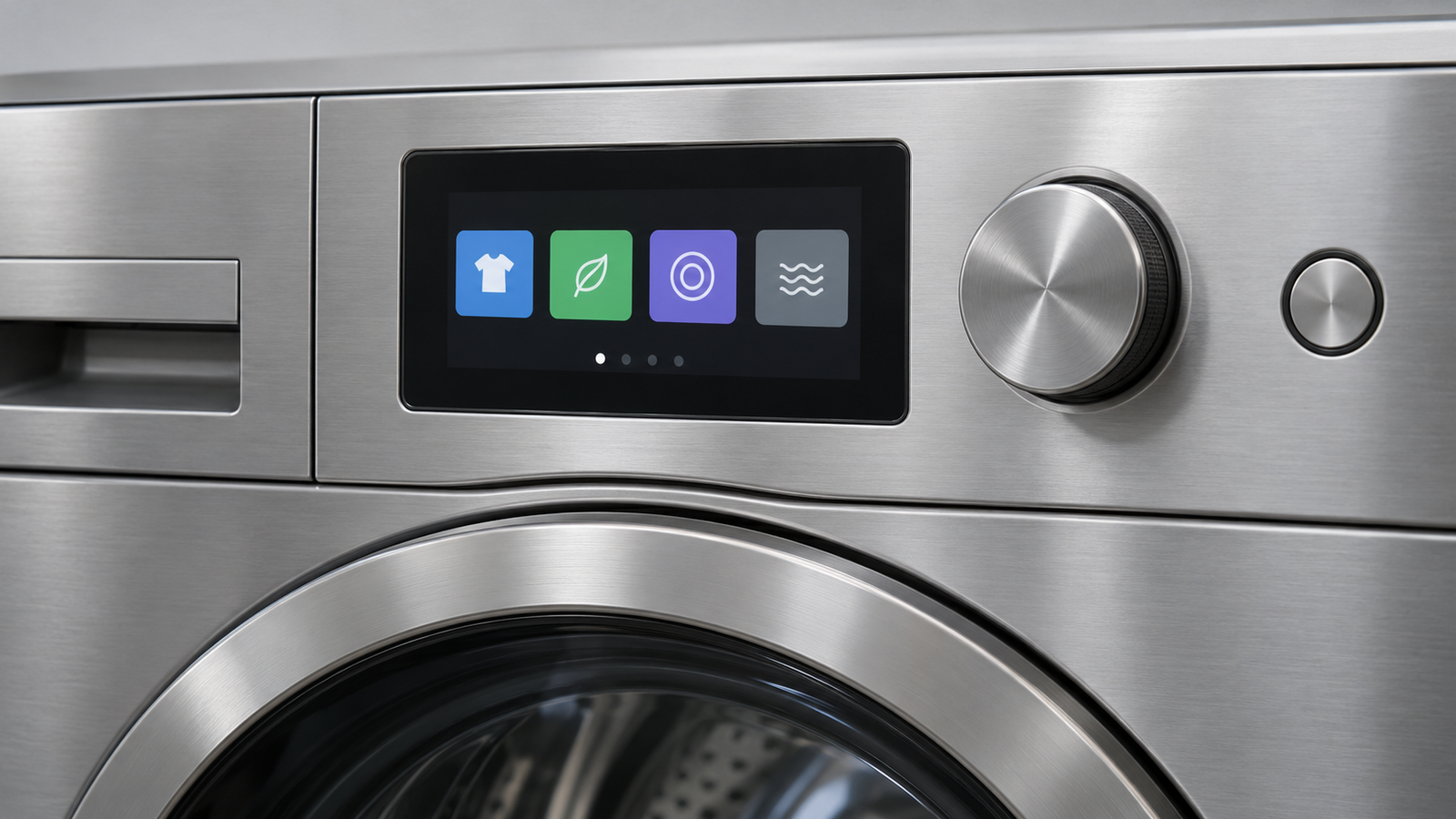
A touchscreen can help when the program structure, guidance, or language selection needs a flexible layout. A rotary control and smaller display may be suitable when users choose from a short, stable list. Hybrid designs can combine a screen’s explanations with physical controls for frequently used actions.
The important comparison is task completion. Test whether users can identify a suitable program, understand the next step, and recognize a fault. Compare the alternatives with the same tasks and installation conditions. Visual appeal alone is a weak basis for choosing a more complex control architecture.
Software ownership also affects the economics. Electrolux Professional documents a PC-based Laundry Program Manager for supported control systems.[4] This illustrates how the operating interface can sit within a broader program-management environment. A standalone TFT module does not include that environment, and controller firmware adaptation is distinct from developing the washer’s application interface.
5. Cleaning and Service Conditions Shape the Purchase
A front panel that works well on a bench still needs validation in the machine. Laundry installations can expose the assembly to cleaning products, moisture, vibration, electrical disturbances, and changing ambient conditions. The actual exposure depends on the equipment and location; it should be specified rather than assumed.
Validate the complete front assembly
Review the proposed cover glass, bezel, seals, adhesives where used, and cleaning procedure together. A display component’s rating does not establish the protection or chemical resistance of the assembled control panel. Ask which cleaning agents, concentrations, application methods, and contact times the finished product must tolerate.
Touch behavior also needs testing in representative conditions, including any wet-hand or glove use required by the project. Do not infer those capabilities from the phrase “capacitive touchscreen.” The touch sensor, controller, tuning, front glass, grounding, and installation all influence the result.
Design for field replacement
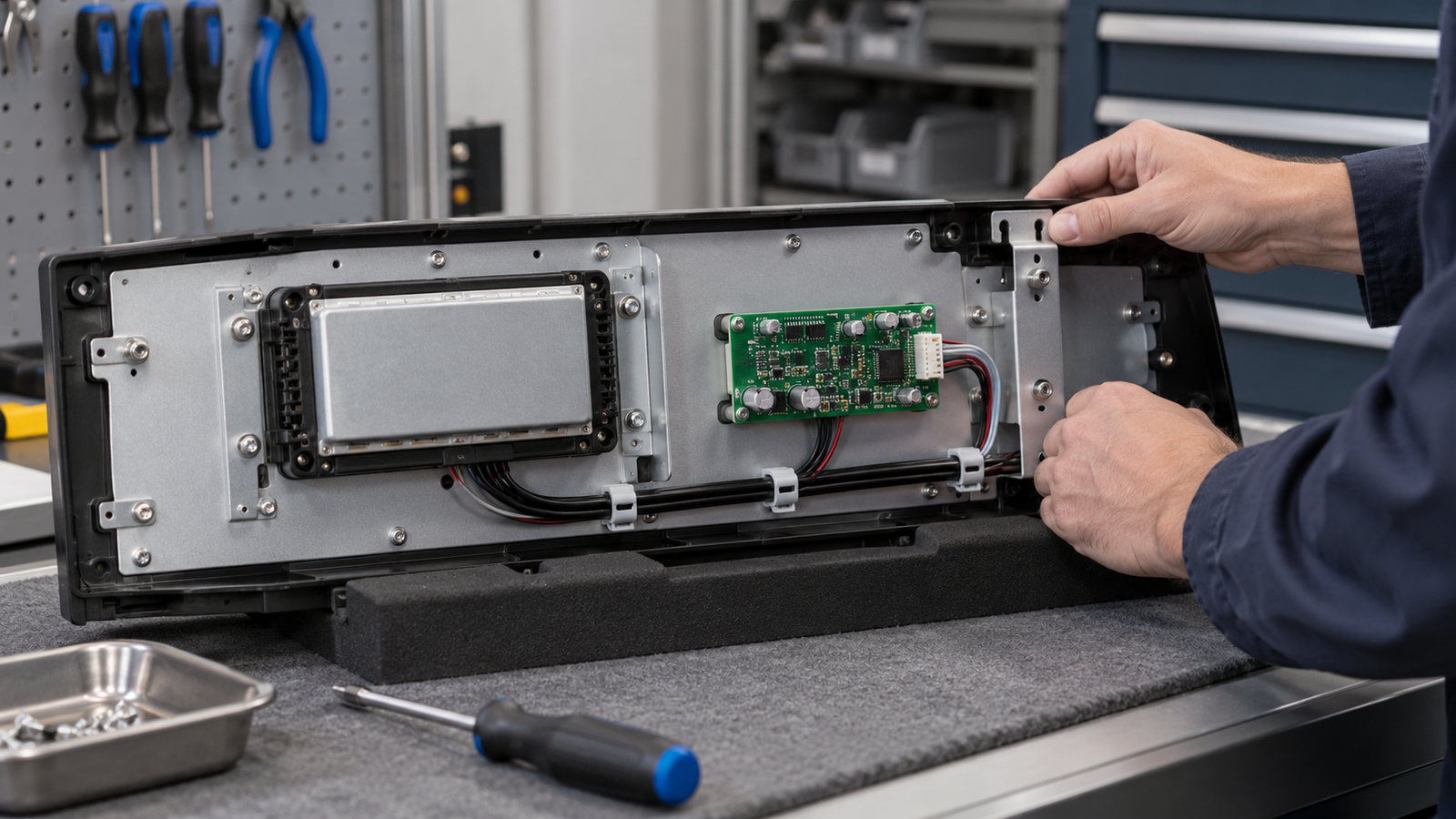
Review the service route before finalizing the front panel. Can the display assembly be reached without removing unrelated parts? Are connectors accessible and retained appropriately? Can a technician replace the unit and restore its configuration using a defined procedure?
The lowest module price may not produce the lowest lifecycle cost. Additional service labor, unavailable replacement parts, or difficult software recovery can offset the initial saving. Procurement should compare the installed and supported solution over its intended service period.
6. Where Display Suppliers Can Add Value
The most useful customization starts with an existing module and a defined equipment requirement. A suitable panel may already meet the active-area and resolution needs, while the front glass, backlight, touch arrangement, or mounting needs adaptation.
RJY Display supports project-specific customization based mainly on existing display modules, including cover glass, backlight, touch, interface, FPC, controller board, firmware, and mechanical coordination. Feasibility depends on the selected module and the complete project. A different front-panel opening does not automatically require, or justify a promise of, a newly developed LCD panel size.
For laundry equipment, a supplier can help review module fit, routing space, front-panel integration, and controller compatibility. The OEM must still define the machine-control and payment architecture. Display adaptation should not be presented as a replacement for appliance control development or equipment-level validation.
Compatibility review needs the panel model, interface, pin definition, timing, supply requirements, and backlight conditions. Touch introduces its own connection and driver requirements. Firmware work depends on the controller and system requirements; a matching connector or interface name is insufficient evidence of compatibility.
RJY’s IoT display application page provides broader context for connected equipment. A laundry project should then proceed with its own drawings, operating conditions, and verification plan rather than inherit claims from another application.
7. An OEM Framework for Selecting the Right Upgrade
Before allocating a display budget, identify a measurable operating problem. “Modernize the panel” is too broad to guide engineering. “Help first-time users recognize why a paid cycle has not started” gives the team a specific task to solve and test.
- Define the equipment segment and user. Separate customer-operated machines from staff-operated laundry equipment and technician workflows.
- Assign responsibilities. Map program selection, payment, start authorization, cycle status, and fault recovery across the machine, phone, and any shared terminal.
- Compare control options. Test a touchscreen, physical controls, and a hybrid approach against the required tasks before fixing size or resolution.
- Validate the assembly. Check optical readability, touch response, mechanical retention, electrical operation, and cleaning exposure in a representative machine.
- Evaluate lifecycle cost. Include engineering, software maintenance, installation, spares, replacement labor, and configuration recovery.
- Pilot with operating measures. Track assistance requests, setup completion, selection errors, and service effort. Record other changes that could affect the results.
A pilot can support a business case, but it needs suitable comparisons. Changes in pricing, location traffic, equipment availability, or customer mix can affect usage independently of the interface. Treat a reduction in assistance calls as a result to investigate, not automatic proof that the screen alone caused it.
The market opportunity for commercial laundry displays is therefore best assessed through equipment programs and operating needs. Connected payment and platform renewal create reasons to reconsider the HMI. They create a viable display project when the interface has a defined role, the assembly can be supported, and the operator can justify the total cost.
8. Frequently Asked Questions
Does mobile payment eliminate the need for a commercial washer display?
No. The machine may still need to show program selection, start conditions, cycle status, and fault instructions. The appropriate display depends on how those tasks are divided among the machine, phone, and payment system.
Does every commercial laundry machine need a touchscreen?
No. A touchscreen can support flexible guidance and program navigation, while a knob with a smaller display or a hybrid interface may suit simpler workflows. Compare the options using actual user tasks and service requirements.
Can equipment sales be used to estimate laundry display shipments directly?
No. Display demand depends on the equipment configuration, production programs, replacement requirements, and redesign activity. Manufacturer revenue or payment activity alone does not establish display shipment volume.
What should an OEM verify for a laundry touchscreen assembly?
Verify readability, touch behavior, panel and controller compatibility, mechanical fit, electrical operation, cleaning exposure, environmental requirements, and field replacement procedures in a representative machine assembly.
What information does RJY Display need to review a laundry display project?
Provide the existing panel model or target size, resolution, interface, cabinet drawing, touch requirements, operating and cleaning conditions, host system details, expected demand, and development schedule.
Discuss Your Laundry Display Requirements
Start with the equipment workflow and front-panel constraints. Share the current panel datasheet or cabinet drawing, explain which tasks the display must perform, and identify the host and touch requirements. Discuss your connected equipment display project with RJY Display to review a suitable existing module and project-specific adaptation scope.
References
- Electrolux Professional Group. CEO Comment — Annual Report 2025. Manufacturer commentary describing a modular laundry platform planned for 2026.
- Alliance Laundry Systems. Alliance Introduces New Cashless Payment Option. Release dated August 27, 2025; web page dated September 4, 2025. Availability statement applies to the supported customers identified in that announcement.
- Electrolux Professional. Line 6000 Washers and Dryers brochure. Manufacturer material describing ClarusVibe and CompassPro control options.
- Electrolux Professional. Management Systems and Software. Manufacturer description of program-management tools for supported equipment.