
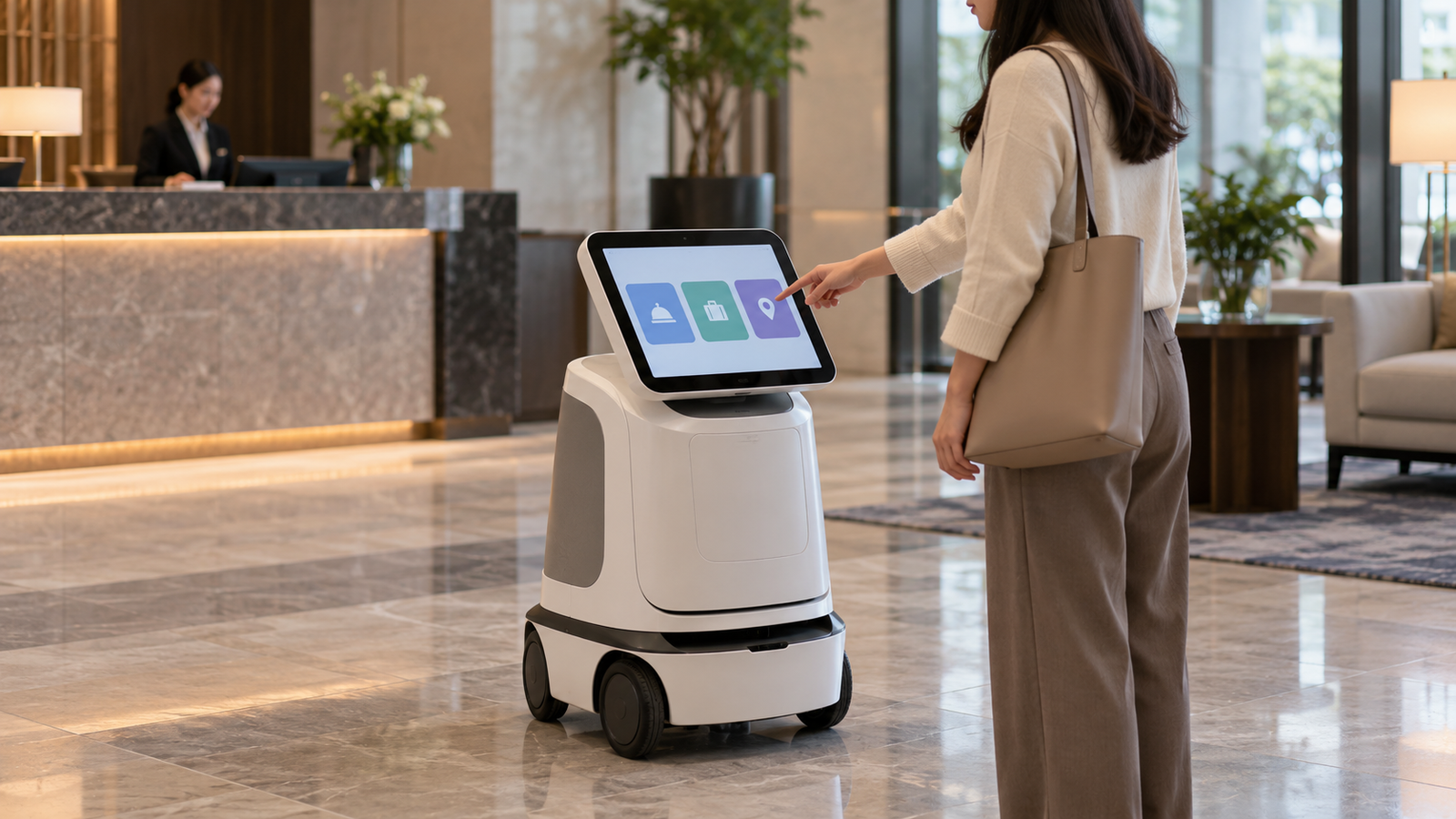
A delivery robot, a public information robot, and a floor-cleaning robot can all operate in the same hotel. Their display requirements can be entirely different. One may need a guest-facing handoff screen, another a menu for visitors, and the third a compact interface used mainly by employees.
That difference defines the opportunity for display suppliers. Robot deployment can expand while screen demand moves toward smaller modules, shared consoles, or particular product tiers. A market assessment therefore needs to connect robot tasks with interface architecture.
The useful question is where an onboard display earns its place in the operating workflow. This article examines that question for professional service robots. Published industry observations provide the context; segment comparisons and procurement recommendations are qualitative analysis. No global display revenue, screen attachment rate, or display-market CAGR is asserted.
1. Service Robot Growth Does Not Translate Directly into Screen Demand
In its September 30, 2026 release, the International Federation of Robotics reports that professional service robot shipments approached 250,000 units in 2025, up 24%. Transportation and logistics accounted for 117,500 units, or 47% of the reported total. Hospitality ranked second and professional cleaning third.[1]
| Industry observation | Scope | Interpretation for display planning |
|---|---|---|
| Almost 250,000 professional service robots shipped | IFR-reported units for 2025 | Robot activity, not display shipments. |
| 24% growth | Reported professional service robot shipments versus the previous year | Not a growth rate for robot displays. |
| 117,500 transportation and logistics robots | 2025 application-category sales | A large category with diverse interface needs. |
The IFR release distinguishes professional, consumer, and medical robotics. Its hospitality discussion includes guidance, public information, and telepresence, so that category should not be treated as a count of restaurant delivery machines.[1] Keep those boundaries when discussing target customers.
IFR’s published 2025 methods document describes supplier survey and research inputs. It is useful background on the statistical approach, but it does not establish the participant count or methodology details for the 2026 edition.[2] This article uses the newer release as reported and does not construct a historical series by subtracting figures from different editions.
For display forecasting, start with the customer’s robot platform. Establish whether its production configuration has an onboard screen, how many assemblies it uses, and whether those assemblies are shared across models. Then distinguish new production, service spares, and validated replacement demand.
A robot can use no rich onboard screen, one functional HMI, or separate customer and service displays. Even a confirmed robot order does not identify which of those arrangements is being purchased. Infrastructure-level enthusiasm is therefore weaker evidence than a released product configuration.
2. Which Robot Applications Need an Onboard Display?
The following comparison is a task-based framework, not a measured ranking of display-market shares. Each segment needs validation with the OEM and its operating customers.
| Application | Potential onboard display task | Alternative to examine |
|---|---|---|
| Public guidance and information | Present choices, directions, language selection, or service prompts. | Voice, a nearby kiosk, or a mobile interface. |
| Hotel delivery | Explain arrival, item collection, and handoff exceptions. | Phone notification, staff assistance, or simple local indicators. |
| Restaurant service | Show destination, collection instructions, or staff actions. | A staff terminal with limited robot-side status. |
| Professional cleaning | Support setup, task selection, local exceptions, and service. | Fleet console or service tool. |
| Transport and logistics | Identify assignments, explain handoff, or help technicians recover a stopped unit. | Warehouse systems, scanners, and centralized controls. |
Public interaction can justify a richer local interface
When users are unfamiliar with the machine, a local screen can make options and next steps visible. The commercial case should identify which task becomes easier and what happens when the user cannot complete it.
For example, an information robot may need a readable set of choices. A delivery robot may need only a brief handoff instruction. Those tasks should not inherit the same screen size or touch configuration simply because both products move through public spaces.
Employee-operated robots have a different purchasing logic
A cleaning robot may serve trained employees who operate several units. Its interface can emphasize setup and recovery rather than customer presentation. A supplier should determine how often those employees need to stand beside the robot and which actions must remain locally available.
A centralized workflow can reduce some onboard interaction while leaving a need for clear local fault information. The opportunity may become a compact, maintainable display instead of a larger presentation screen.
Transport volume is not proof of high screen value
A logistics robot working within a managed process can receive assignments remotely. Its onboard HMI may support identification and service rather than frequent operator input. Compare that arrangement with robots that require a person to confirm a handoff at each destination.
The segment assessment should follow these differences. A smaller population of robots with recurring public interaction can be a more relevant target for a particular display assembly than a larger category with limited local input.
3. Customer Interaction and Technician Interfaces Are Different Markets
An OEM should distinguish who looks at the screen and why. Combining customer and service functions can save hardware, but it also creates access, layout, and software requirements.
| Interface user | Primary job | Decision-relevant requirements |
|---|---|---|
| Customer or visitor | Understand choices and complete a short interaction. | Viewing position, clear targets, language, and confirmation. |
| Operating employee | Assign tasks and handle routine exceptions. | Fast access, consistent workflow, and appropriate permissions. |
| Technician | Inspect faults, configure, and service the unit. | Diagnostic information, version visibility, and service access. |
A customer-facing interface can contribute to product differentiation, but that is a hypothesis to test. Ask whether users understand it without staff coaching and whether it presents an unambiguous result after an action.
A technician interface should be judged by the service workflow. Useful information can include the current fault state and the configuration needed to investigate it. A screen that displays an error without a meaningful next step may add little service value.
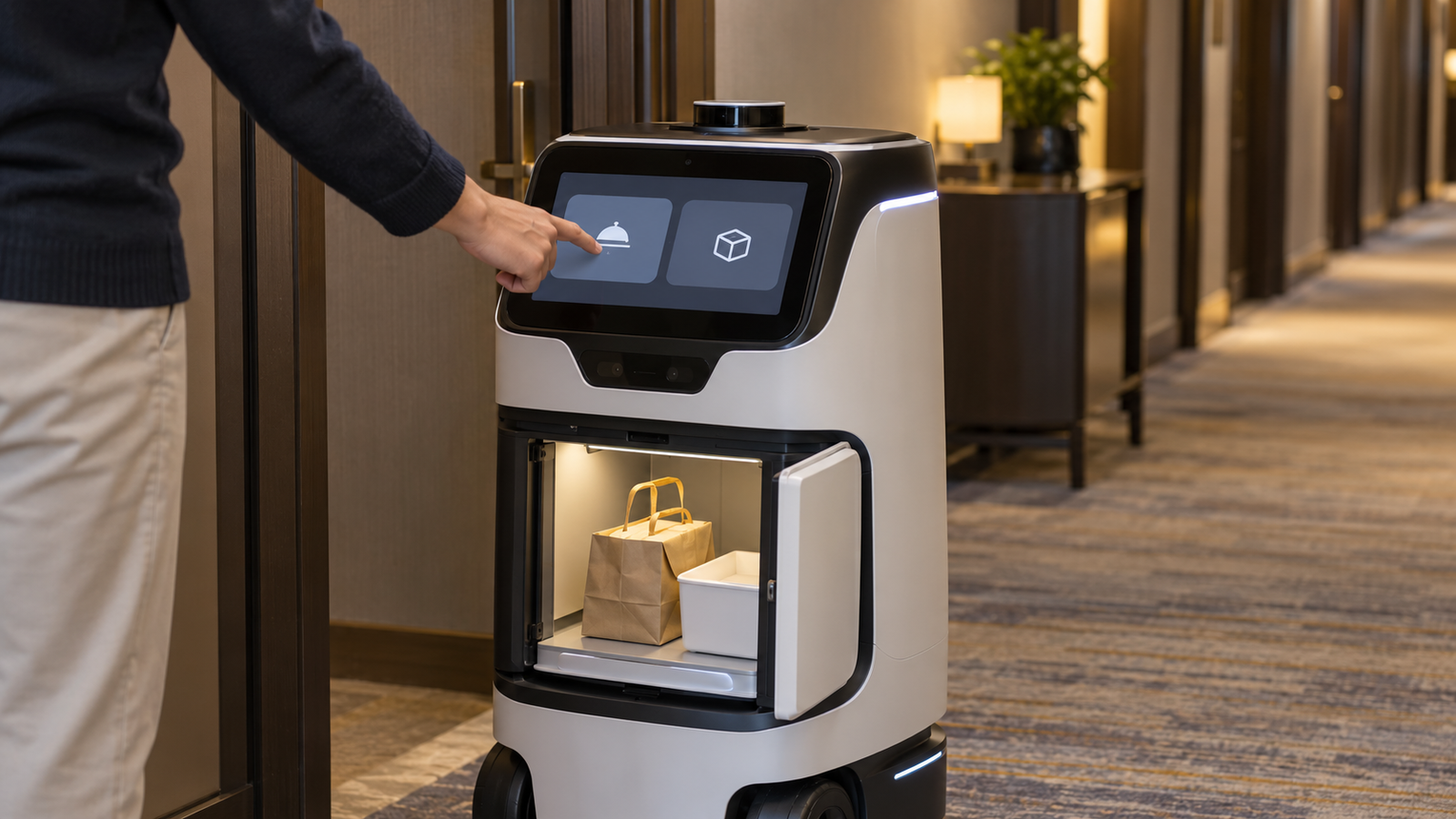
If both roles share one display, define their boundaries before quoting the assembly. Decide which functions are public, how service access is controlled, and how the interface returns to its normal state. These are product requirements, not features that come automatically with a TFT LCD.
4. Onboard Screens, Mobile Apps, and Fleet Consoles
These channels can coexist. The purchasing decision concerns which responsibilities belong to each channel, rather than selecting one interface for every task.
Onboard screens
An onboard screen keeps information beside the equipment. It can support handoff or recovery when the person interacting with the robot does not have the operator’s app. It also adds mounting, power, protection, and service considerations.
Choose the local functions explicitly. A visible screen does not establish that the robot works independently of a network; that depends on the software and system architecture. Test the required local behavior under the specified connection conditions.
Mobile interfaces
An app can serve employees who already carry an approved device. It may reduce the need for extensive settings on the robot. However, the workflow must account for account access, device availability, and the person standing beside the machine.
A visitor or occasional recipient should not be assumed to have the same access as an operator. If the handoff requires a phone, define the supported process and fallback before treating the onboard screen as unnecessary.
Fleet consoles
A fleet console can coordinate multiple units and present broader operational information. A robot-side screen can still provide a local identity or recovery prompt. The two interfaces answer different questions.
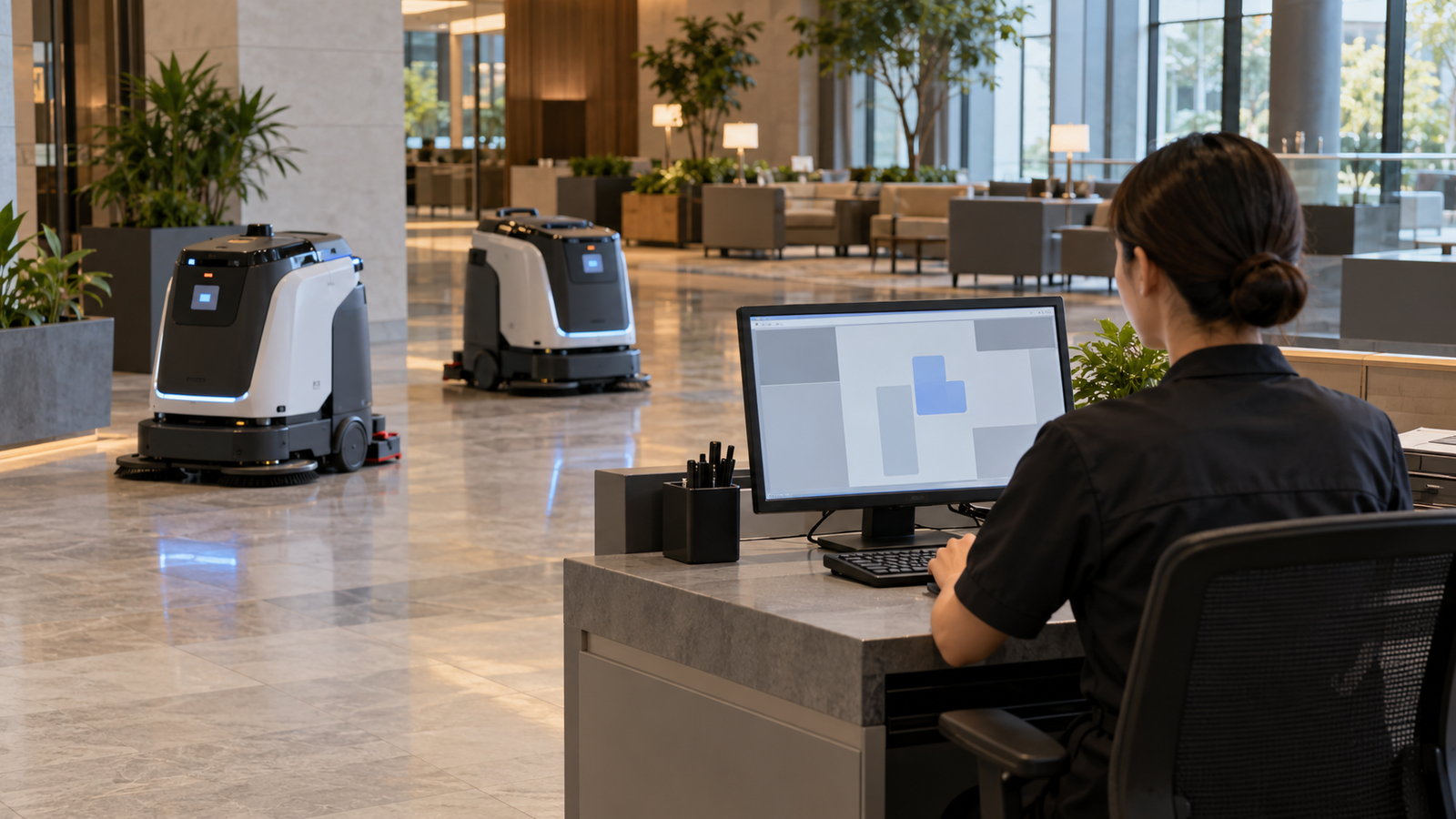
Analytical implication: greater fleet-management capability can either reduce rich onboard controls or make local exception handling more valuable. The direction depends on the operating model. Suppliers should track actual platform decisions rather than claim that fleet growth always increases screen size.
Prepare an interface allocation sheet covering startup, task assignment, handoff, interruption, charging, network loss, and service. Name the user and channel for each state. This turns an abstract market opportunity into a reviewable display requirement.
5. How RaaS Changes Display Procurement Priorities
Robot-as-a-service (RaaS) combines equipment provision with a recurring service arrangement whose terms vary by provider. A supplier should establish who owns the robot, who maintains it, and who bears the cost of downtime.
Rather than assuming one universal RaaS specification, consider the consequences of the actual contract. If the provider handles repairs, replacement labor and access can affect its module choice. If customers purchase and maintain equipment, the OEM may prioritize a different service package.
In a recurring service program, a low display purchase price can be offset by difficult replacement. Conversely, a more expensive assembly does not earn its premium without a clear operating benefit. Compare equivalent scopes and documented service tasks.
- Replacement access: can a technician replace the assembly using the intended service procedure?
- Configuration control: can the team identify the display, touch, controller, and software versions in each unit?
- Platform reuse: which robot variants can share the validated assembly?
- Spare planning: what stock is justified by the installed fleet and observed service requirements?
- Change management: how will component substitutions be reviewed and validated?
These questions are a proposed procurement framework, not measured evidence that RaaS providers buy more displays. The business model can affect purchasing priorities without changing screens per robot.
When assessing demand, separate new production from spare allocation. Do not count a provider’s target fleet size as both new module orders and immediate replacement orders. Service demand should follow the agreed policy and available operating evidence.
6. Where Custom Display Suppliers Can Add Value
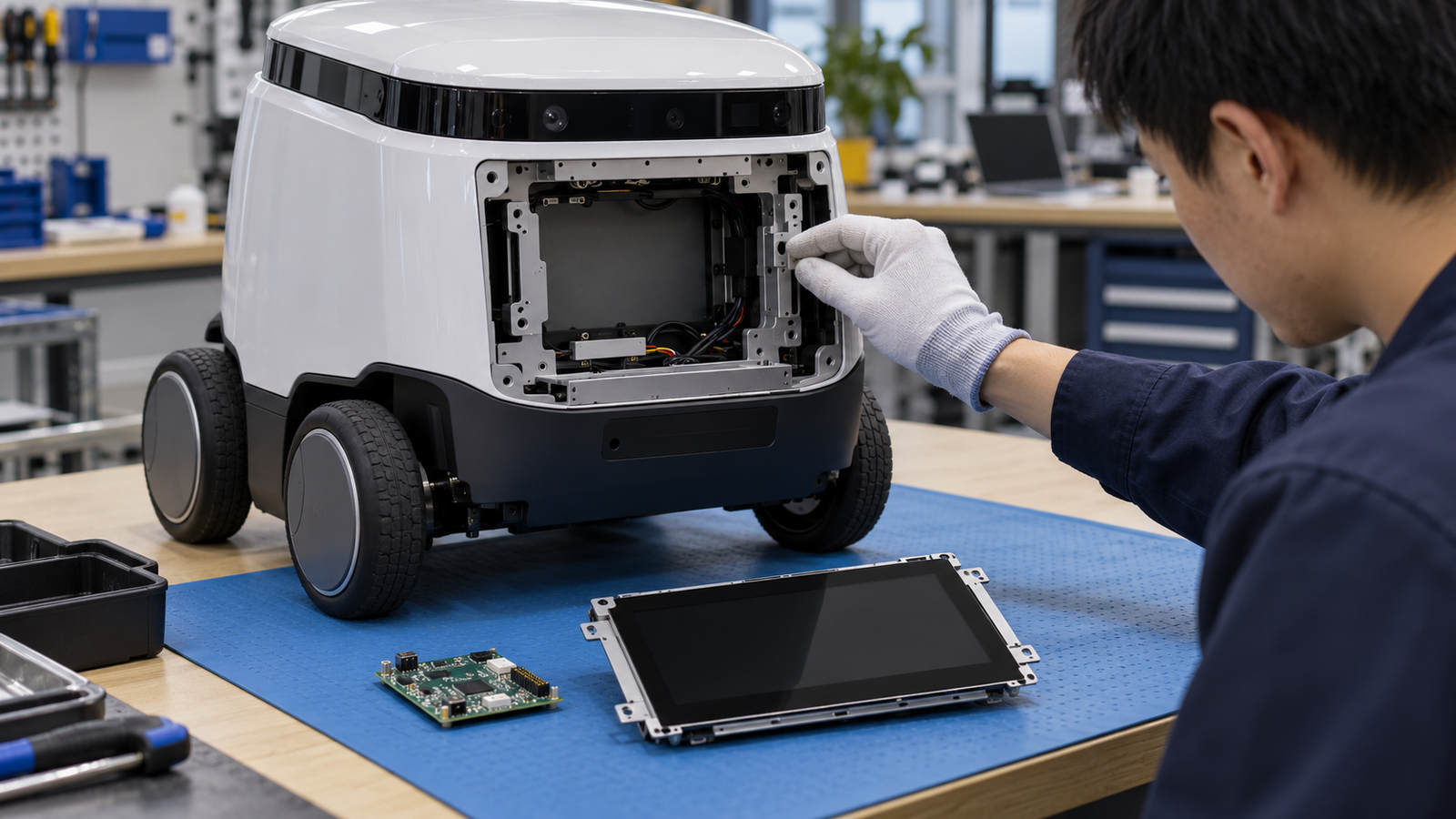
A display supplier’s role can extend from a module to defined adaptation work. Its value depends on the integration problem it solves, not on the word “custom.”
Mechanical fit and visible presentation
A robot enclosure may constrain depth, viewing angle, mounting, cover shape, and cable exit. An existing rectangular, round, or bar module can provide a starting point if it fits the information task and assembly.
The interface layout should justify the display format. A round screen may suit brief status presentation while a rectangular screen may accommodate menus more easily. Those are design options to evaluate, not universal rules or market-share predictions.
Touch, host, and software coordination
A touch-enabled module adds controller and input requirements. Confirm intended gestures, cover construction, host connection, coordinate mapping, and software support. Cleaning conditions and required gloves need project-specific validation.
For the image path, compatibility requires the exact panel, connector definition, timing, power, and host implementation. General support for an interface name does not establish a working assembly.
Common assemblies across product variants
Platform reuse can reduce the number of separate integration efforts when requirements align. Compare the optical, mechanical, input, and service needs of each variant before selecting a common module.
Standardizing too early can create compromises that appear later in user testing. A common core with defined cover or mounting variants may be worth investigating, but feasibility and production scope need confirmation.
RJY’s niche display market opportunities guide provides broader context for matching display formats to equipment tasks. The opportunity here is an operational robot program with a defined interface role.
7. Market Risks and an OEM Opportunity Framework
A demonstration can establish that a robot concept attracts attention. It does not establish deployment economics, repeat orders, or approved display production.
IFR’s September 2026 position-paper summary identifies labor shortages as an important adoption driver and emphasizes application fit, reliability, and economic viability.[3] For display planning, the implication is to investigate the operating case behind each project rather than extrapolate from publicity.
| Opportunity question | Evidence to request | Risk it addresses |
|---|---|---|
| Is the robot’s task established? | Defined workflow and feedback from intended operators. | A visually impressive prototype without a useful deployment role. |
| Is the interface architecture selected? | Allocation of local, mobile, and fleet functions. | Screen removal or major redesign. |
| Is the assembly ready for validation? | Panel, host, touch, enclosure, and software configuration. | Unspecified adaptation work. |
| Is production credible? | Program stage, purchasing plan, and release milestones. | Forecast quantities mistaken for orders. |
| Is service defined? | Replacement procedure, version control, and spare policy. | Hidden lifecycle cost. |
Also review concentration. Several customer discussions may depend on one robot platform, distributor, or operator contract. That relationship can make the pipeline less diversified than the inquiry count suggests.
Cost pressure and architecture changes remain relevant after initial design approval. A supplier should clarify change responsibilities and distinguish a firm configuration from optional variants.
The resulting outlook is selective. Public interaction and frequent local recovery are promising tasks to investigate. Staff-operated cleaning and logistics platforms can also offer repeatable business where a compact service interface is clearly needed. Neither conclusion establishes a measured ranking of display revenue.
The strongest commercial case combines a useful task, an agreed interface, feasible adaptation, and a credible production or service plan. That is the point where robotics growth becomes an actionable display program.
8. FAQ
Can service robot shipment growth be used as robot display market growth?
No. Robot shipments do not identify screens per unit, screenless variants, shared interfaces, or service replacements. Display demand requires platform-specific information.
Do all professional service robots need a touchscreen?
No. The appropriate interface depends on the task and user. Some robots can use indicators, apps, or fleet consoles, while others need local information or touch input.
Are hospitality robot statistics the same as restaurant delivery robot sales?
No. The cited IFR release describes a broader hospitality category that includes guidance, public information, and telepresence. It should not be treated as a count of restaurant delivery robots.
Does RaaS automatically increase display purchases?
No. RaaS can affect maintenance and procurement priorities, but screen quantities depend on the equipment design, new production, spare policy, and actual replacement needs.
What should an OEM provide for a robot display proposal?
Provide the robot task, interface users, local functions, panel and host requirements, touch needs, enclosure constraints, software scope, expected production, and service plan.
Discuss Your Service Robot Display with RJY
RJY Display supports TFT LCD modules, controller-board adaptation, and customization based on existing modules, including touch, cover glass, firmware, and mechanical coordination according to feasibility. Share your service robot display requirements with the interface task, operating conditions, host, enclosure, and production plan. Specific compatibility and customization scope require project review.
References
Sources reviewed on October 14, 2026. Shipment figures refer to 2025 as reported in IFR’s 2026 release. The older methods document is methodological background only. Segment comparisons and procurement frameworks are qualitative analysis, not measured display-market statistics.
- IFR: Global Sales of Professional Service Robots Surge 24%, September 30, 2026. Page title and publication date identify the current release despite its legacy URL.
- IFR: World Robotics 2025—Service Robots, Sources and Methods. Background on the earlier edition’s definitions and statistical approach.
- IFR: Service Robots’ Impact Human Life, September 24, 2026. Public summary of the position paper.