
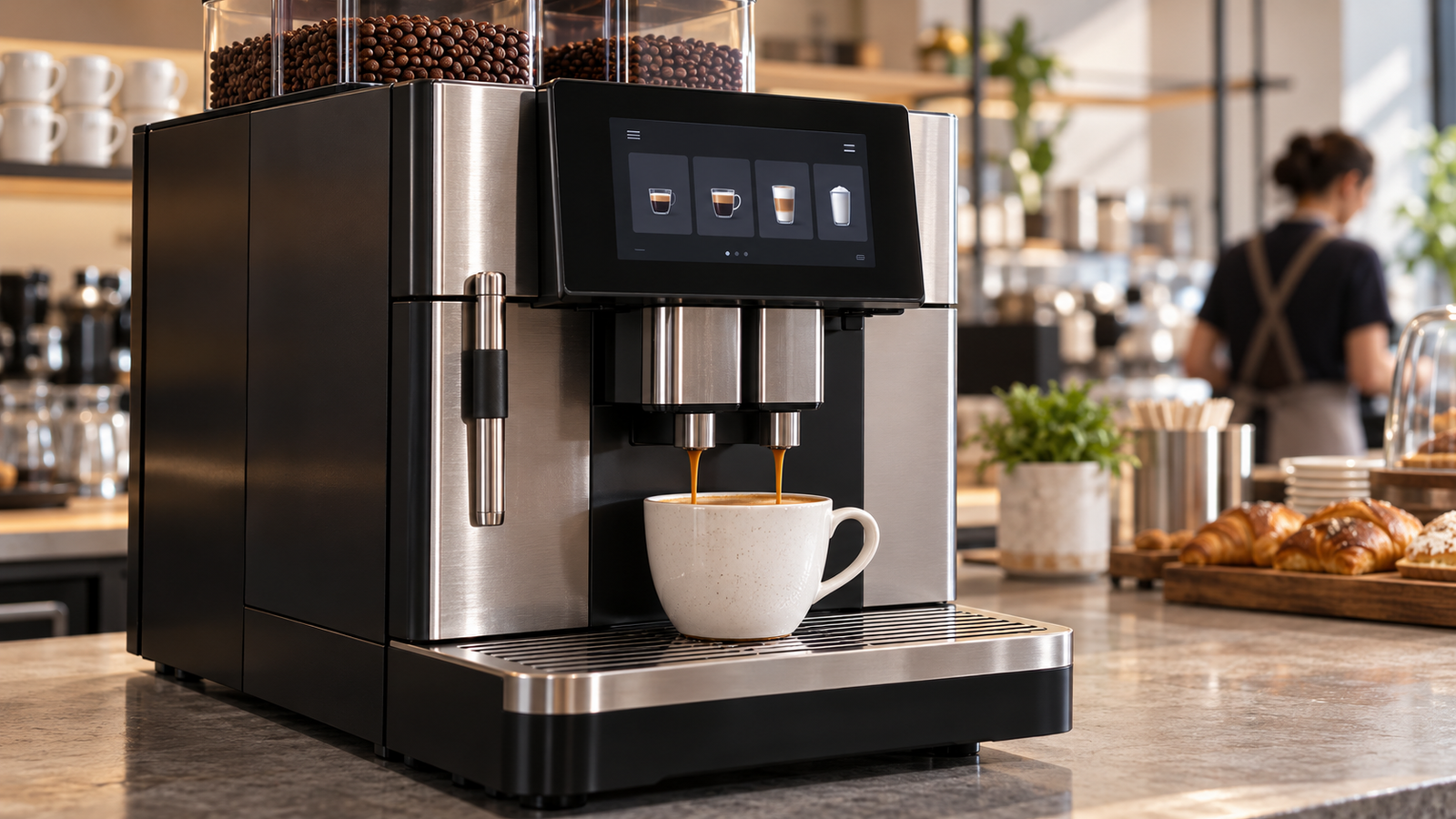
A café adds a new espresso machine. A hotel replaces its breakfast coffee equipment. An office operator introduces a self-service station. Each purchase can create a display opportunity, but the interface tasks differ: a trained barista needs fast control, a guest needs clear choices, and a technician needs useful service information.
For equipment OEMs, the important question is not whether a touchscreen looks modern. It is which operating task justifies the display, and what the complete interface costs to integrate and maintain.
This article examines that question across commercial espresso machines, fully automatic equipment, grinders, and self-service terminals. Published market information supplies the context. Segment comparisons and procurement frameworks are qualitative analysis, not estimates of global coffee-machine display revenue or market share.
1. Coffee Retail Growth Is a Demand Signal, Not a Display Forecast
World Coffee Portal’s public April 27, 2026 summary states that the European branded coffee shop market reached 57,783 outlets, growing 3.9% over the preceding 12 months. Its Project Café Europe 2026 description covers 50 European coffee shop markets.[1][2]
| Published signal | What it measures | What it does not establish |
|---|---|---|
| 57,783 branded outlets | Reported European branded coffee shop network size. | Total independent cafés or installed coffee equipment. |
| 3.9% growth | Outlet growth over the report’s stated preceding 12 months. | Calendar-year 2026 equipment or display growth. |
| 50 markets covered | Geographic scope of the report description. | A global coffee-equipment census. |
The full paid report was not reviewed for this article. No additional country breakdown, operator ranking, or equipment forecast is inferred from its public summary.
Outlet expansion creates a reason to investigate equipment programs. It does not determine the number of new machines ordered, their screen configurations, or the suppliers selected. A new store may use an existing equipment platform; an established store may replace several devices without adding a location.
Commercial coffee equipment also serves hotels, offices, convenience locations, and other venues outside the branded café count. Those settings broaden the potential customer base, but their volumes need separate evidence.
Analytical implication: display demand should be assessed through OEM platforms and operator purchasing plans. Separate new installations, scheduled equipment replacement, product-tier changes, and service spares. Applying outlet growth to all four would create a false forecast.
2. Different Coffee Equipment Creates Different Interface Demand
The following segmentation compares interface jobs. It is not a measured ranking of segment size or touchscreen adoption.
| Equipment | Potential display task | Commercial question |
|---|---|---|
| Traditional commercial espresso machine | Present settings, operating state, and service information. | Which functions benefit from a screen while preserving fast physical operation? |
| Fully automatic machine | Guide drink selection, customization, preparation, and care. | Does the interface serve staff, self-service customers, or both? |
| Commercial grinder | Show recipe selection, dosing settings, and maintenance state. | Can a compact display and physical input cover the required workflow? |
| Self-service coffee terminal | Present choices, confirmations, progress, and exceptions. | What must an unfamiliar user understand without staff assistance? |
Espresso machines: distinguish frequent actions from configuration
A barista’s repeated preparation actions and a manager’s occasional setup tasks need not use the same control path. An OEM can place detailed information on a screen while retaining physical controls for frequent actions.
The purchasing case should identify which information is necessary during service. A larger screen may add layout freedom, but it does not automatically improve the speed or consistency of preparation.
Fully automatic machines: interface scope follows the user
A staff-operated machine can assume training that a guest-facing machine cannot. The self-service version may require clearer choices and confirmation; the staff version may prioritize rapid access and repeatable operation.
Franke’s A600 product material provides a concrete example of a commercial platform combining a touchscreen with cleaning-system features.[3] This demonstrates one product architecture, not the prevalence of that architecture across the market.
Grinders and terminals: different information density
A grinder may need only a narrow set of operating and configuration states. A self-service terminal can need a broader selection journey. Grouping them under one “coffee display” forecast hides those differences.
For each opportunity, record the required visible area, interaction method, operating environment, and software scope. That gives the supplier a basis for reviewing an existing module rather than guessing from the appliance category.
3. Baristas, Self-Service Customers, and Technicians Need Different Screens
The user determines what the interface must explain. A machine can support several roles, but it needs a deliberate boundary between them.
Baristas and operating staff
Staff may repeat the same tasks during busy periods. Test whether the controls remain clear at the actual viewing position and whether important states are visible without navigating away from the normal operating screen.
If a product offers different recipes or settings, define who may change them and how the result is confirmed. Interface convenience should not create ambiguity about the active configuration.
Self-service customers
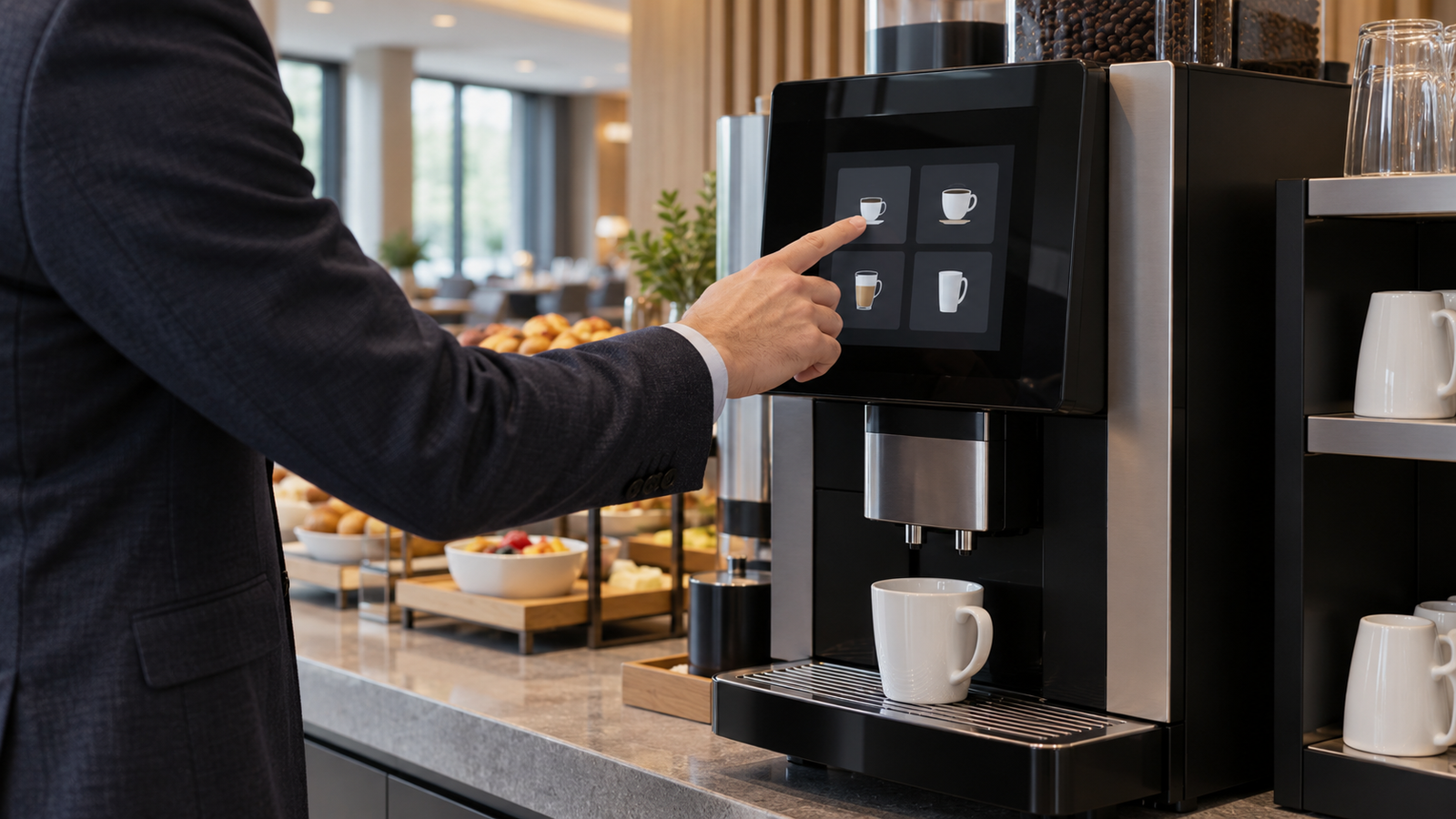
A customer may encounter the machine for the first time. The interface should explain selection, any supported customization, cup placement, preparation state, and the next action.
Those requirements can justify more visual space or touch input. However, a crowded menu can still be difficult to use. Validate representative screens and a complete selection journey before treating screen size as the solution.
Any payment function needs a separately defined system boundary. An LCD or touchscreen does not provide a certified payment service by itself.
Technicians and managers
A service interface can help identify the configuration, fault context, and required next step. A screen that repeats a general alarm without actionable context may contribute little to maintenance.
Define service access, version records, and normal-operation recovery. If public and service functions share hardware, permissions and navigation belong in the software brief.
The commercial implication is to assess interface value by role. Customer presentation and technician access can support different module configurations even within one OEM’s product family.
4. Touchscreens, Physical Controls, and Hybrid Interfaces
Touch is an option, not a universal upgrade. The relevant comparison is how each arrangement supports the intended tasks.
| Arrangement | Potential strength | Question to validate |
|---|---|---|
| Touchscreen | Flexible choices and context-dependent actions. | Are targets usable under actual viewing, contamination, and cleaning conditions? |
| Physical buttons | Dedicated access to repeated actions. | Can the labels and state feedback cover the required variants? |
| Rotary input with display | Compact selection and setting adjustment. | Is navigation understandable and confirmation clear? |
| Hybrid interface | Physical frequent controls plus richer screen information. | Do the channels present consistent state and avoid competing actions? |
A touchscreen can accommodate changing menus, but a software change still needs validation. A new language, longer message, or additional drink option can affect layout and target size without changing the panel hardware.
Physical controls may be appropriate for repeated tasks. Their suitability depends on access, feedback, cleaning, and mechanical integration. Avoid assuming that one control type always has a lower lifecycle cost.
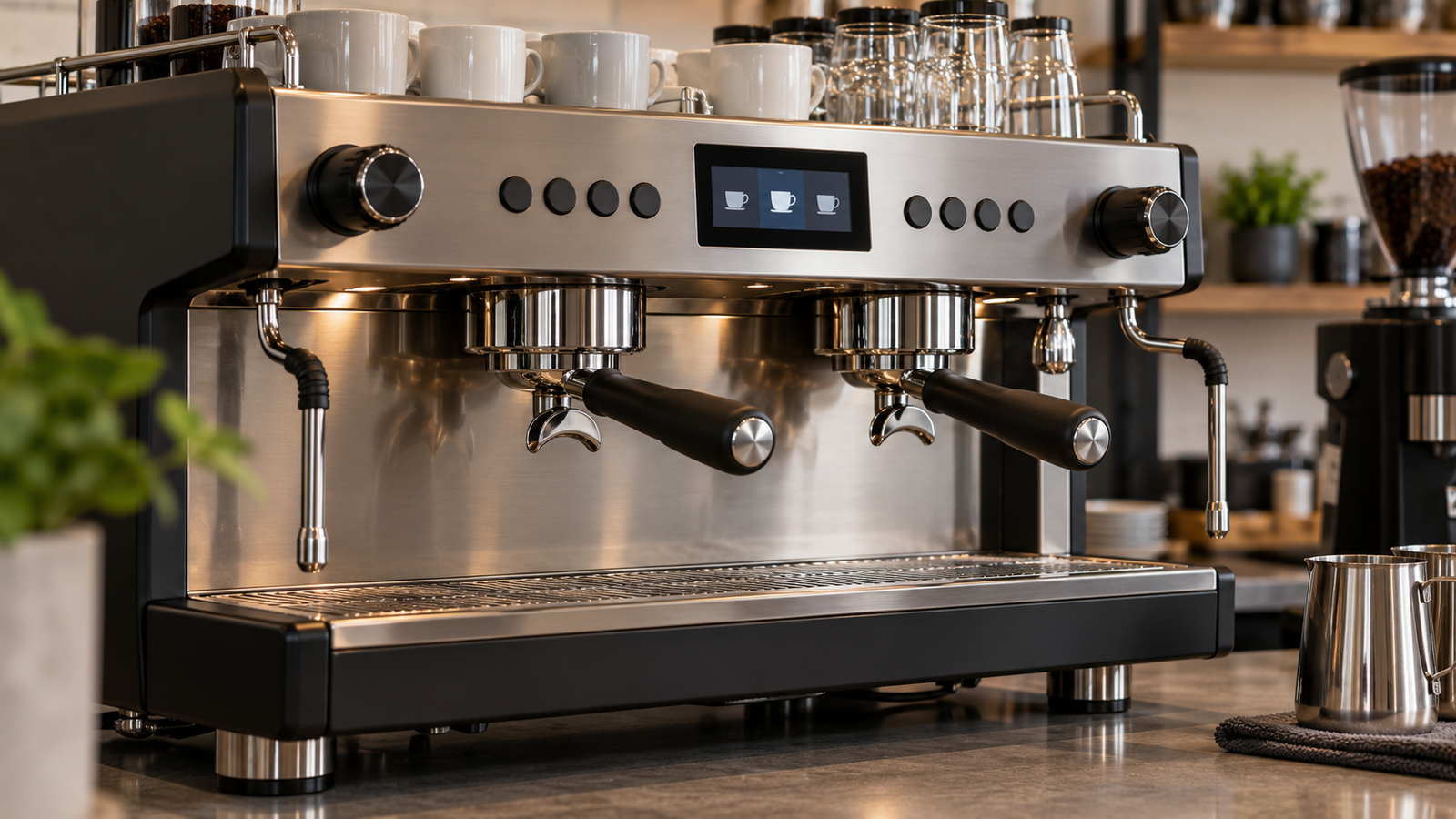
A hybrid design can separate frequent actions from settings and care instructions. It also adds coordination work: the screen, buttons, and underlying machine state must remain consistent.
Format follows the interface. A round display may suit a compact selection control, while a rectangular display may provide more straightforward space for a larger menu. RJY’s round LCD selection guide explains the engineering review behind that choice.
For market planning, track the selected input architecture and the product tiers that use it. Do not count an optional touchscreen across an entire machine range until the OEM confirms its allocation.
5. Cleaning and Maintenance Can Strengthen the Interface Business Case
The interface value continues after a drink is prepared. Cleaning, replenishment, and maintenance can create information tasks that deserve attention during product planning.
Franke publishes machine-specific cleaning instructions, including A600 guidance.[4] WMF’s 1500 S+ operating instructions include locking the touchscreen with its CleanLock function before cleaning.[5] These are model-specific examples of care workflows, not requirements or features shared by every coffee machine.
An OEM can investigate whether on-screen instructions help users identify the correct procedure, understand progress, and confirm completion. That is a testable benefit. It should not be presented as a proven reduction in downtime or labor without supporting results.
Likewise, an interface indication is not proof of hygienic cleaning. The approved equipment procedure, cleaning materials, and system behavior determine the result. The display communicates the process; it does not replace it.
Define the interaction state during wiping and cleaning. Where unintended input is possible, establish how the approved design controls it. Do not assume that every controller can detect wet conditions or support a cleaning lock.
For the physical assembly, confirm the intended cleaning materials and exposure conditions with the supplier. Touch, cover, bonding, enclosure, and sealing need review together. Neither capacitive touch nor a glass front establishes chemical resistance or ingress protection.
The commercial opportunity is a useful, validated workflow with a suitable assembly. A display premium should correspond to that scope rather than to a general claim of “smart maintenance.”
6. Where Custom Display Suppliers Can Add Value
Customization should solve a specific integration constraint. An existing TFT LCD module is often the starting point; adaptation scope then follows the product requirements.
Front-panel fit and appearance
Review the visible window, border, cover, mounting, depth, and cable exit as one assembly. The same nominal diagonal can produce different mechanical results across modules.
A common display core with defined cover or mounting variants may support several equipment tiers. Feasibility needs confirmation. This does not imply that an entirely new LCD size can be developed for every project.
Touch and controller-board matching
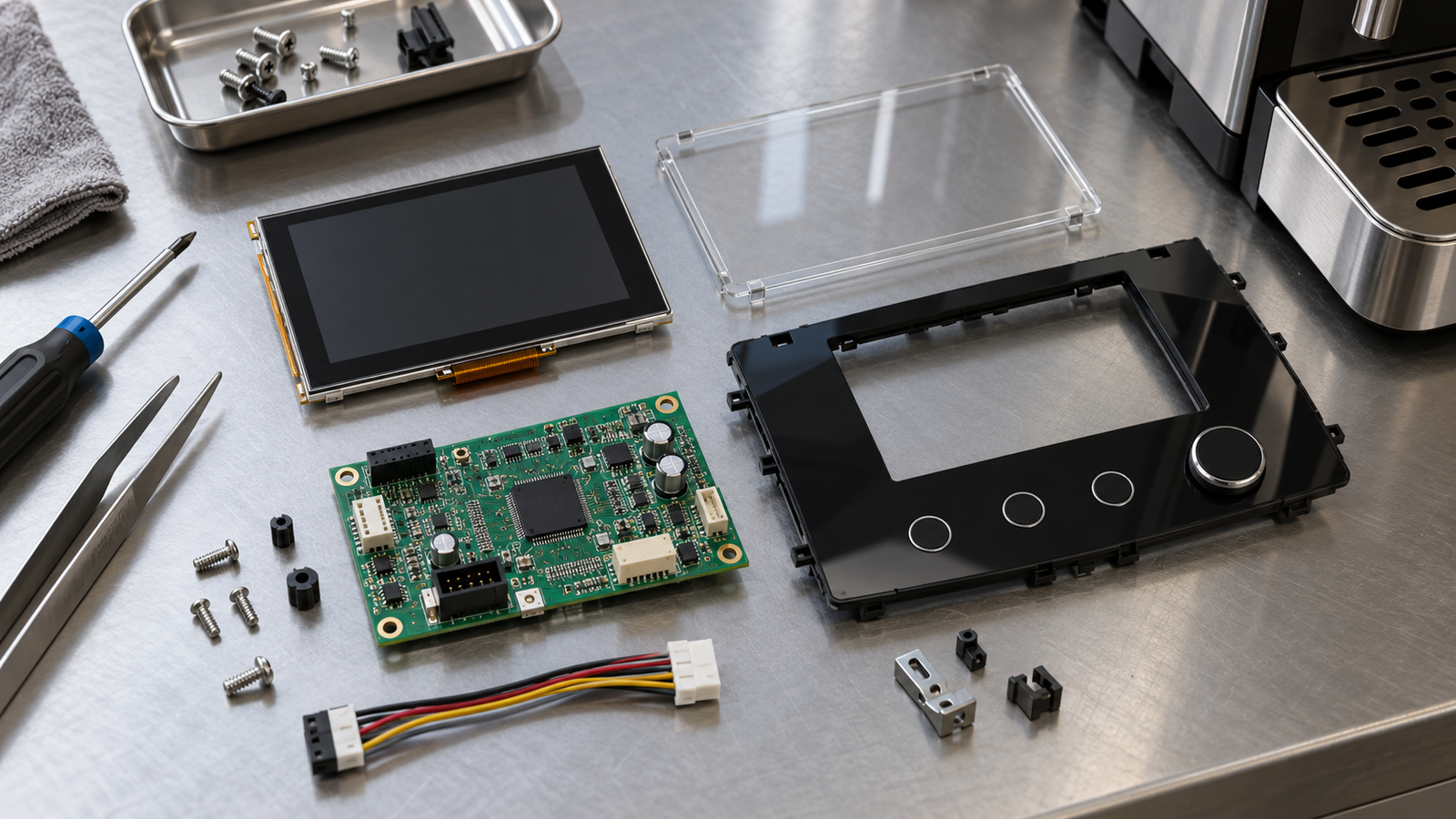
Touch input needs its own controller, connection, and software review. Confirm gestures, target layout, cover construction, and intended use conditions before selecting an assembly.
For the image path, verify the exact panel, interface, connector definition, timing, power, and host implementation. An interface label such as MIPI or LVDS does not establish compatibility by itself.
Agree on software responsibility. Menu localization and application design differ from panel initialization and board firmware adaptation. They also differ from custom OSD menus, which should not be assumed as an RJY capability.
Production consistency and change control
Identify the approved panel, touch, cover, board, and firmware versions. Define which substitutions need review and which representative tests must be repeated.
Platform reuse can reduce separate integration efforts when requirements align. Standardizing one module too early can also create compromises in smaller enclosures or different viewing positions.
The supplier’s value lies in a defined scope and a repeatable production path. It should not be inferred from unsupported promises about universal compatibility, faster drink preparation, or improved brewing quality.
7. Procurement Risks and an OEM Decision Framework
Retail expansion, equipment purchasing, and display orders occur at different stages. A café opening plan does not establish an approved module order.
For display suppliers, the main risks to investigate are product-tier changes, cost pressure, uncertain release timing, unconfirmed replacement cycles, and concentration in a small number of OEM platforms. These are planning questions, not quantified claims about the current industry.
| Decision | Evidence needed | Why it matters |
|---|---|---|
| Interface scope | User roles, frequent tasks, and information states. | Justifies screen and input requirements. |
| Equipment allocation | Modules per model and confirmed tier options. | Prevents unsupported attachment assumptions. |
| Integration boundary | Panel, touch, cover, board, and software responsibilities. | Makes quotation scope comparable. |
| Validation readiness | Representative enclosure, host software, and use conditions. | Defines the work before production approval. |
| Production plan | Release milestones and purchasing schedule. | Separates a forecast from a commitment. |
| Service scope | Replacement procedure, version control, and justified spares. | Supports lifecycle cost assessment. |
Build quantity scenarios from actual machine platforms. Separate new production, optional configurations, and service orders. Update assumptions when an OEM selects or removes a screen-equipped tier.
A chain operator’s installed equipment can offer replacement context, but replacement timing must be established. Counting every machine as an immediate display opportunity would exaggerate the accessible market.
Compare equivalent products: a bare panel, touch-and-cover assembly, display with active controller, and complete HMI are different scopes. Include adaptation, validation, assembly, and service work when comparing alternatives.
Use representative menus and operating states during review. Check selection, cancellation, care instructions, fault presentation, startup, and recovery. A successful bench image is an early milestone, not complete equipment validation.
For persistent status or menu content, RJY’s LCD image retention guide provides additional display-validation context.
The practical outlook is selective. Fully automatic and self-service equipment are reasonable candidates where clear local choices are essential. Espresso machines and grinders can also offer repeatable programs with narrower display functions. This is a qualitative prioritization, not a measured ranking of screen revenue.
The strongest opportunity combines a useful interface task, feasible integration, and a credible production or service plan. That is where coffee-sector activity becomes an actionable display program.
8. FAQ
Can branded coffee shop growth be used as coffee-machine display market growth?
No. Outlet counts do not identify equipment purchases, screens per machine, product-tier choices, or replacement cycles. Display demand requires OEM and operator program information.
Does every commercial coffee machine need a touchscreen?
No. Buttons, rotary controls, simpler displays, or hybrid interfaces can suit particular tasks. The appropriate choice depends on the users, operating workflow, and equipment design.
Does a larger display prove faster operation or better coffee quality?
No. Those outcomes require evidence from the complete equipment and its operation. Screen size alone does not establish efficiency, consistency, or brewing performance.
Can cleaning guidance justify investment in a richer interface?
It can support a business case when it helps users complete defined care tasks. Any claimed benefit should be validated, and on-screen guidance does not replace the approved cleaning procedure.
What should an OEM provide for a coffee-equipment display proposal?
Provide the equipment type, interface users and tasks, panel and host requirements, input needs, cover and enclosure constraints, cleaning conditions, software scope, production plan, and service expectations.
Discuss Your Coffee Equipment Display with RJY
RJY Display supports TFT LCD modules, controller-board adaptation, and customization based on existing modules, including touch, cover glass, firmware, and mechanical coordination according to feasibility. Share your coffee-equipment display requirements with the interface tasks, host, enclosure, operating conditions, and expected production. Specific compatibility and customization scope require project review.
References
Sources reviewed on October 14, 2026. Retail statistics come from public report descriptions and summaries; the full paid market report was not reviewed. Manufacturer examples illustrate individual product features, not market-wide adoption or equivalent RJY capabilities. Interface comparisons and procurement frameworks are qualitative analysis.
- World Coffee Portal: Economic Pressures Challenge the Status Quo in Europe’s 57,000-Store Branded Coffee Shop Market, April 27, 2026. Public summary.
- World Coffee Portal: Project Café Europe 2026. Public report description.
- Franke Coffee Systems: A600 Fully Automatic Coffee Machine. Product example; specifications can vary by generation and configuration.
- Franke Coffee Systems: Cleaning Instructions.
- WMF: 1500 S+ Operating Instructions. Model-specific cleaning guidance.