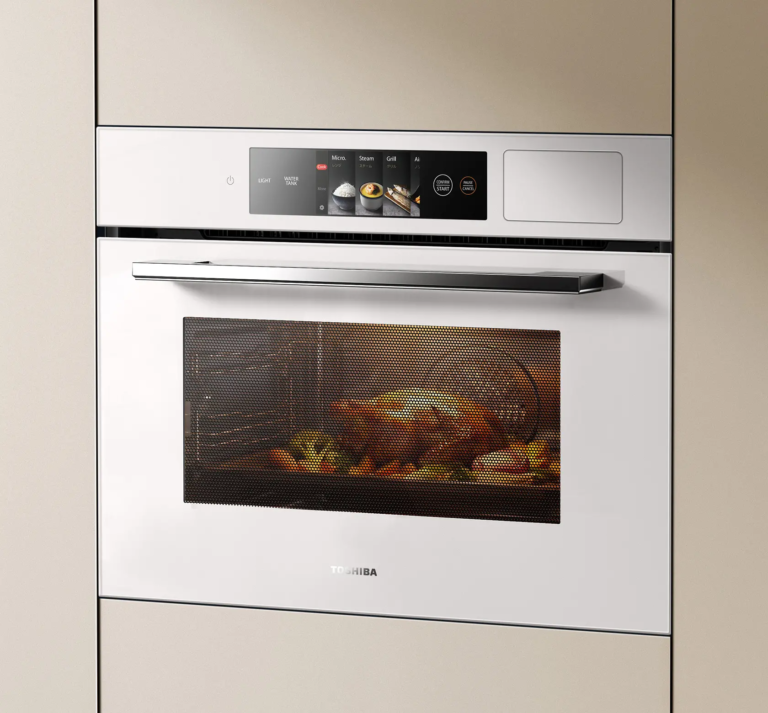
01
Ovens & cooking appliances
Cooking programs, temperature settings, timers and maintenance prompts.

Display-Lieferant &
Hersteller
HOME APPLIANCE INTERFACES
Clear controls, useful status information and integrated touch interfaces for household appliances.
RJY helps product teams coordinate display modules, touch interfaces and embedded boards for household appliances. Start with the interaction, available space and installation conditions to define a practical subsystem.
DESIGN THE INTERACTION
Review active area, bezel, viewing orientation and touch workflow together. Ovens, washing machines and coffee makers need clear program selection, visible progress and controls suited to their installation.
ANWENDUNGSSZENARIEN
Cooking programs, temperature settings, timers and maintenance prompts.
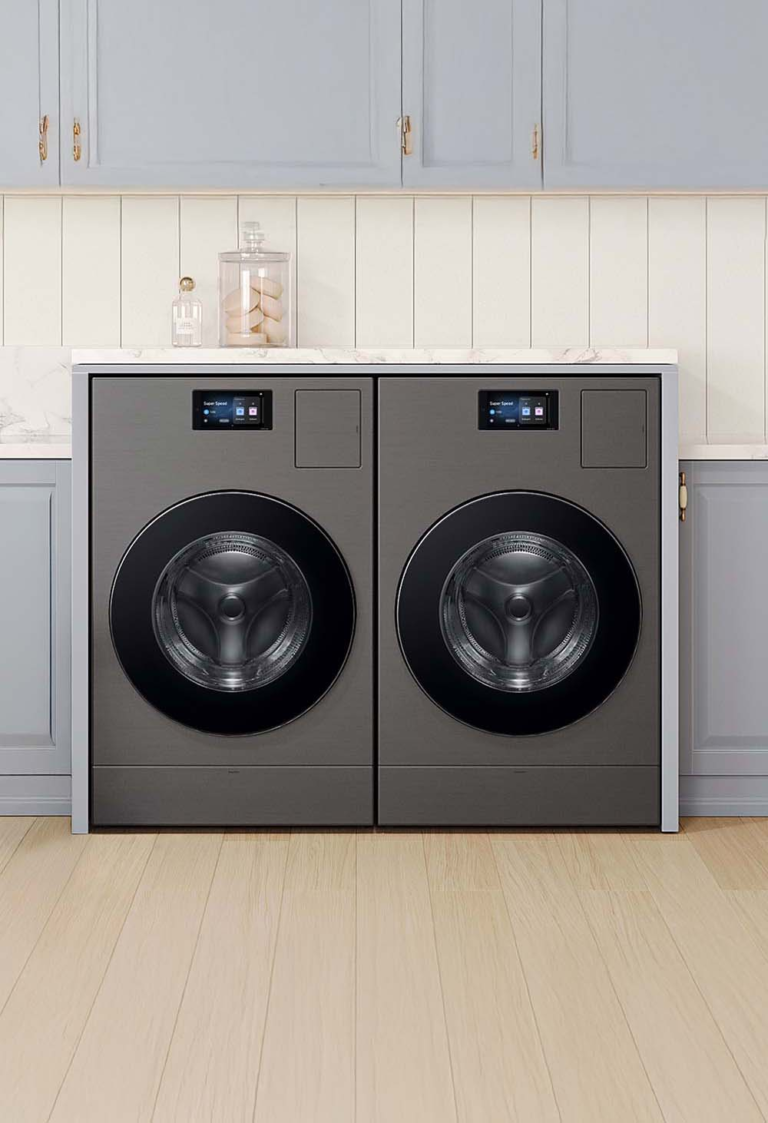
Cycle selection, remaining time, settings and service information.
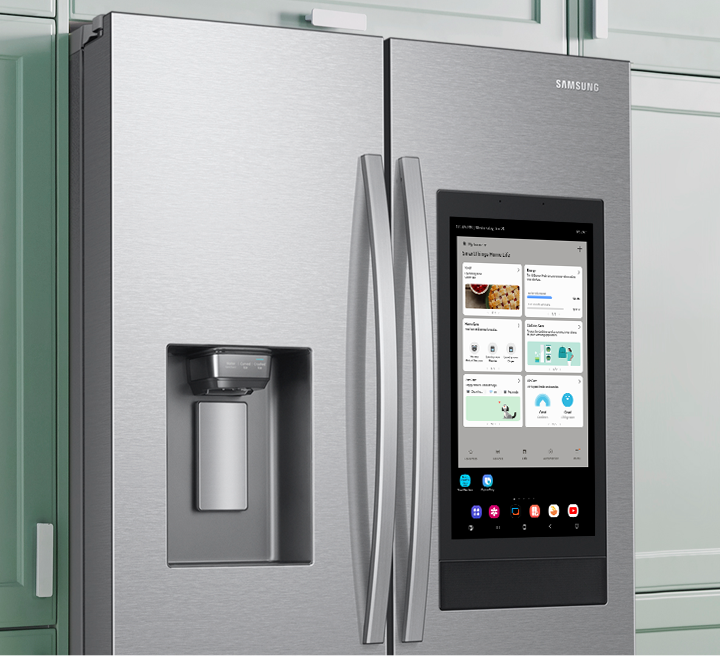
Temperature zones, operating modes and appliance status.
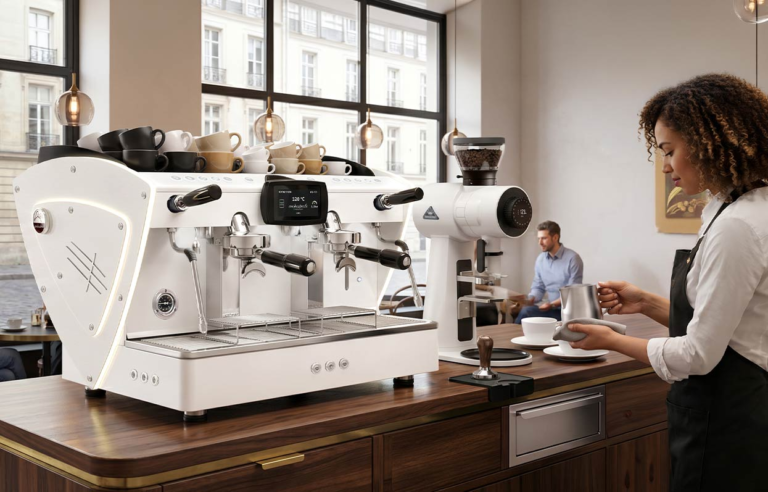
Drink selection, preparation progress and cleaning workflows.
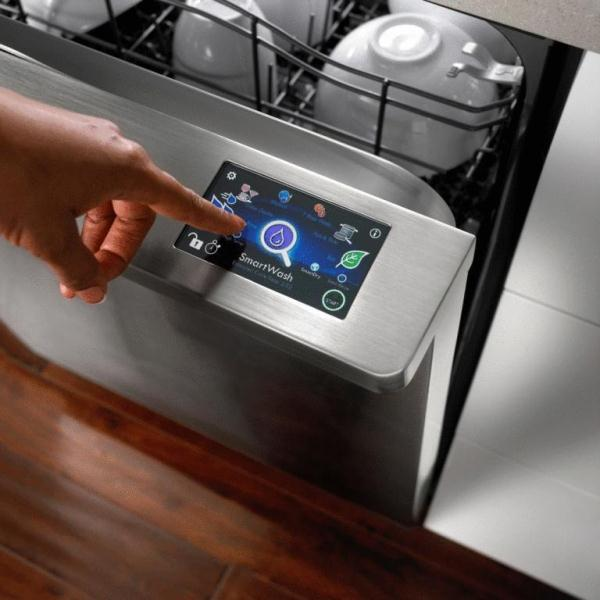
Program selection, wash progress and maintenance reminders.
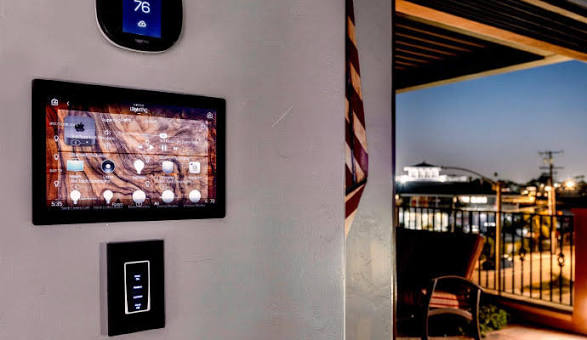
Touchscreen scene selection, lighting control and connected-device status in one central interface.
Room temperature, comfort schedules and heating or cooling settings on a dedicated display.
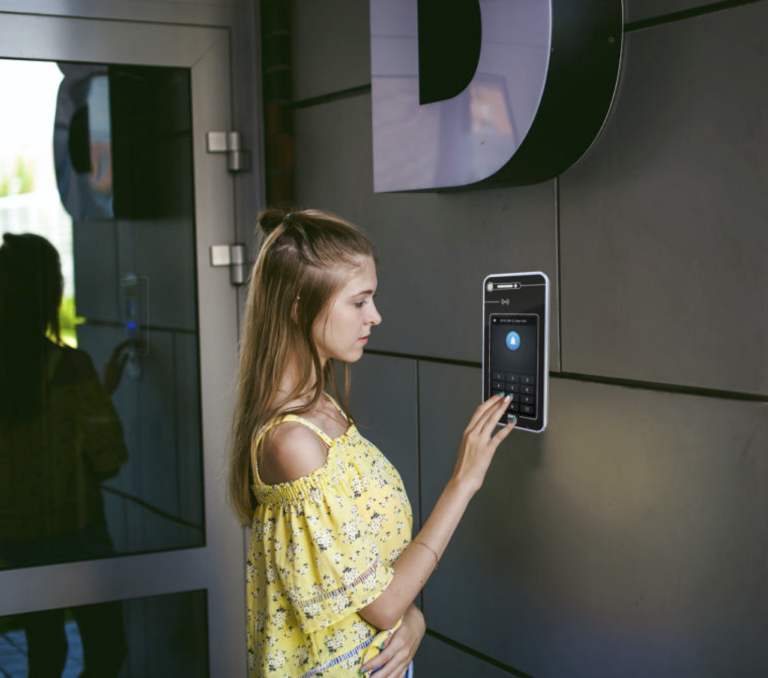
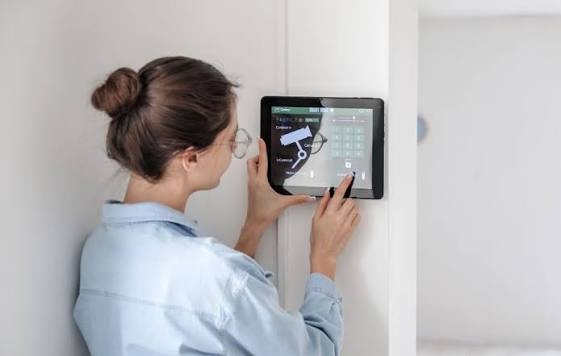
Visitor video, call controls and door-access prompts on an indoor screen.
DISPLAY- & COMPUTING-PLATTFORMEN
Verify specifications, software support and availability for the exact module configuration. Platform selection does not imply compatibility with every appliance control architecture.
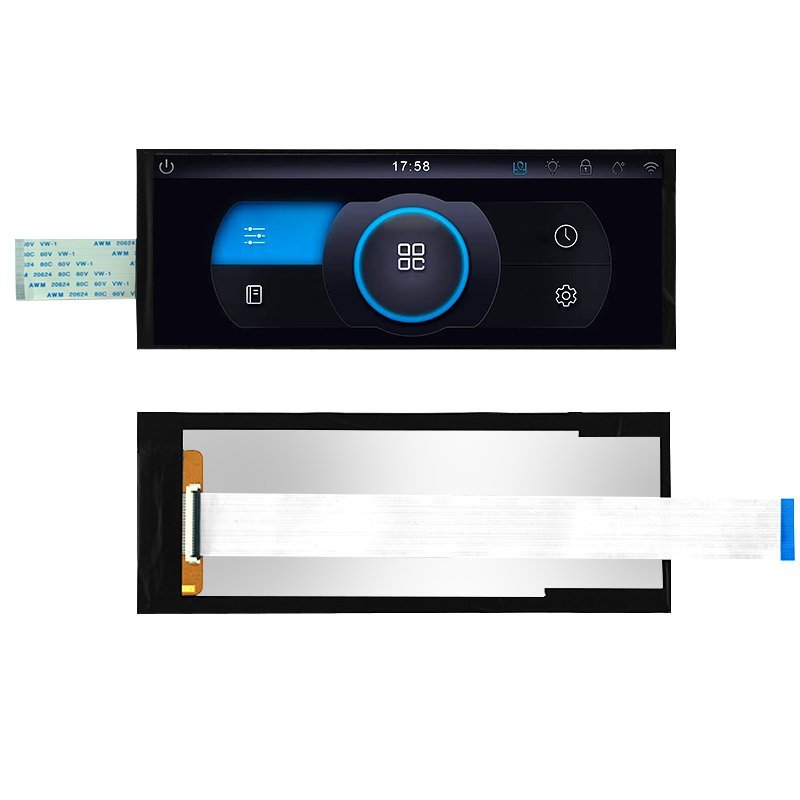
Display-Modul
A stretched-format display candidate for space-constrained interfaces. Confirm the exact model designation, active area and host interface before mechanical design.
Diese Plattform finden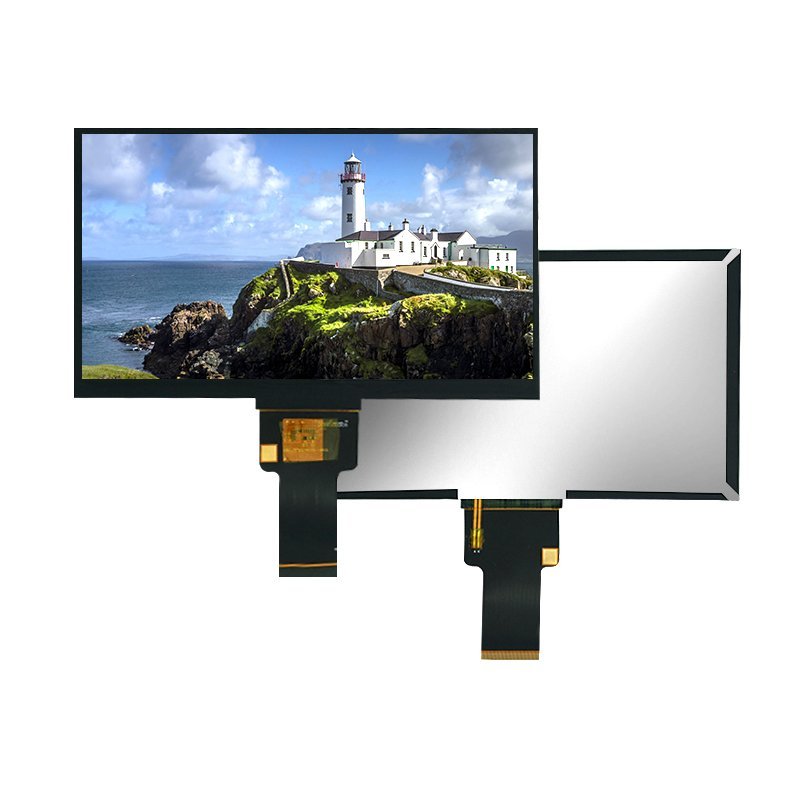
Display-Modul
A display option for installations with demanding ambient light. Review brightness, viewing geometry, power consumption and thermal performance for your device.
Diese Plattform finden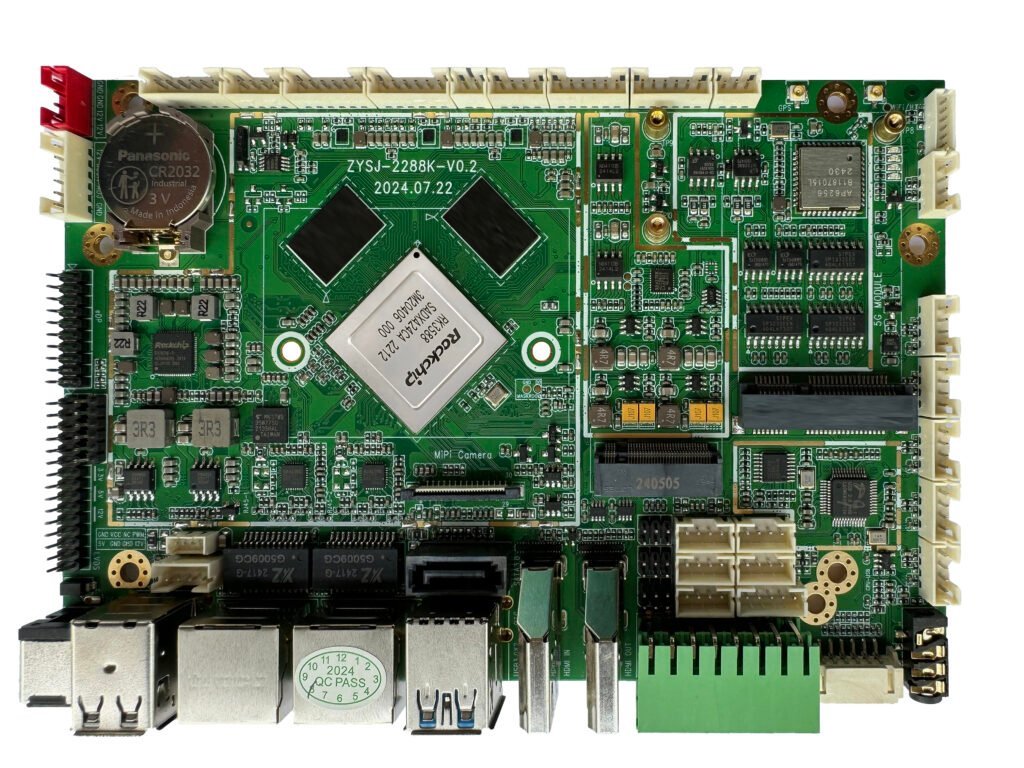
Computing-Modul
A computing platform for feature-rich appliance interfaces. Confirm display outputs, peripherals and the required software environment for the selected board.
Diese Plattform finden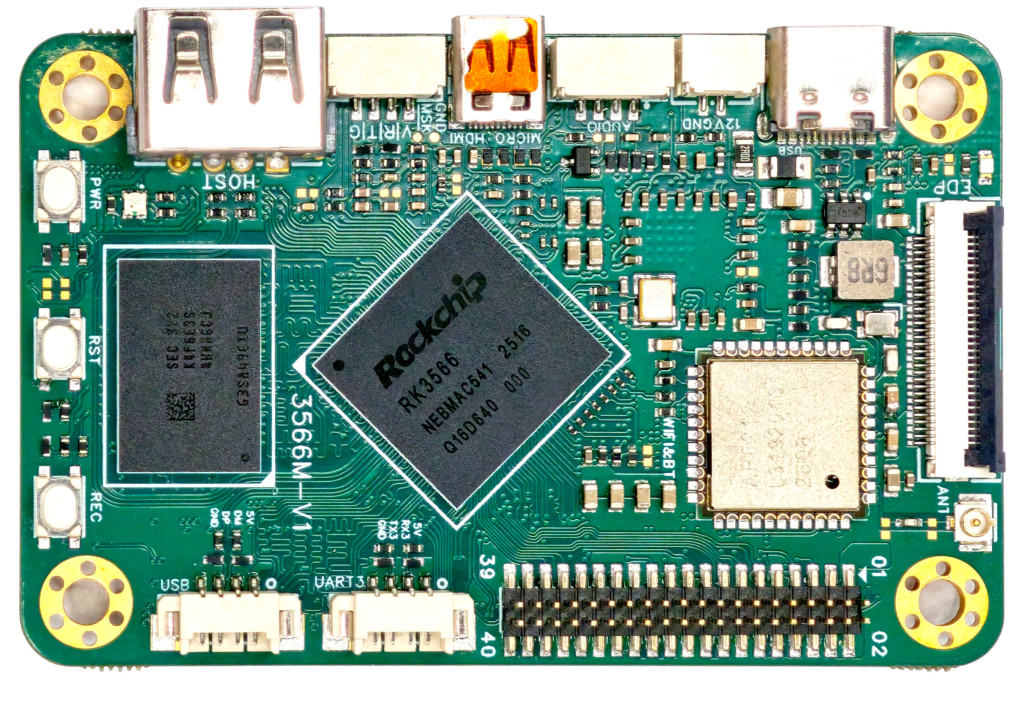
Computing-Modul
A compact computing candidate for power-aware appliance control panels. Evaluate thermal integration, operating-system support and the application workload together.
Diese Plattform findenKUNDENSPEZIFISCHE ANPASSUNG
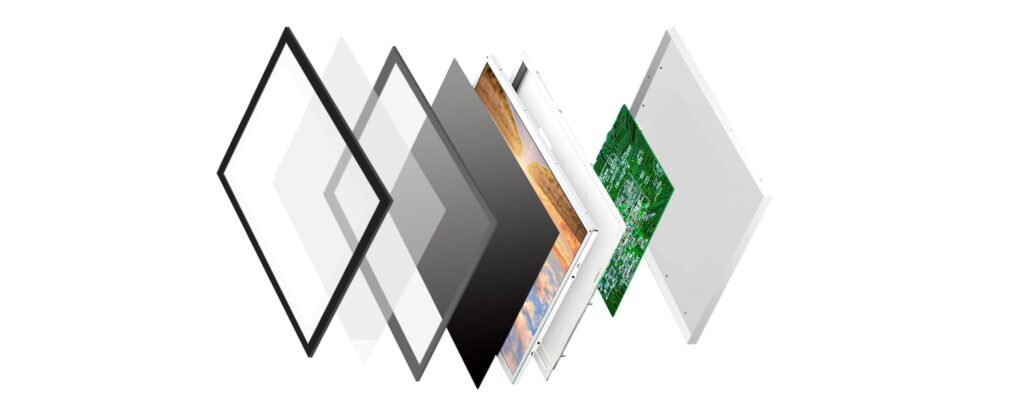
Discuss glass shape, printing, surface treatment and optical bonding around the desired finish. Validate touch behavior with the expected moisture, cleaning routine and input method.
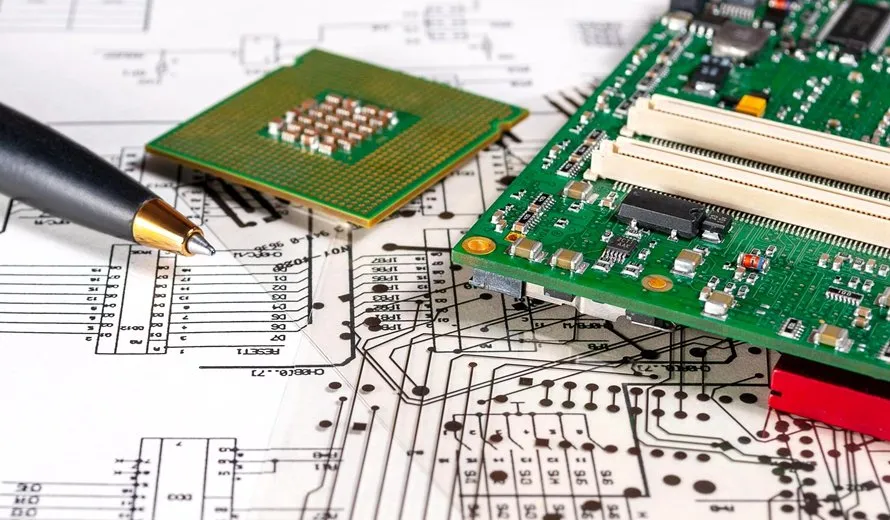
Define peripheral connections, host software and power behavior before choosing the board. Confirm connectivity, security responsibilities and certification requirements for the final connected product.
PRODUCT DESIGN CHECKLIST
HÄUFIGE FRAGEN
Share the available space and active-area target so the team can review panel format, mounting and cover-glass options.
Define the exposure and input method, then test the selected sensor and controller under representative conditions.
Share the appliance control architecture, communication interfaces and software requirements so integration responsibilities can be agreed.