
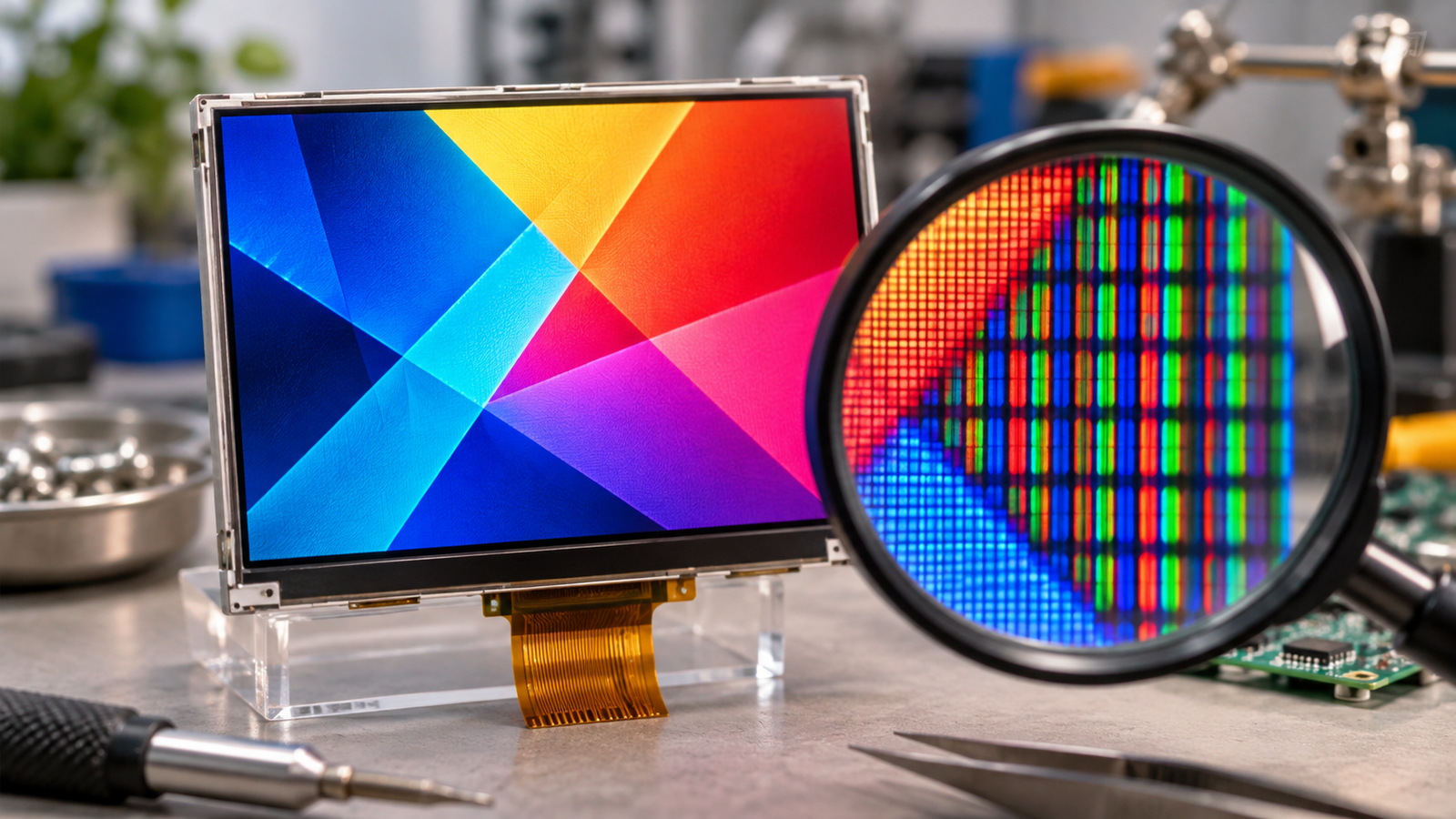
The pixels in a typical TFT LCD are controlled by electrical voltages delivered through rows and columns on the panel. Each color subpixel has a thin-film transistor (TFT) that acts as a switch. When its row is selected, the TFT allows a data voltage to charge the pixel electrode. The resulting voltage across the liquid-crystal cell changes how that subpixel controls light.
The subpixel is not a tiny light bulb. In a transmissive LCD, a separate backlight supplies the light, while the liquid-crystal cell and polarizers regulate it. This distinction is useful when an LCD lights up but does not show the expected image: illumination and image control are related, but they are separate functions.
What is being powered in an LCD pixel?
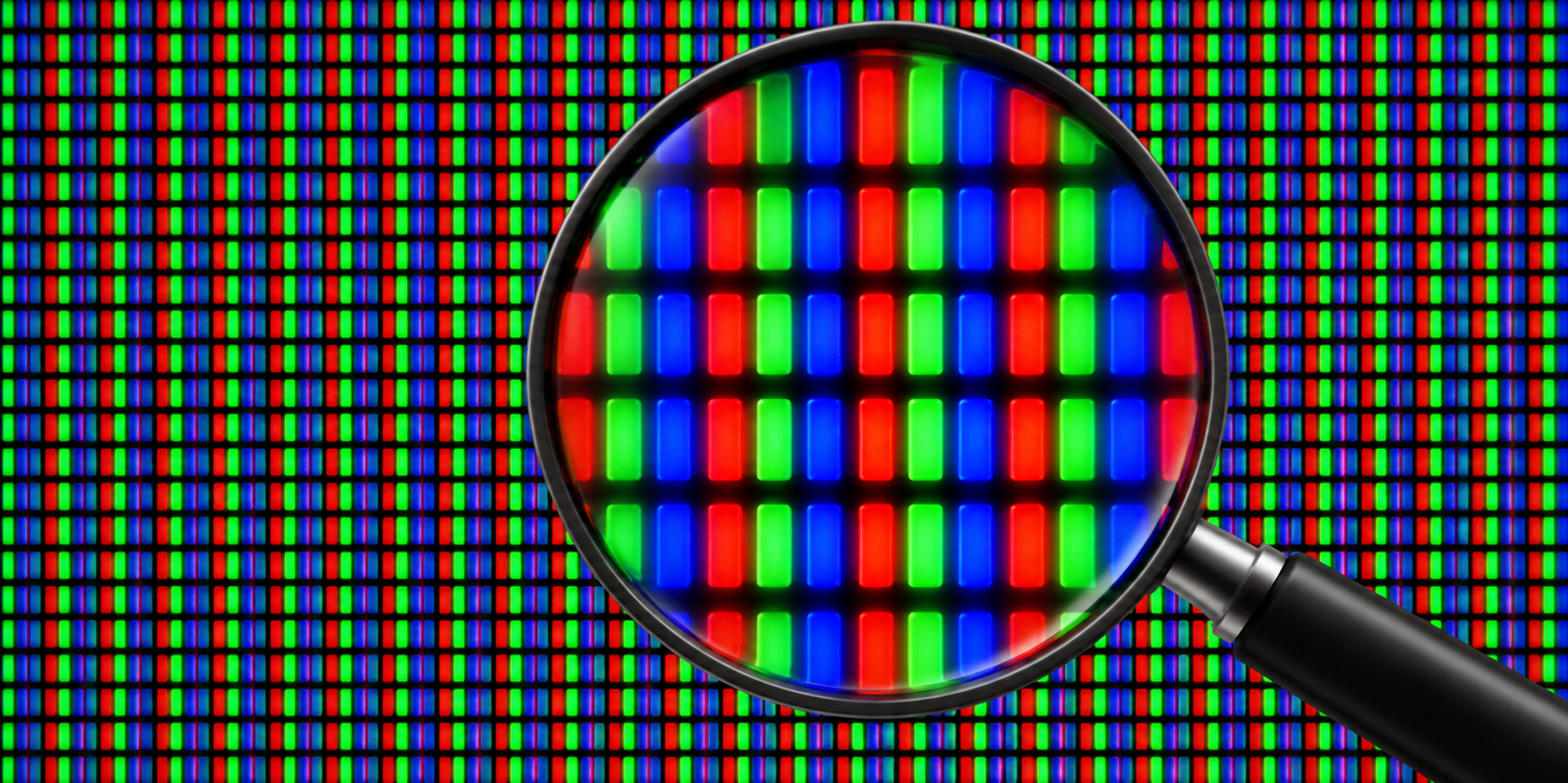
A color LCD pixel commonly contains red, green and blue subpixels. In a typical active-matrix TFT panel, each subpixel has its own switching transistor and electrode. The liquid-crystal cell behaves electrically like a capacitance; a storage capacitor helps hold the pixel state between updates. The actual structure and driver integration depend on the panel.[1]
The important quantity for the liquid crystal is the voltage across the cell: the difference between the pixel-electrode potential and the relevant common-electrode reference. This creates an electric field in the liquid-crystal layer. Together with the panel’s optical arrangement, that field changes how much light reaches the viewer.
Drivers, timing circuits and bias supplies need power to create and update those voltages. Depending on the module, some of those circuits are integrated on the glass or flexible circuit; others may be supplied externally. The panel datasheet determines what the host must provide.
How row and column drivers update a subpixel
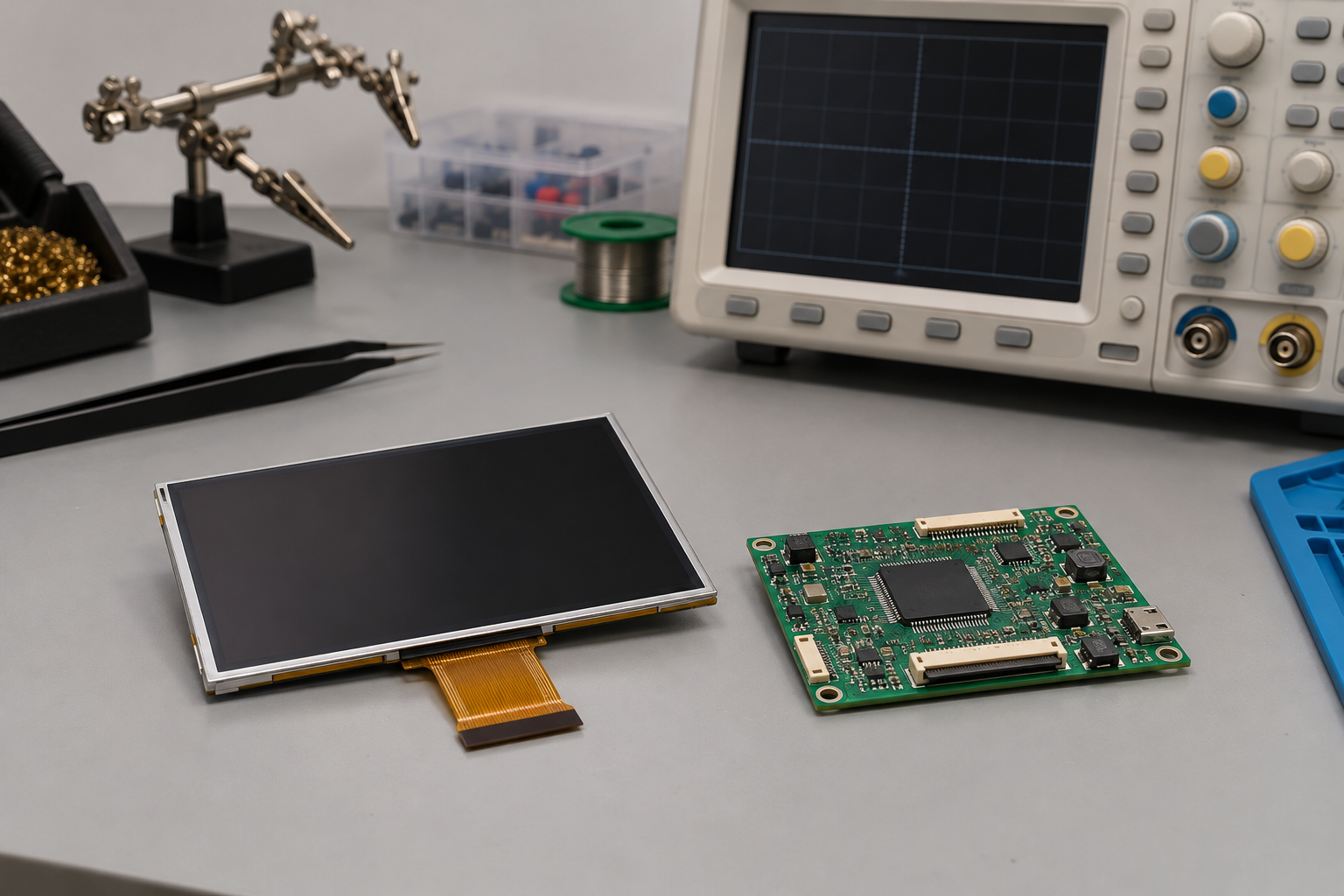
Pixels are organized in a matrix. Gate lines select rows of TFT switches, and data lines carry the values used to set the subpixel voltages. A timing controller coordinates the drivers and the incoming image information.
- The gate driver selects a row, turning on the TFT switches for that row.
- The source driver presents the required data voltages on the column lines.
- With the switches on, the selected pixel electrodes and associated capacitances charge toward the applied values.
- The gate driver deselects the row. The switches turn off, and the stored charge helps maintain the states while other rows are addressed.
- The process repeats as the panel updates the image.
These steps describe a common TFT active-matrix arrangement. The source driver updates the columns of a selected row together; the panel does not need a separate external wire from the host to every individual subpixel. Texas Instruments describes this row-and-column addressing and the role of the timing controller in its display fundamentals material.[2]
Charge is not held perfectly. Leakage and other circuit effects change the voltage over time, which is why the panel’s driving scheme refreshes the pixel states. The required timing and waveform belong to the particular panel design.
What do VGH, VGL, AVDD and VCOM do?
These labels appear in many TFT LCD designs, but they are not a universal pinout or a set of values to apply to an unknown module.
| Signal or supply | Rôle typique | What to check |
|---|---|---|
| VGH and VGL | Gate-driver levels used to turn TFT switches on and off. | Whether the module generates them internally and what its datasheet specifies. |
| AVDD | An analog supply used by relevant display-driver circuits in some designs. | The actual supply range and the panel’s power architecture. |
| VCOM | A common-electrode reference used in many panel-driving arrangements. | The specified reference, waveform and adjustment method, if accessible. |
| Logic supply | Power for controller and interface logic. | The module’s voltage, current and sequencing requirements. |
| Backlight supply | Power for the light source in a transmissive module. | LED configuration, drive current and dimming requirements. |
Gate levels control the switches; the source-driver voltage sets the pixel-electrode state. VCOM provides a reference used by the panel’s drive scheme. The arrangement can differ across products, and some rails may never be exposed at the connector. Do not infer their values from another LCD or power a pin based only on a familiar name.[1]
Why does the pixel voltage change polarity?
LCD driving commonly alternates the polarity of the voltage across the liquid-crystal cell relative to its reference. This is called inversion. The technique helps limit an unwanted long-term DC component across the cell and the image-quality problems associated with it.
Inversion can follow different patterns, such as frame, line or other arrangements, according to the panel design. It does not mean that the visible picture must alternate between positive and negative images. The optical result depends on the magnitude of the intended drive and the specific LCD mode. Follow the manufacturer’s specified driving scheme rather than modifying VCOM or inversion settings by guesswork.[3]
How does a voltage become a visible color?
In a common transmissive color TFT LCD, the backlight illuminates the panel. The liquid-crystal and polarizer stack controls light through each subpixel, and color filters provide red, green and blue regions. By setting the subpixel states, the driver produces the intended combination of light levels.
More voltage does not always mean more light. Whether a given voltage makes a cell appear brighter or darker depends on the optical mode and configuration. Gamma settings and the panel’s voltage-to-light response also affect the displayed grayscale. A panel’s brightness and color cannot be determined from the supply labels alone.
Why a lit backlight does not prove the pixels are working
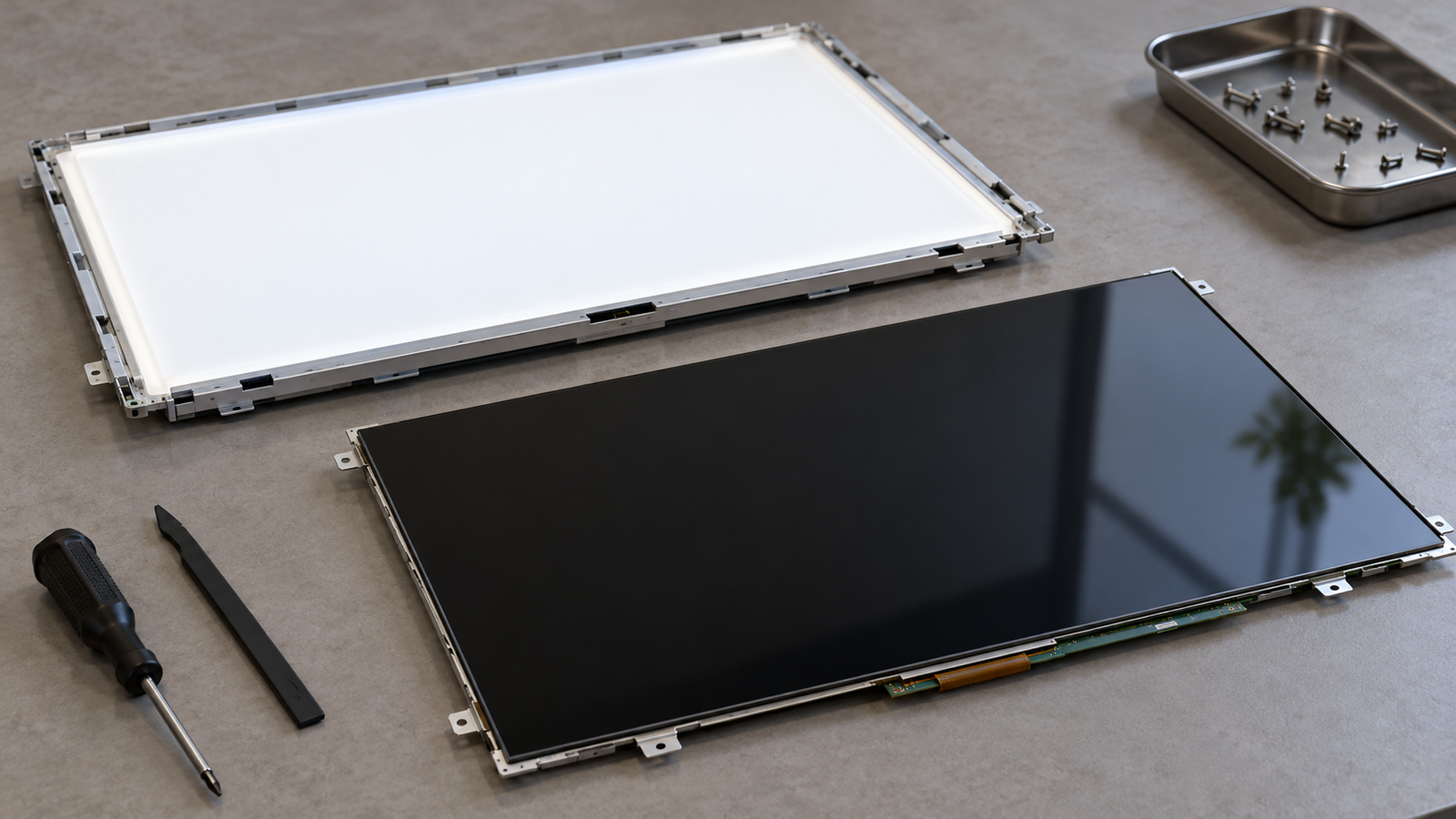
Un écran blanc ou éclairé montre qu'une certaine lumière atteint l'observateur. Cela ne prouve pas que la logique du panneau est correctement alimentée, que les pilotes de source et de grille fonctionnent, ou que l'image d'entrée est valide. Un rétroéclairage absent peut également masquer une image autrement active.
Pour un module spécifique, examinez l'alimentation logique documentée, la séquence de réinitialisation et d'initialisation, l'interface d'entrée, la synchronisation, le brochage du connecteur et la commande du rétroéclairage. Vérifiez la documentation du module et du contrôleur avant de mesurer ou de modifier toute alimentation. Des symptômes similaires peuvent avoir plusieurs causes ; utilisez donc les observations pour guider les tests plutôt que de traiter la couleur de l'écran comme un diagnostic.
La résolution et la forme du connecteur ne suffisent pas à établir la compatibilité avec la carte contrôleur. L'examen doit également inclure le modèle du panneau, l'interface, la définition des broches, la synchronisation, le circuit intégré pilote lorsqu'il est disponible, les exigences de rétroéclairage et tactile, le firmware, le système d'exploitation et l'environnement d'utilisation. Une solution HDMI-vers-MIPI peut nécessiter une conversion active et une configuration spécifique au panneau.
Questions fréquemment posées
Chaque pixel LCD émet-il sa propre lumière ?
Non. Les pixels LCD contrôlent la lumière à travers la pile optique. Un LCD transmissif utilise une source lumineuse séparée, généralement un rétroéclairage.
Chaque sous-pixel dispose-t-il de son propre fil d'alimentation depuis l'hôte ?
Non. Une matrice active TFT typique utilise des lignes de rangée et de colonne partagées et des transistors de commutation pour adresser les sous-pixels.
Qu'est-ce qui maintient l'état du pixel entre les mises à jour ?
La cellule à cristaux liquides et la capacité de stockage associée retiennent la charge après l'extinction du commutateur TFT. La charge est rafraîchie selon le schéma de commande du panneau.
Puis-je appliquer une tension continue fixe à un pixel LCD ?
Ne substituez pas une commande continue arbitraire à la forme d'onde spécifiée par le fabricant. La commande typique d'un panneau utilise l'inversion de polarité pour limiter la polarisation continue indésirable à travers la cellule à cristaux liquides.
De la commande des pixels à un écran fonctionnel
Une image LCD TFT dépend d'une sélection de rangée coordonnée, de tensions de données, d'une référence commune et d'un système optique approprié. Pour un module réel, commencez par sa fiche technique et la documentation du contrôleur correspondant. Consultez le guide sur la structure et la commande des TFT pour un contexte plus large sur les panneaux, ou contactez RJY Display avec vos exigences de panneau et de système.
Références
- Texas Instruments, Powering automotive displays to create interactive driving experiences, explication des sous-pixels TFT, des tensions de commande et de VCOM.
- Texas Instruments, Understanding Basic Components Working Together in LCD Displays.
- Texas Instruments, LCD physical and electrical driving principles.