01
Sports watches & fitness trackers
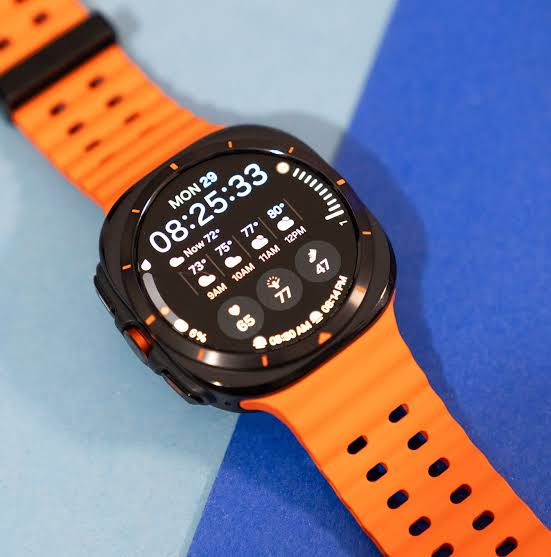
Glanceable activity, workout and navigation screens. Review outdoor readability, display shape, touch behavior and battery use with the intended enclosure.

디스플레이 공급업체 &
제조사
PERSONAL DEVICES, CLEAR INTERACTION
Display and touch interfaces designed around compact enclosures, everyday interaction and portable power.
RJY helps consumer-device teams bring display, touch and host electronics into one integration plan. Start with what the user needs to see and do, then define the optical, mechanical and electrical requirements around it.
APPLICATION SCENARIOS
Consumer electronics need a different starting point from household appliances: compact packaging, personal interaction and power-aware operation.
Glanceable activity, workout and navigation screens. Review outdoor readability, display shape, touch behavior and battery use with the intended enclosure.
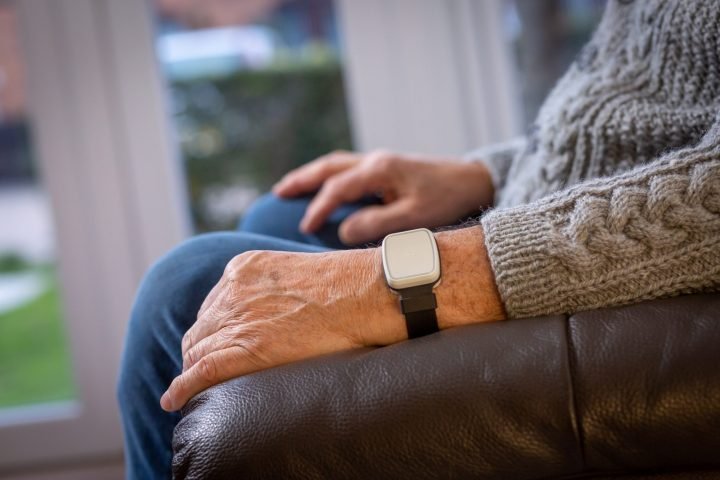
Readable status and assistance prompts for personal care terminals. Define text size, simple interactions and alert presentation around the intended users.
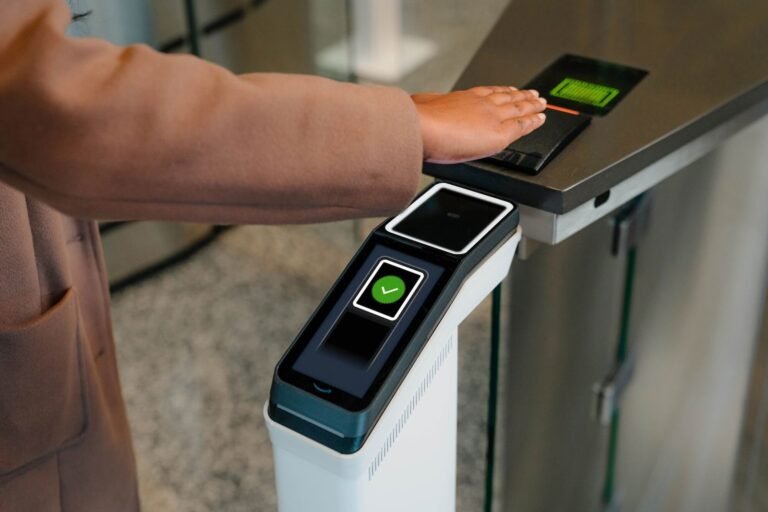
Compact identity, access-status and notification displays for electronic badges. Coordinate screen visibility, update behavior and power requirements.
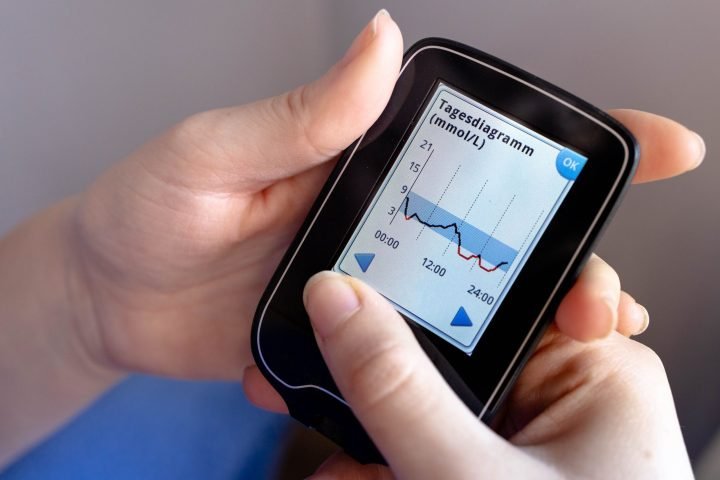
Trend, measurement and alert interfaces for dedicated monitoring readers. Display integration does not establish measurement accuracy or medical-device compliance.
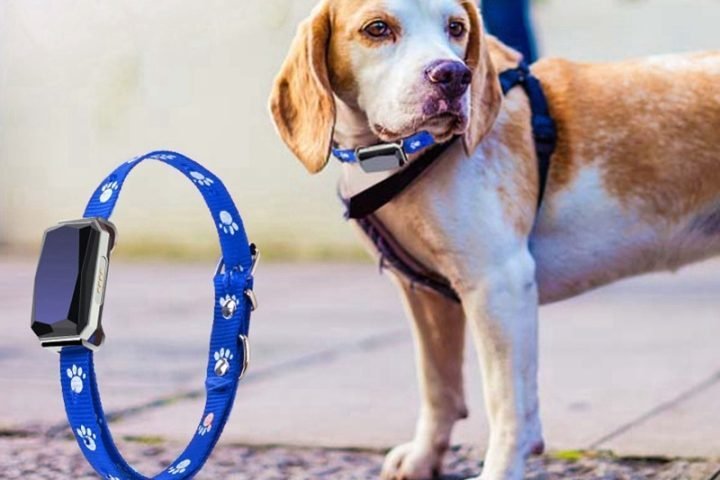
Location, connection and battery information on screen-equipped trackers or their handheld readers. Review usage conditions and power states together.

Compact visual interfaces for head-worn devices. Evaluate the display with the optical system, viewing geometry, thermal constraints and host electronics.
START WITH THE EXPERIENCE
A panel that fits the opening is only part of the decision. Check viewing distance, touch reach, display orientation, connector location and cable routing before freezing the enclosure.
For battery-powered products, assess active, dimmed and sleep states with the intended interface content. Brightness and readability should be evaluated in the environments where the product will actually be used.
DISPLAY & TOUCH OPTIONS
Technology choice depends on the exact configuration and workload. Availability and compatibility must be confirmed for the selected part.
A starting point for color interfaces with a dedicated backlight. Review active area, resolution, viewing angle, brightness and backlight power together.
Discuss available OLED configurations for compact interfaces. Evaluate luminance, content patterns, lifetime targets and power use for the intended workload.
Define gestures, target sizes, cover-glass thickness and controller support. Test the complete stack rather than assuming every panel and host combination will work.
Coordinate bezel printing, mounting, surface finish and bonding options with the enclosure. Validate glare, touch response and assembly tolerances on samples.
FROM CONCEPT TO PRODUCTION
Share the enclosure concept, use environment, host platform and expected production volume. Establish the required active area, optical targets and electrical interface.
Review samples with the actual enclosure, cover glass and host. Check touch response, display timing, power states and thermal behavior under representative use.
도면, 커넥터, 펌웨어 책임 및 승인 기준에 합의합니다. 선택한 부품 구성과 양산 가능성을 확인합니다.
샘플 승인, 조립 검사, 포장 및 변경 커뮤니케이션을 논의합니다. 제품 수명 주기에 대한 공급 기대치와 교체 부품 요구 사항을 설정합니다.
프로젝트 개요
일반적인 질문
기구적 외형과 원하는 액티브 영역을 공유해 주십시오. 그러면 검토에서 패널 형식, 베젤, 커넥터 배치 및 터치 스택 두께를 다룰 수 있습니다.
밝기, 콘텐츠, 전력, 수명 및 비용 목표에 대해 사용 가능한 구성을 비교합니다. 모든 휴대용 제품에 대해 어느 기술도 자동으로 최선의 선택은 아닙니다.
커버 글라스 형상, 인쇄, 제스처 및 컨트롤러 지원을 논의합니다. 맞춤화 범위, 툴링 및 검증은 선택한 모듈과 생산 요구 사항에 따라 달라집니다.
프로세서, 지원 디스플레이 인터페이스, 타이밍 요구 사항 및 소프트웨어 환경을 제공해 주십시오. 호환성에는 전기적 및 소프트웨어 검토가 필요하며, 이후 통합 테스트가 뒤따릅니다.